
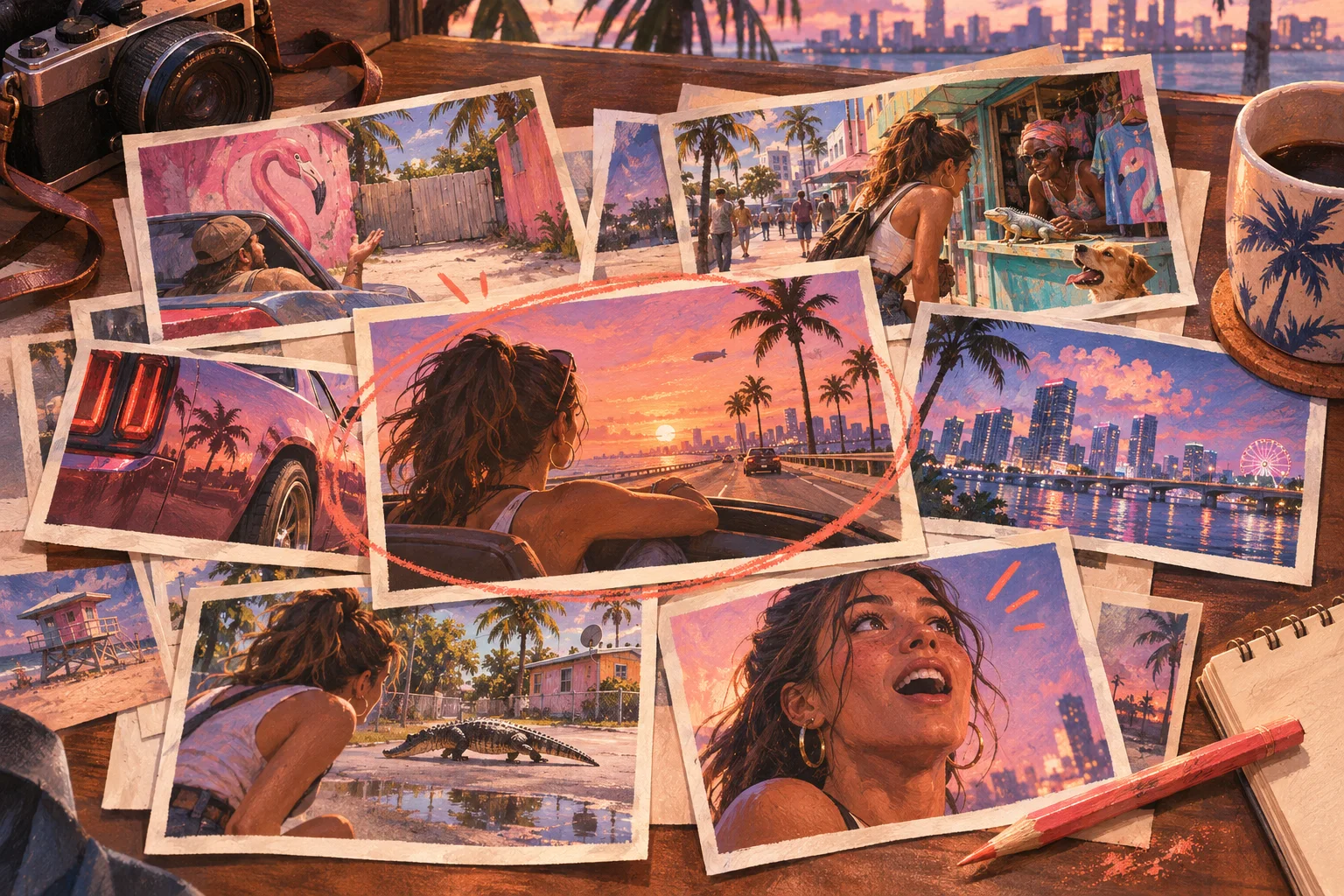
A useful GTA 6 clip idea starts with a moment you can show. Use the prompts below when your own or authorised footage supports them. They are editorial possibilities, not claims that a particular mechanic, location or event exists in the released game.
The suggested opening lines are writing examples. Replace them with wording that matches the recording. Avoid unreleased footage, major story reveals and claims you cannot check.
First reactions with a clear subject
- The first place you stopped to look. Explain what caught your attention. Opening: “I stopped driving to look at this corner.”
- A first impression you changed. Show the evidence that changed your mind. Opening: “I thought this was just background detail, until I looked again.”
- A sound you noticed before the image. Let the viewer hear the relevant moment when rights permit. Opening: “Listen to what happens before I turn the camera.”
- A creator's quiet reaction. Keep enough context to make the pause understandable. Opening: “The reaction comes after they notice the detail.”
- The first attempt at a simple task. Use an actual recorded attempt without implying a universal result. Opening: “This was my first try, including the mistake.”
Small stories from a session
- The plan and the wrong turn. Keep the line that establishes intent. Opening: “The plan was a short trip.”
- A confident prediction that fails. Preserve the order of events. Opening: “Here is what I expected to happen.”
- A rescue that becomes another problem. Use only a situation present in the footage. Opening: “Helping made the situation harder.”
- An interruption at exactly the wrong moment. Establish the interrupted task first. Opening: “Everything was fine until this arrived.”
- A recovery after a mistake. Show the decision that changes the outcome. Opening: “The useful part is what happened after the mistake.”
Discoveries you can verify
- One detail with a closer view. Identify where the evidence appears. Opening: “Watch the left side of this shot.”
- A detail checked twice. Show a second observation rather than calling it a hidden feature from one event. Opening: “I went back to see whether it happened again.”
- A claim you tested and could not confirm. Explain the limited test honestly. Opening: “I tried to reproduce this claim. Here is what I could actually show.”
- A background moment you nearly missed. Keep the original context. Opening: “The main action is here, but look behind it.”
- A question answered by another angle. Use your own or authorised second view. Opening: “The first view hides the part that explains it.”
Comparisons with enough context
- The same recorded scene in wide and vertical framing. Explain what the edit preserves. Opening: “This crop loses the reason the moment works.”
- Expectation versus one observed outcome. Label the expectation as yours. Opening: “I expected this. The recording shows something else.”
- Two routes or approaches you actually tried. Keep conditions and uncertainty visible. Opening: “I tried both approaches in this session.”
- GTA 5 and GTA 6 footage clearly labelled. Compare a specific visible detail using authorised sources. Opening: “Here is the same kind of moment in each game.”
- A first attempt and a later attempt. Avoid presenting practice as a confirmed game update. Opening: “The game did not change here. My approach did.”
Formats that can become a series
- One viewer question answered with evidence. Read or paraphrase the question accurately. Opening: “Someone asked what happened before this clip.”
- A spoiler-conscious session diary. Define the boundary and stay within it. Opening: “One thing I noticed today, without the story reveal.”
- A creator's decision explained. Use their actual reasoning or label your interpretation. Opening: “This line explains why they changed the plan.”
- An editing breakdown. Show source context and the finished clip when permitted. Opening: “These few seconds made the ending understandable.”
- What the short clip left out. Restore a correction or missing explanation. Opening: “The longer recording changes how this moment reads.”
Turn five ideas into a workable week
Pick five ideas from different groups, then match each to an available source timestamp. Do not schedule an idea as though footage already exists.
For each candidate, write the source, permission, setup, payoff, spoiler status and one reason it belongs on your channel. Reject anything that needs you to invent a discovery or mislabel older gameplay.
A simple mix might include one first impression, two small stories, one verified detail and one viewer answer. That is a planning example, not a universal posting formula.
Keep the idea distinct in the edit
If several candidates all become the same reaction with a different caption, return to the source. The series should have varied substance, even when the typography stays consistent.
Prolifik's AI Clipper can help produce vertical candidates, but you still need to identify what each one contributes. Use the GTA 6 editing tutorial for the production steps and the channel guide to arrange your first month.
Put your next recording to work
Make captioned vertical candidates, review the edit, then approve what is worth publishing.
Explore the AI ClipperFor the game-specific workflow, visit the GTA 6 clip editor.