
The short answer
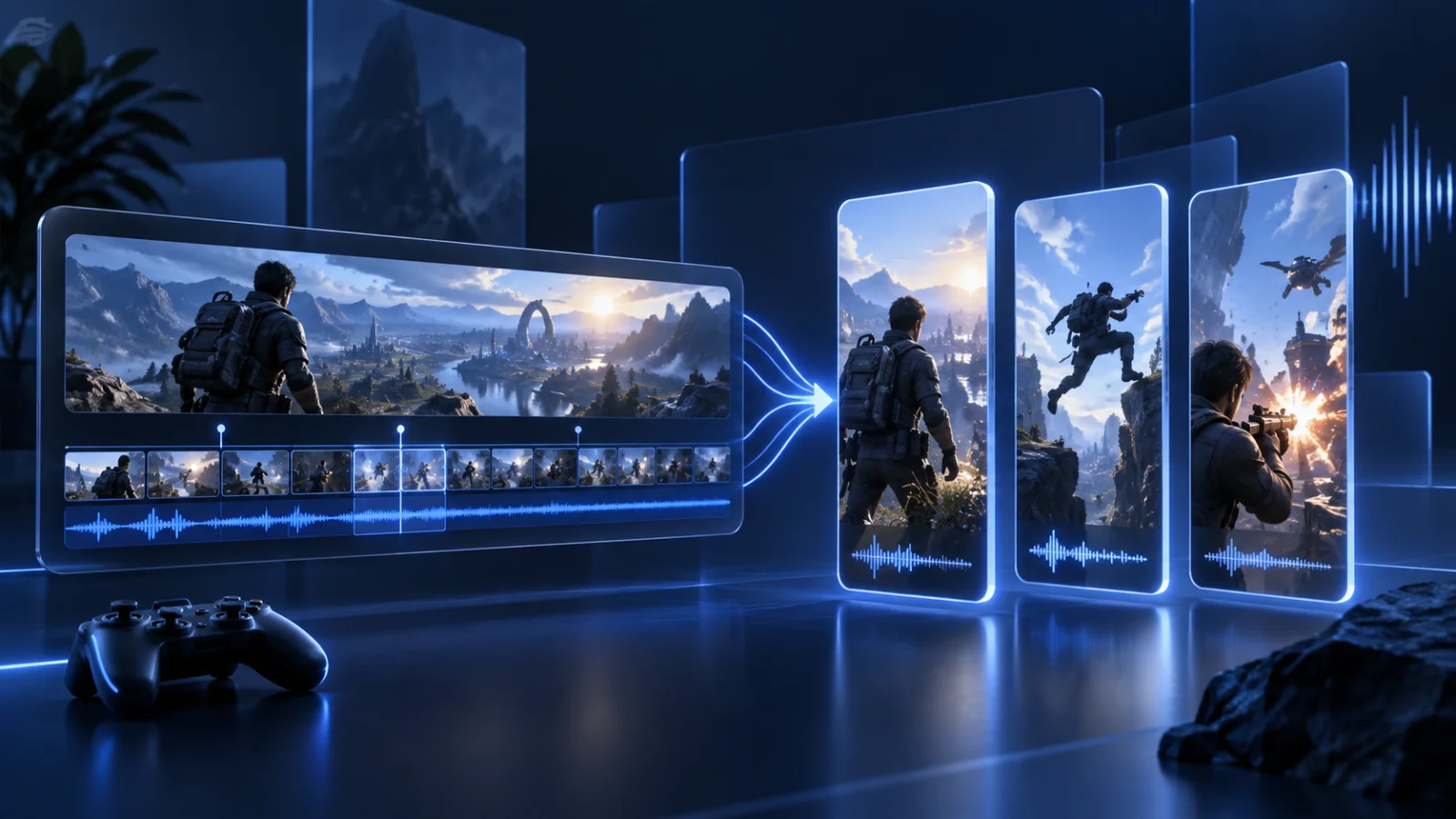
To clip a Kick stream with AI, paste the public Kick VOD or clip link into the Prolifik Clipper, choose a clip length (30 to 90 seconds by default) and how many candidates you want (3 by default, up to 20 per job). Review the batch in your Library, approve the clips that stand alone, and let the scheduler post them. Few clip tools read Kick links directly, so this skips the download and re-upload step.
How to clip a Kick stream with AI
Three steps, and the only manual one is deciding which clips are good enough to post.
Paste the Kick link
Use a public Kick VOD or an existing Kick clip. Private or subscriber-only recordings can be downloaded and uploaded as a file instead.
Set length and batch size
Keep the 30 to 90 second default for TikTok and Shorts, or set any range from 5 seconds up to 10 minutes. Ask for 3 candidates on a new stream, more once you trust the picks.
Approve and schedule
Every clip arrives captioned and framed for vertical in your brand fonts and colours. Approve the keepers in the Library and they drop into your content calendar.
Built for how Kick streams actually look
Gameplay, facecam, chat and long stretches of downtime: the cuts have to handle all of it.
Facecam on top, gameplay below
A multicam layout keeps the streamer's reaction visible above the game, the layout that tends to hold attention on TikTok.
Ends on a full sentence
Each clip ends when the speaker finishes the thought, not halfway through a word, so viewers are not left hanging.
Cutaways and sound hits
Optional dynamic edits cut to what is on screen and add sound hits on the beat, one toggle per job.
Your branding, once
Brand Intelligence reads your website for fonts and colours, so every Kick clip matches without a template.
Who uses a Kick clip maker
Kick rewards volume. The bottleneck is editing time, not ideas.
Streamers use it to post two or three clips a day from last night's stream without opening an editor. Clippers on paid clipping programs use it to turn a streamer's VOD into a stack of postable clips in minutes, since those programs pay per view and volume matters. Agencies run it for several streamers from one workspace, each with its own brand and connected accounts.
Streaming more than one platform? The same Clipper reads Twitch VODs and clips and long YouTube videos, so every source lands on one calendar.
What it costs
Clip minutes are measured on the source, not on the clips that come out.
Every plan includes the AI Clipper. Clip minutes are counted on the source you send in: Lite (€20 a month) includes 60, Starter (€49) 360 and Pro (€149) 1,400. Each job uses at least 5 minutes, failed jobs are refunded and skipped clips do not count toward your video cap. New accounts get a 7-day free trial with no card.
A three-hour Kick stream uses 180 clip minutes whether it produces 3 clips or 20. See pricing for the full plan list.
Questions
Can AI clip Kick streams automatically?
Yes. Paste a public Kick VOD or clip link and the Prolifik Clipper scores the transcript and audio for energy, reactions and complete thoughts, then returns a batch of candidate clips for you to approve.
Does it work with Kick VODs and Kick clips?
Both. Public Kick VODs and Kick clips work directly from the link. Private recordings can be uploaded as a file.
Can the clips post to TikTok automatically?
Yes. Approved clips go to your content calendar and the scheduler publishes them to TikTok, Instagram Reels, YouTube Shorts and X at the times you set.
How long are the clips?
30 to 90 seconds by default. You can set any range from 5 seconds to 10 minutes per job.
Is there a free trial?
Yes. New accounts get a 7-day free trial with no card. After that, plans start at €20 a month and every plan includes the AI Clipper.
Turn last night's Kick stream into a week of clips
Paste the VOD link, approve the moments worth posting and let the scheduler do the rest.
See the AI ClipperRelated Prolifik pages
Prolifik checked its own product and pricing pages on 26 October 2026. Plans and limits can change; the pricing page is the current source.