
One source, up to 5 clips
Minutes are metered on the source, not on the output. Asking for 5 clips from a two hour stream costs the same as asking for 1.
Home › Gaming clips › Clipping campaigns
If you are getting paid per thousand views, the only variables you control are how many clips you ship and how consistently you post them. Prolifik turns one source video into a batch and puts the batch on a calendar.
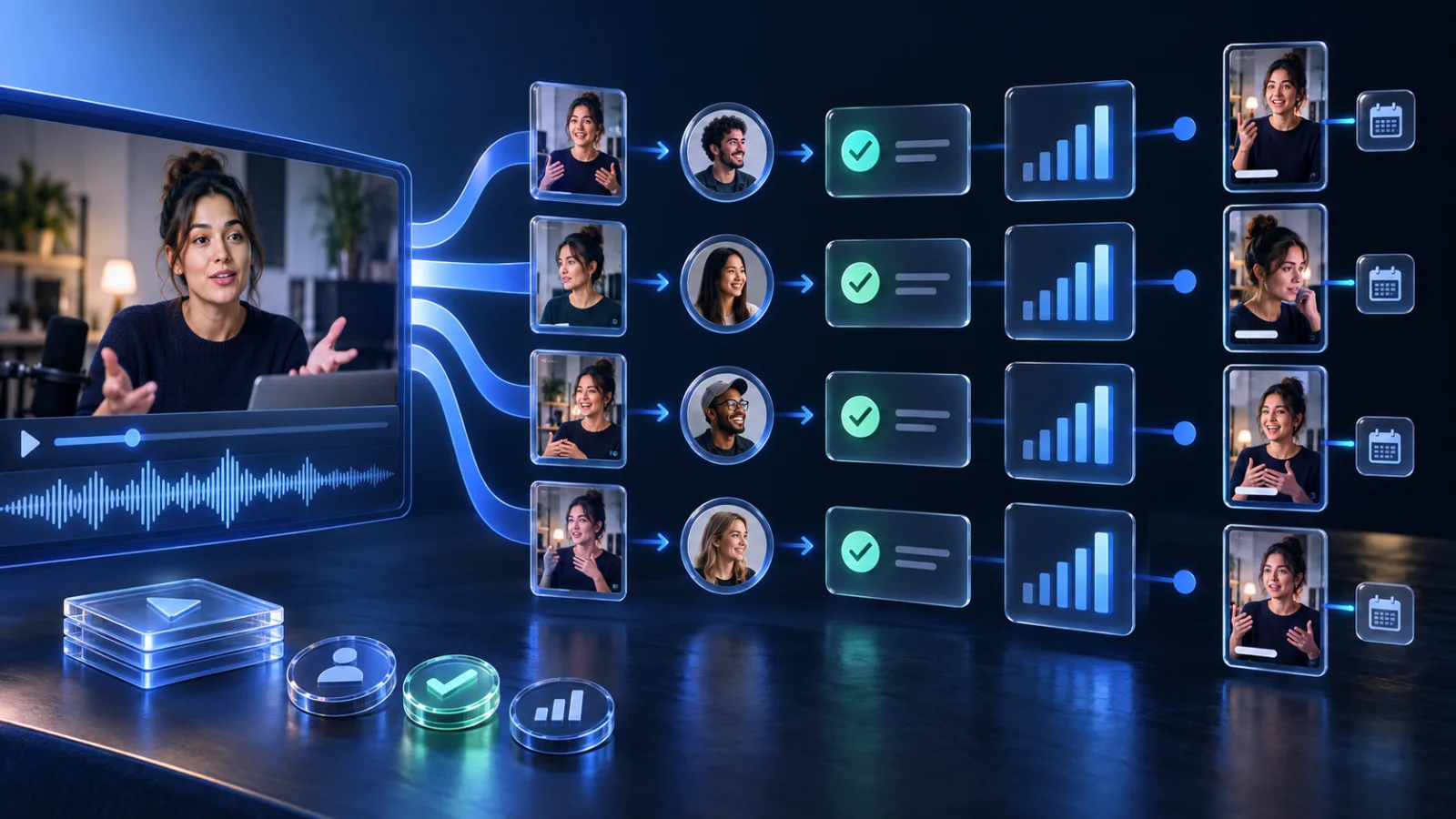
Minutes are metered on the source, not on the output. Asking for 5 clips from a two hour stream costs the same as asking for 1.
Clips that sit in a folder earn nothing. Connect TikTok, Instagram, YouTube and X once and the calendar publishes at the times you set.
Starter covers 3 brands, Pro is unlimited. Each brand keeps its own connected accounts, its own timezone and its own posting times.
The basics
A clipping campaign is a paid arrangement where a creator, streamer, label or brand lets people cut short clips from its content and post them on their own accounts. The rights holder supplies the footage and the permission; the clipper supplies the edit and the distribution.
How you get paid. Most campaigns pay a fixed rate per 1,000 views on approved posts, up to a total budget. When the budget runs out, the campaign ends, so the clippers who post early and often earn most of it.
What the rules usually cover. Which platforms count (usually TikTok, Instagram Reels and YouTube Shorts), required tags or captions, minimum clip quality, and what you may not do with the footage. Views are typically verified from your post links before payout.
Where they come from. Creators run them directly or list them on campaign marketplaces. Prolifik does not find campaigns; it is the production and posting side once you have joined one.
What decides earnings. Clips shipped per source, how consistently you post, and how many accounts and platforms each clip reaches. Those three are what the workflow below is built around.
How it works
Clip minutes are metered on the source you send in, not on the clips that come out. A two hour session is 120 minutes whether it yields 1, 3 or 5 clips. Lite includes 60 minutes a month, Starter 360 and Pro 1,400. Each job uses a minimum of 5 minutes, and failed or cancelled jobs are refunded in full.
Paste the Twitch VOD, Kick VOD or YouTube upload the campaign is sourced from, or upload the file if it was handed to you directly.
Up to 20 candidates per job. Turn on sound hits and cutaways, set the length range short, and let the batch cover the whole source.
Approve in the Library and schedule across the day rather than dumping everything at once. Skipped clips do not count against your video cap.
The constraints
Nobody running a campaign is short of source footage. The bottlenecks are edit time, posting consistency and account spread.
Scrubbing a three hour VOD to find eight moments is the single biggest time cost. An automatic first pass turns that into a review step.
Campaigns reward daily volume. A scheduler that publishes without you being awake is worth more than a slightly better cut.
The same clip on TikTok, Reels, Shorts and X is four shots at the algorithm for one edit. Approved clips go to every connected platform for that brand.
Rights
Prolifik will clip any public Twitch, Kick or YouTube link you paste. Whether you are allowed to repost the result is a separate question, and it is on you.
Legitimate campaigns hand you that permission in writing, usually with rules about attribution, which platforms you may post to and what you may not do with the footage. Read them before you start, because getting an account struck costs more than the campaign pays.
Output is watermark-free on every plan, so nothing Prolifik adds gets in the way of a campaign's branding requirements.
Related
Running the page itself: clipping accounts. Per-game pages: GTA 6, GTA 5 and the gaming hub.
Product detail: AI Clipper, scheduling and pricing.
One paste, up to 5 clips, posted across four platforms on a schedule.
Start free trial