
Create for every platform
Generate branded short-form videos for TikTok, YouTube Shorts and Instagram Reels from one website URL, approve them once, and let Prolifik post them on schedule.
AI TikTok Video Generator
Generate TikTok-ready short-form videos from a product page, idea or brand prompt.
Platform generators
Create platform-native versions of your short-form ideas without rebuilding each post manually.
 Generator
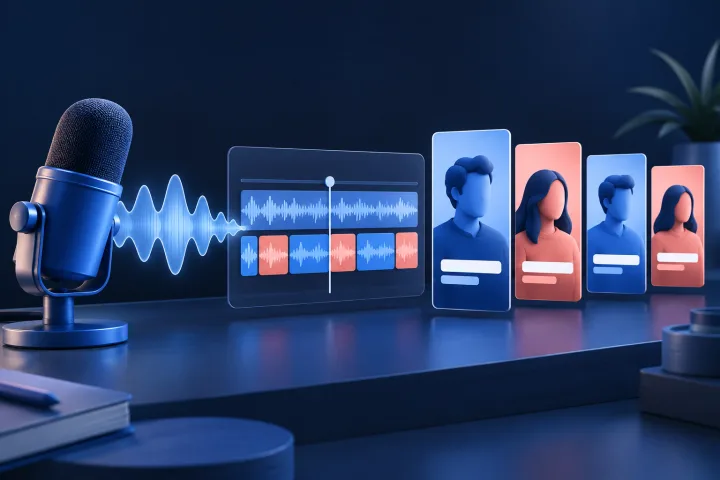
Podcast Clip Generator for TikTok, Reels and Shorts
Choose the source, review the result and keep a clean publishing path.
 Generator
Kick Clip Maker: AI Clips from Kick Streams
Paste a Kick VOD or clip link and get captioned vertical clips to approve and schedule.
GeneratorTwitch Clip Maker: AI Clip Generator for VODs
Clip this week's Twitch VODs before they expire, captioned and framed for vertical.
 Generator
Video to Shorts: Turn Long Videos Into Vertical Clips
Choose the source, review the result and keep a clean publishing path.
New guideFaceless Reels
Generate on-brand faceless reels in six formats, then review and schedule.
PlatformAI TikTok Video Generator
Create TikTok videos from your URL and schedule approved posts.
PlatformAI YouTube Shorts Generator
Generate Shorts for faceless, product-led and educational channels.
PlatformAI Instagram Reels Generator
Create Reels from product pages, brand context and short-form prompts.
URL workflowURL to Video AI
Turn a website URL into short-form content ideas and ready-to-post videos.
Platform first or format first?
These pages are organised by where you post. If you already know the creative style you want, the formats page is the faster route.
You do not make three separate videos
Prolifik makes one vertical video per idea from your website URL or a prompt. Once you approve it in the Library, it goes to the next open slot for that brand and posts to every platform you connected: Instagram Reels, TikTok, YouTube Shorts and X. To send a video to one platform only, use Schedule new post with a single target.
Pick the page that matches your main channel
Each platform page explains how the same workflow fits that audience and the formats that tend to suit it. If you post everywhere, start with the TikTok or Reels page, then connect the other accounts in Settings. Each brand keeps its own accounts, timezone, active days and posting times.
Best for, in one line
What is the same and what differs by platform
The creation and approval steps are identical. The differences are in where a video posts and what you can measure.
Formats, review and captions
All six formats work on all four platforms. Captions and hashtags are written with the script and editable before you approve. The cover frame is picked automatically.
Reels, plus Stories where supported
Instagram is the only platform with a Performance tab today. It needs a business or creator profile and a reconnect for read-only insights.
Posting and publishing stats
Approved videos post through the official APIs, usually within about a minute of the slot time. The Publishing tab tracks what was created and posted on every platform.
Posting to other networks such as Facebook, LinkedIn or Pinterest is not built in, but every video can be downloaded as an MP4. Every plan includes all four platforms; see pricing.
Platform generators FAQs
Fast answers for searchers comparing options and planning a Prolifik workflow.
Does Prolifik publish to every platform?
Prolifik supports creation and scheduling workflows for TikTok, Instagram Reels, YouTube Shorts and X.
Can one idea become videos for multiple platforms?
Yes. Prolifik helps adapt the same brand idea into platform-friendly short-form formats.
Should I start with platform or format?
Start with platform if you know where you want to publish. Start with format if you know the creative pattern you want.
Create short-form content from your brand
Paste your URL, generate ready-to-post videos, review the best drafts, and keep publishing across TikTok, Reels, Shorts and X.
Start free trial