
The short answer
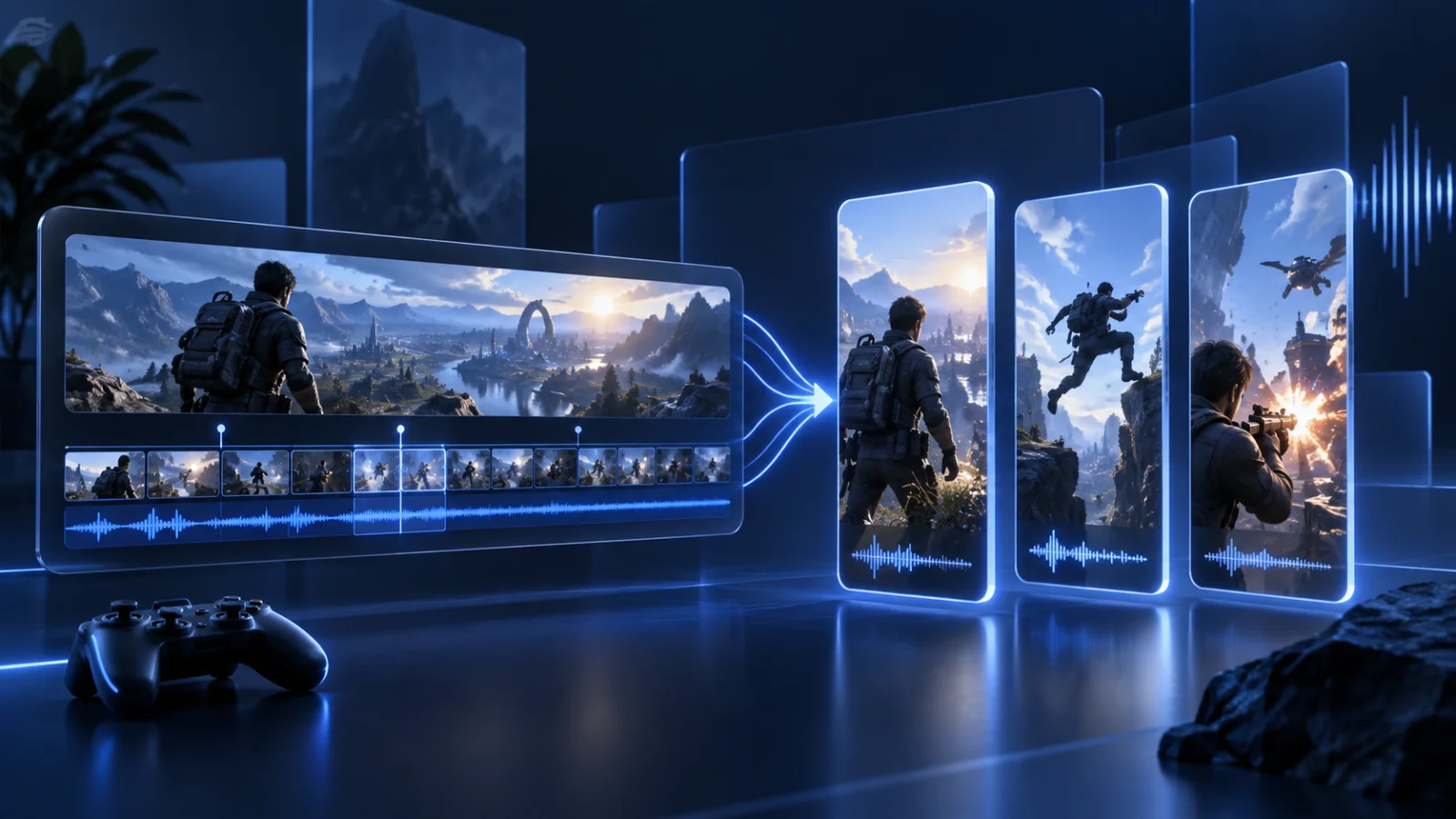
To make Twitch clips with AI, paste a public Twitch VOD or clip URL into the Prolifik Clipper. It scores the stream for energy, reactions and complete thoughts and returns candidate clips (3 by default, up to 20 per job), each captioned and framed for vertical. Approve the ones that work in your Library and they post to TikTok, Reels, Shorts and X on your schedule. Clip VODs the same week: Twitch keeps them for 7 to 60 days depending on your account.
How the Twitch AI clip generator works
You choose the stream. The Clipper does the scrubbing.
Paste a VOD or clip URL
Any public Twitch VOD or clip link works. Highlights and past broadcasts both count as sources.
Let the Clipper pick moments
It reads the transcript and the audio together, so a clutch play with a loud reaction ranks above a long quiet stretch, and every clip ends on a full sentence.
Review, then schedule
Approve or skip each candidate. Skipped clips do not count toward your video cap. Approved clips go straight to the calendar.
A Twitch clip editor you barely have to open
Most fixes are settings, not timeline work.
Vertical framing
Facecam-on-top, gameplay-below multicam layout for TikTok and Shorts, or a single crop when the stream has no camera.
Captions in your brand
Fonts and colours come from your website through Brand Intelligence, set once for every clip.
Length you control
30 to 90 seconds by default, anything from 5 seconds to 10 minutes per job.
Dynamic edits
Cutaways to what is on screen and sound hits on the beat, one toggle each.
Twitch clips versus Prolifik clips
Twitch's own clip button and Prolifik solve different problems.
A Twitch clip is a horizontal slice a viewer or moderator grabs live. It is great for sharing inside Twitch, but it is 16:9, uncaptioned and not posted anywhere else. Prolifik takes the whole VOD, finds moments nobody clipped, turns them vertical with captions and publishes them to short-form platforms. You can also paste existing Twitch clips to convert them.
Stream on Kick too? The same workflow works for Kick clips. For a step-by-step guide, read Twitch and Kick clips to TikTok.
What it costs
Clip minutes are measured on the source VOD.
Every plan includes the AI Clipper. Clip minutes are counted on the source you send in: Lite (€20 a month) includes 60, Starter (€49) 360 and Pro (€149) 1,400. Each job uses at least 5 minutes, failed jobs are refunded and skipped clips do not count toward your video cap. New accounts get a 7-day free trial with no card.
See pricing for the full plan list.
Questions
Is there an AI that clips Twitch streams?
Yes. The Prolifik Clipper reads a Twitch VOD or clip link, finds the strongest moments and returns captioned vertical clips for you to approve.
Can I turn Twitch clips into TikToks?
Yes. Paste a Twitch clip or VOD link and the clips come back vertical and captioned. Connect TikTok once and the scheduler posts them.
How long does Twitch keep VODs?
Twitch keeps past broadcasts for 7 to 60 days depending on your account type, so clip a stream the same week you broadcast it.
Does it work for Twitch streamers without a facecam?
Yes. Without a camera the Clipper frames the gameplay on its own instead of using the multicam layout.
Is there a free trial?
Yes. New accounts get a 7-day free trial with no card. After that, plans start at €20 a month and every plan includes the AI Clipper.
Clip this week's Twitch VODs before they expire
Paste a VOD link, approve the moments worth posting and fill your calendar for the week.
See the AI ClipperRelated Prolifik pages
Prolifik checked its own product and pricing pages and Twitch's VOD storage help article on 26 October 2026. Plans and platform rules can change.