
Reads the whole session
A four hour session is one job. The Clipper scores the transcript and the audio for energy, reactions and complete thoughts, then hands back a batch of candidates instead of one clip.
Home › Gaming clips
Paste a stream link or upload a recorded session. Prolifik finds the moments worth posting, cuts them vertical, captions them in your style, and posts them to TikTok, Reels, Shorts and X on a schedule you set. Clipping one platform? Start with the Twitch clip maker or the Kick clip maker.
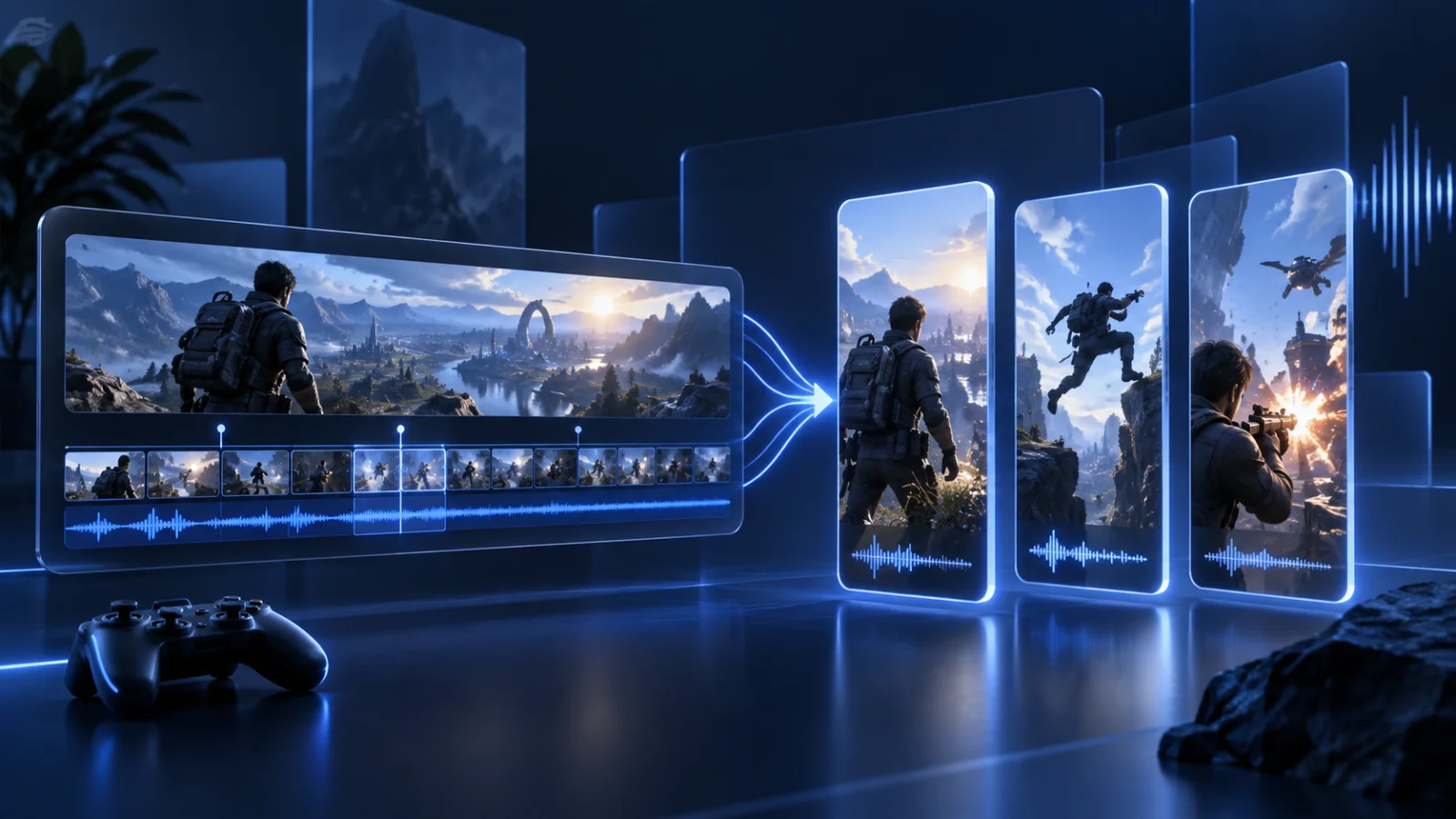
A four hour session is one job. The Clipper scores the transcript and the audio for energy, reactions and complete thoughts, then hands back a batch of candidates instead of one clip.
Every clip comes back framed 9:16 with word-level captions burned in, in your font and colours. Emoji captions and custom caption colours are toggles, not an export step.
Approve a clip in the Library and it goes to the next open slot on your calendar for TikTok, Instagram Reels, YouTube Shorts and X. No render queue, no manual upload.
How it works
Clip minutes are metered on the source you send in, not on the clips that come out. A two hour session is 120 minutes whether it yields 3 clips or 20. Lite includes 60 minutes a month, Starter 360 and Pro 1,400. Each job uses a minimum of 5 minutes, and failed or cancelled jobs are refunded in full.
Paste a Twitch VOD or clip, a Kick VOD or clip, or a YouTube link. If the footage only exists on your drive, upload the file. Console capture, OBS recordings and replay buffer files all work.
Default is 3 clips per job and you can ask for up to 20. Turn on multicam layout when you have a facecam, cutaways to pull in what is on screen, and sound hits on the beat.
Clips land in the Library beside your generated videos. Approve, skip, regenerate or edit the caption, then let the calendar post them. Skipped clips do not count against your cap.
Guides and workflows
Each game has its own moment types and vertical-video challenges. The workflow guides cover paid campaigns and always-on clipping accounts.
Launches 19 November 2026 on PS5 and Xbox Series X|S. Console capture and launch-week streams are where the clips will come from.
Roleplay servers produce hours of talk-heavy footage a night, which is the single best input a transcript-driven clipper can get.
Endgame fights, build battles and reload wins. Short, loud, and easy to caption.
Aces, clutches and retakes pulled from long ranked sessions and reframed for vertical.
Clutch rounds, spray transfers and AWP flicks turned into captioned vertical highlights.
Snipes, squad wipes and proximity-chat chaos pulled from long lobbies and streams.
Hardcore saves, build reveals and SMP moments cut from long uploads and sessions.
Turn source footage into batches for paid campaigns, then schedule each approved clip across four platforms.
Run a daily clipping page with batch production, brand workspaces and a posting calendar.
Sources
Most clip tools only read YouTube. Prolifik reads the three places gaming content actually lives, and accepts uploads for everything else.
Paste a VOD or a clip link. Add your channel as a monitored channel and new uploads get clipped automatically on a paid-up plan.
VODs and clips work the same way. Kick streamers tend to run long, which is where an automatic pass over the whole session pays for itself.
Public YouTube videos and Shorts, or a file straight off your drive. Console capture, ShadowPlay, ReLive, Medal exports and OBS recordings all upload fine.
Vertical
A gameplay frame is built for 16:9. The killfeed sits top right, the minimap bottom left, the ammo counter bottom right, and the thing you actually want people to see is in the middle. Crop that to 9:16 by hand and you lose half the story.
The Clipper reframes around the action rather than centre-cropping blindly, and the multicam toggle stacks a facecam above gameplay when you have one, so the reaction and the play are both on screen.
For a montage built from b-roll rather than cut from one session, the Clip Montage format writes the overlays and picks the audio for you. For original videos made from a URL instead of footage, see URL to video.
Related
The general product page is AI Clipper, and the step-by-step walkthrough is Twitch and Kick clips to TikTok.
Comparisons: Opus Clip alternatives, Klap alternatives and Submagic alternatives.
Posting: TikTok, YouTube Shorts, Instagram Reels and the scheduler.
Send last night's session. Approve the clips worth posting. Let the calendar do the rest.
Start free trialSelection model
A transcript can explain a reaction, but the decisive event may be a goal, clutch, crash or sudden scene change. Review the opening frame, event, facecam reaction and ending as one unit. For general footage, use the video-to-Shorts guide; for supported streams, open the AI Clipper.