
Built for long RP sessions
One eight hour night is one job. The Clipper scores the transcript for the moments where the scene actually turns, instead of you scrubbing the VOD at 4x.
Home › Gaming clips › GTA 5
Roleplay servers produce four to eight hours of talk-heavy footage a night. That is the single best input a transcript-driven clipper can get. Paste the VOD, get a batch of captioned vertical clips, post them on a schedule.
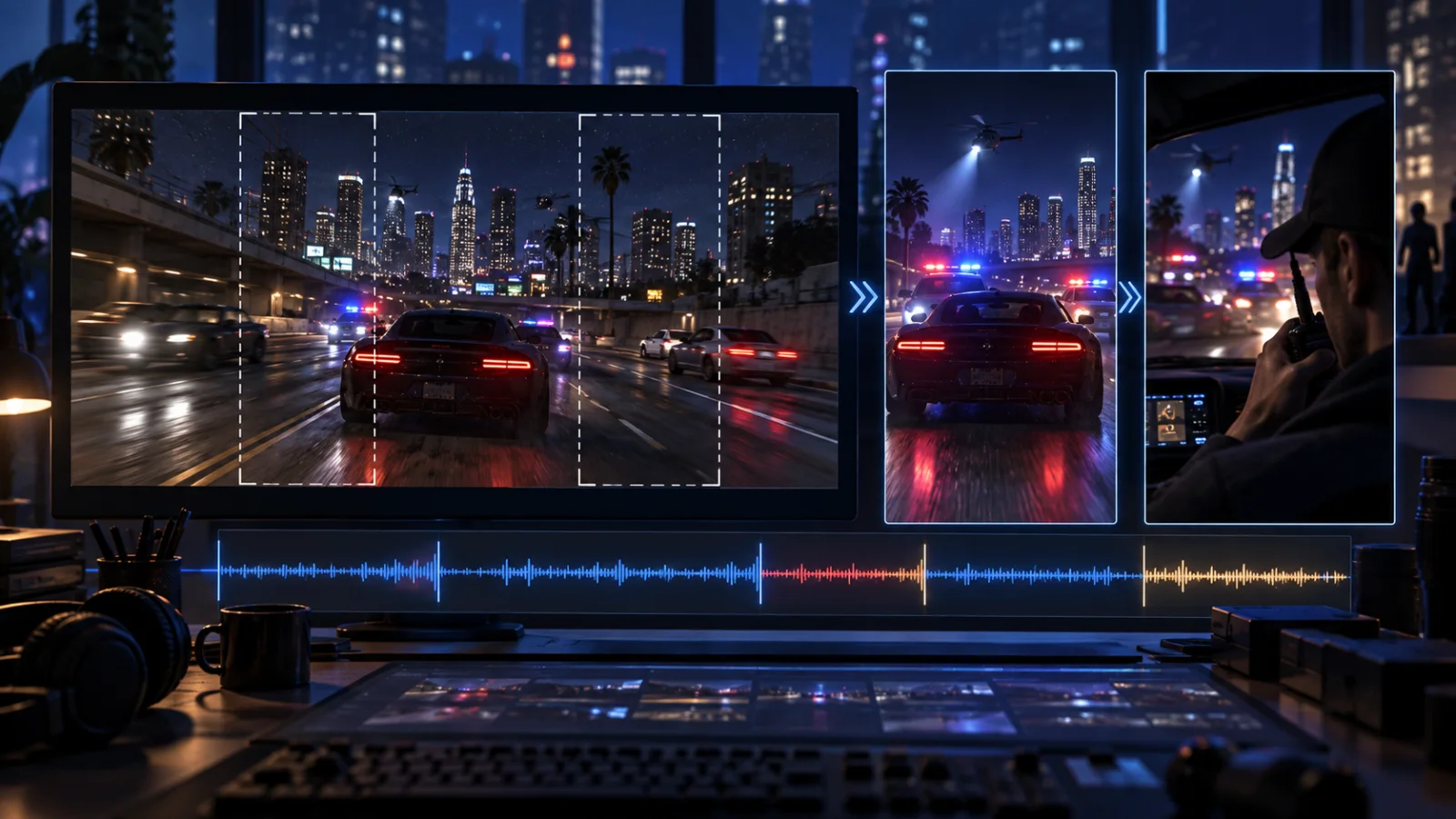
One eight hour night is one job. The Clipper scores the transcript for the moments where the scene actually turns, instead of you scrubbing the VOD at 4x.
Every clip ends on a complete sentence. RP lives or dies on the line landing, and a clip that cuts mid-word is a clip nobody finishes.
One toggle stacks facecam above gameplay so the reaction and the scene are both visible in vertical, which is most of why RP clips work.
How it works
Clip minutes are metered on the source you send in, not on the clips that come out. A two hour session is 120 minutes whether it yields 3 clips or 20. Lite includes 60 minutes a month, Starter 360 and Pro 1,400. Each job uses a minimum of 5 minutes, and failed or cancelled jobs are refunded in full.
A Twitch VOD or clip, a Kick VOD or clip, or a YouTube upload. If the session only exists as a local recording from OBS, ShadowPlay, ReLive or Medal, upload the file instead.
Default is 3 per job. For a long RP night, push it higher and let the batch cover the whole session, then throw away what does not land.
Skipped clips do not count toward your monthly video cap, so being picky is free. Approved ones go to the next open calendar slot for TikTok, Reels, Shorts and X.
What clips
After a decade, the game itself is not the hook. The people in it are. Every strong clip type here is a talking moment, which is why a transcript-first tool beats a motion-detection one.
The heist that goes wrong, the interrogation, the betrayal. These are dialogue, and they need to end on the line, not three seconds after it.
Genuine surprise reads on camera. Multicam layout puts the face and the cause on the same vertical frame.
Still the reliable evergreen. Short, no context needed, and they caption themselves in four words.
Capture
On PC you have the full stack: OBS replay buffer, Nvidia ShadowPlay, AMD ReLive, Medal and the Windows Game Bar. Any of those give you a file, and any file uploads to the Clipper.
The in-game Rockstar Editor is a smaller part of the picture than it used to be. Rockstar removed it from the PlayStation 4 and Xbox One versions on 20 February 2024, so console players now capture with the console's own share button rather than in the game.
For clippers working from someone else's content, the practical source is the VOD. Twitch and Kick both keep them, both are one paste, and both count as source minutes rather than clip count, so a long VOD is cheap relative to what it yields.
Related
The game everyone is waiting on: GTA 6 clip editor. For long-form channels: Minecraft clip editor. Every game: AI clipping software for gaming.
Product detail: AI Clipper and Clip Montage. Walkthrough: Twitch and Kick clips to TikTok.
Sources: Rockstar Editor platform history.
Paste the VOD, approve what lands, let the calendar space the rest out.
Start free trial