
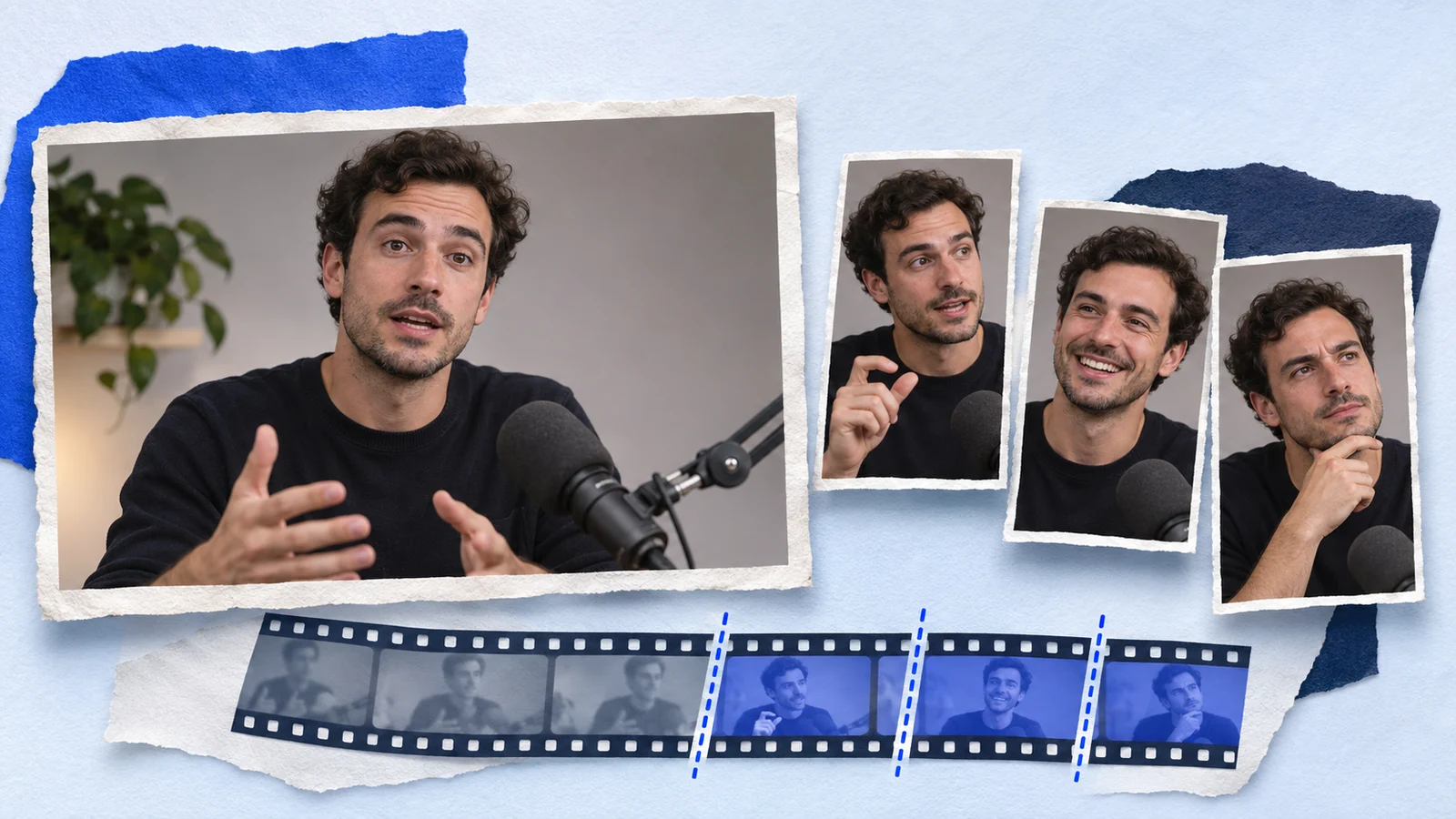
Clip an existing video without starting from scratch
Paste a supported YouTube video URL into the AI Clipper, choose a duration range and request candidate clips. Prolifik uses transcript and audio signals to select moments, adds captions and creates vertical versions. Watch each candidate before you approve it. A good clip includes enough setup to make sense and ends after the point lands.
This page is for repurposing a video you already have. To make new videos from a topic or brand brief, use the YouTube Shorts generator.
How to clip YouTube videos with Prolifik
Choose the recording
Start with a video you own or have permission to repurpose. Paste the YouTube URL. If the recording cannot be imported from a link, upload a video file you are authorized to use instead.
Set the length and candidate count
The default range is 30 to 90 seconds, with three candidates per job. You can request up to 20. Ask for enough options to review; a longer recording does not guarantee more usable moments.
Review the actual clip
Check the first sentence, the ending, speaker framing and caption spelling. Keep the screen detail that proves a tutorial step. Reject a cut that changes what the speaker meant.
Download or schedule the keepers
Download an approved clip as an MP4, or schedule it through Prolifik. Connect the destination accounts and choose the posting time. The content calendar handles approved videos for Shorts, TikTok, Instagram Reels and X.
Match the cut to the kind of YouTube video
The source decides what a useful clip needs to preserve.
Interviews and podcasts
Keep the question when the answer depends on it. Begin where the speaker names the subject, rather than halfway through a reference to something earlier.
Tutorials and product demos
Keep the action and its result together. Check the vertical crop at phone size: a captioned explanation is not enough if the viewer cannot see the button or change.
Streams and gameplay
Preserve the setup before a reaction or decisive play. Review facecam and gameplay framing, and use a multicam treatment when both carry the moment.
Webinars and presentations
Choose one claim, explanation or audience question. Keep qualifications that change the answer and verify that names, dates and numbers remain accurate.
A useful clip finishes one idea
Imagine an interview about changing a product's onboarding. A complete moment explains which step confused people, what the team changed and the limitation of that decision. Cutting only the excited announcement loses the reason someone would care.
Use that same test when reviewing your batch: can a person who has never seen the full upload understand the opening and the payoff? Keep the candidates that pass. The guide to finding clippable moments explains the selection pass in more detail.
Need to clip several YouTube videos?
If the recordings belong to different clients, the clipping agency workflow explains source notes, shared allowances and delivery review.
To process several recordings through an AI assistant, use Prolifik's MCP connection. Its clipping tool accepts up to ten source URLs per request. Keep the source and job references together, then review the returned clips by recording.
Follow the batch YouTube clipping guide for source organization and partial failures, or the MCP documentation for the current tool schema.
Clip minutes count the source you process
A 45-minute recording uses 45 clip minutes, whether you request three candidates or more. Each job has a five-minute minimum. Paid plans include the AI Clipper: Lite has 60 source minutes a month, Starter 360 and Pro 1,400.
New accounts get a 7-day free trial with no card and 30 clip minutes. Paid plans start at €15 a month. Check the current plans and allowances before submitting a long recording.
Questions about YouTube clipping
Is this a YouTube video generator or a YouTube clipper?
A clipper. It starts with an existing recording and selects excerpts. The separate YouTube Shorts maker creates new short-form videos from a brief.
Can I edit YouTube clips for TikTok and Reels?
Yes. The Clipper creates captioned vertical versions for you to review. Connect TikTok or Instagram before scheduling there, or download the MP4 and publish it yourself.
Will every YouTube link work?
No. Access restrictions or an unavailable source can prevent import. Use a supported, accessible recording, or upload an authorized file. A public URL does not by itself give you permission to reuse someone else's work.
How long can a YouTube Short be?
YouTube currently classifies square or vertical uploads up to three minutes as Shorts. Prolifik's clip-duration controls can also produce longer videos, so choose a range that fits your destination.
Is the YouTube clip maker free?
The 7-day trial includes 30 source minutes, with no card required. Continued clipping requires a paid plan; there is no ongoing free plan.
Find the clips in a recording you already own
Choose the source, review complete moments and send the keepers to your calendar.
Start free trial Explore AI ClipperKeep working with the right source
Checked 5 November 2026 against Prolifik's current plan definitions and clipping schema, plus YouTube's publishing guidance.