
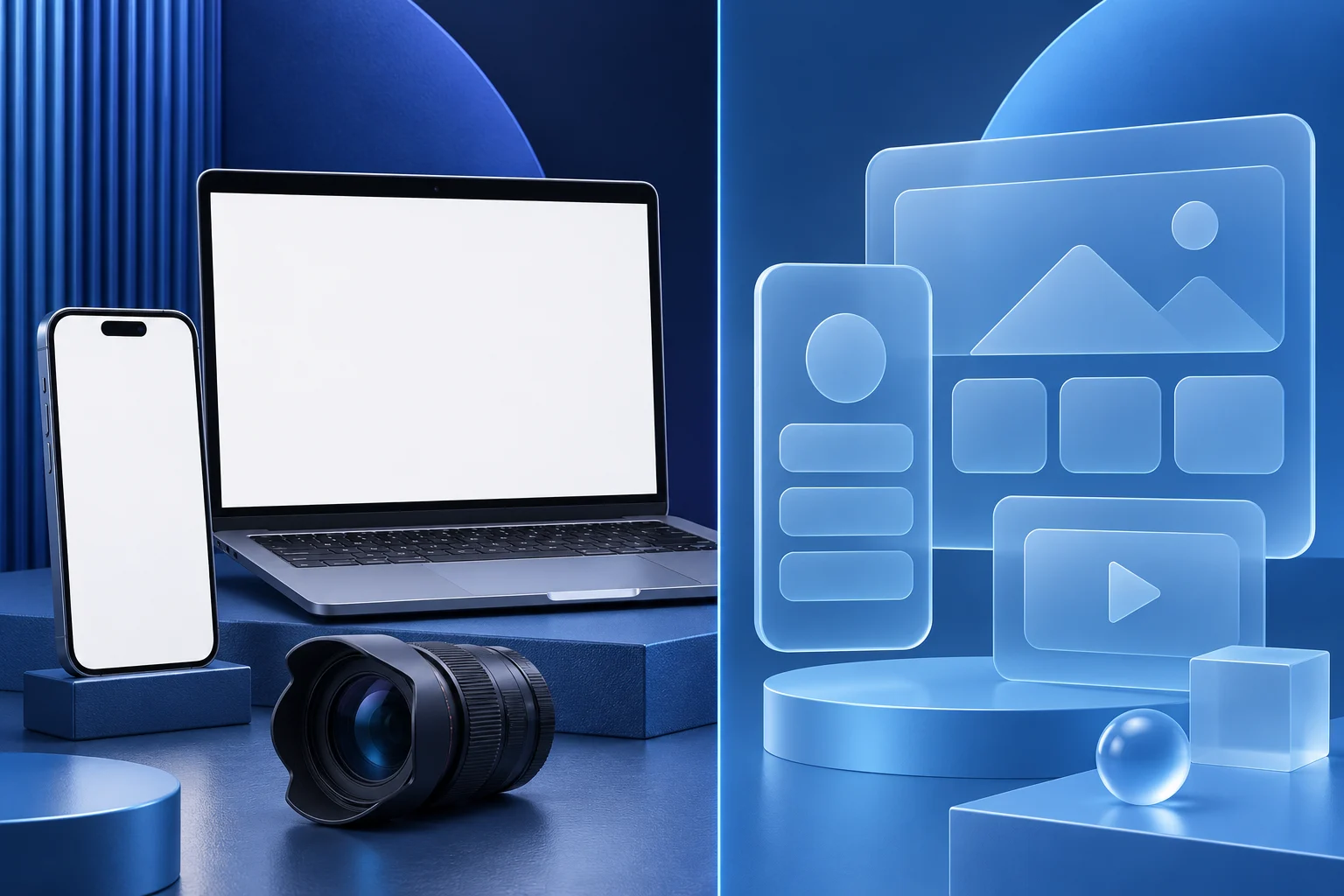
A simulated interface can explain a proposed flow. A recording of the current product can show what a user can do today. A product video becomes misleading when it moves between those two without telling the viewer which is which.
Use a simulation for a concept, prototype or future-state explanation. Use genuine capture when the video claims that a shipped feature works, a control exists or a result appears. A polished mock screen is not evidence of production behavior, even if it looks more legible than the actual app.
The worked example is a fictional scheduling app called ThreadDesk. Its team has a Figma prototype for a new approval panel and a live product that still uses the older approval flow. No real customer or launched feature is represented.
Mark the boundary in the brief
Write each planned shot on an evidence sheet before recording or generating anything:
| Shot | Source | Safe claim |
|---|---|---|
| Current approval screen | Recorded test account in the live app | “This is the current approval step” |
| Proposed approval panel | Approved prototype | “This is a concept under review” |
| Result screen | Current app only if the action completes there | “The test request is approved” |
| Abstract process diagram | Original illustration | “This is how the steps relate” |
Do not use a prototype result shot to complete a live-app walkthrough. If the current product cannot perform the last step, the video must say so or stop before promising that outcome. The team can still make a useful concept preview, but it should be titled as a preview.
Figma's documentation describes prototypes as interactive flows that can be shared and played. That makes them valuable for testing an idea. It does not turn the prototype into a recorded proof of a deployed feature.
Capture the real flow in a safe workspace
For a shipped-feature demo, record with a sample account and a permitted role. Check the current build, plan access and data state. Remove customer names, private request text and identifiers. Show the action from its prerequisite to a visible result, not just a mouse moving toward a button.
Use the real interface even if it is less photogenic. You can crop closer, add a truthful callout or slow the edit. Do not redraw a control in a cleaner style and then present it as a direct screen recording. The demo-data screen recording guide covers sample-data setup; the distinction here is what the public video claims the captured interface proves.
For ThreadDesk, the live flow may require opening a request, choosing an approver and confirming the action. If the prototype combines those into one panel, the shorter visual should not replace the three live steps in a “how to use it now” tutorial.
Label simulation at the moment it appears
A disclosure hidden at the end does little for someone who watches only the first few seconds or sees a cropped excerpt. Put “Prototype concept” or an equivalent clear label directly beside the simulated shot. Keep it visible long enough to read and use a distinct visual treatment so the viewer can tell when the video returns to live footage.
Do not use a vague label such as “for illustration” while the narration says “click here today.” The words and picture must describe the same availability state. If the prototype has a feature name that has not been approved, use a neutral task description rather than leaking a planned release name.
An abstract diagram is easier to separate from proof because it does not imitate the app. A mock screen needs stronger context precisely because it can be mistaken for a current product capture.
Keep the edit from implying a completed feature
Watch the transition between shots with sound off. A cut from live click to prototype success state can imply that the live click caused the simulated result. Add a transition card or separate section heading when you change evidence type. If the video is a future-state preview, keep the entire piece consistently framed as a proposal.
Test the script sentence by sentence. “We are exploring a faster approval panel” can sit over a prototype. “A reviewer can now approve from this panel” requires current product evidence. Do not make a present-tense availability claim from a design file or a roadmap decision.
For realistic generated or meaningfully altered scenes, review the destination's current disclosure rules. YouTube currently distinguishes minor production assistance from realistic generated material that changes what appears to have happened. This guide does not decide compliance for a specific upload; check the actual footage and platform setting.
Choose a format that preserves the truth boundary
If the video needs to prove a current ThreadDesk action, prepare the genuine recording first. Prolifik Video Hook & Demo builds a short around supplied product footage. It should not be described as a tool that validates the interface, recreates a missing feature or edits a prototype into a real product state.
If the team is explaining a future concept, a text-led or diagram-led video may be more honest than a screen that looks deployable. Keep the title, thumbnail and caption consistent with the future-state label. Do not schedule the concept preview with copy saying the feature is available now.
Store the source type, capture date and version for every shot. When the prototype becomes a live feature, re-record the product action. Do not simply delete the “prototype” label from an old render; the implementation may have changed between design and release.
Audit the public result, not just the edit project
Open the posted video and look for places where labels are hidden by platform controls or captions. Check its cover, description, related clips and any silent autoplay preview. A viewer may encounter the simulated frame alone. The public page should still tell the truth about what is current.
If the video is later quoted in a sales deck, keep its version note with it. A correct concept preview can become a false product demo when detached from its original caption. Retire or replace a piece whose source boundary can no longer be kept clear.
Build around real product footage
Record the current task first, then review the short so every product claim is supported by the captured action.
Explore Video Hook & DemoFacts checked 2026-11-02. Worked examples are illustrative unless a real source is identified.
- Figma guide to prototyping Checked 2026-11-02
- Adobe Captivate demo mode Checked 2026-11-02
- YouTube GenAI disclosure guidance Checked 2026-11-02
- Prolifik Video Hook & Demo Checked 2026-11-02