
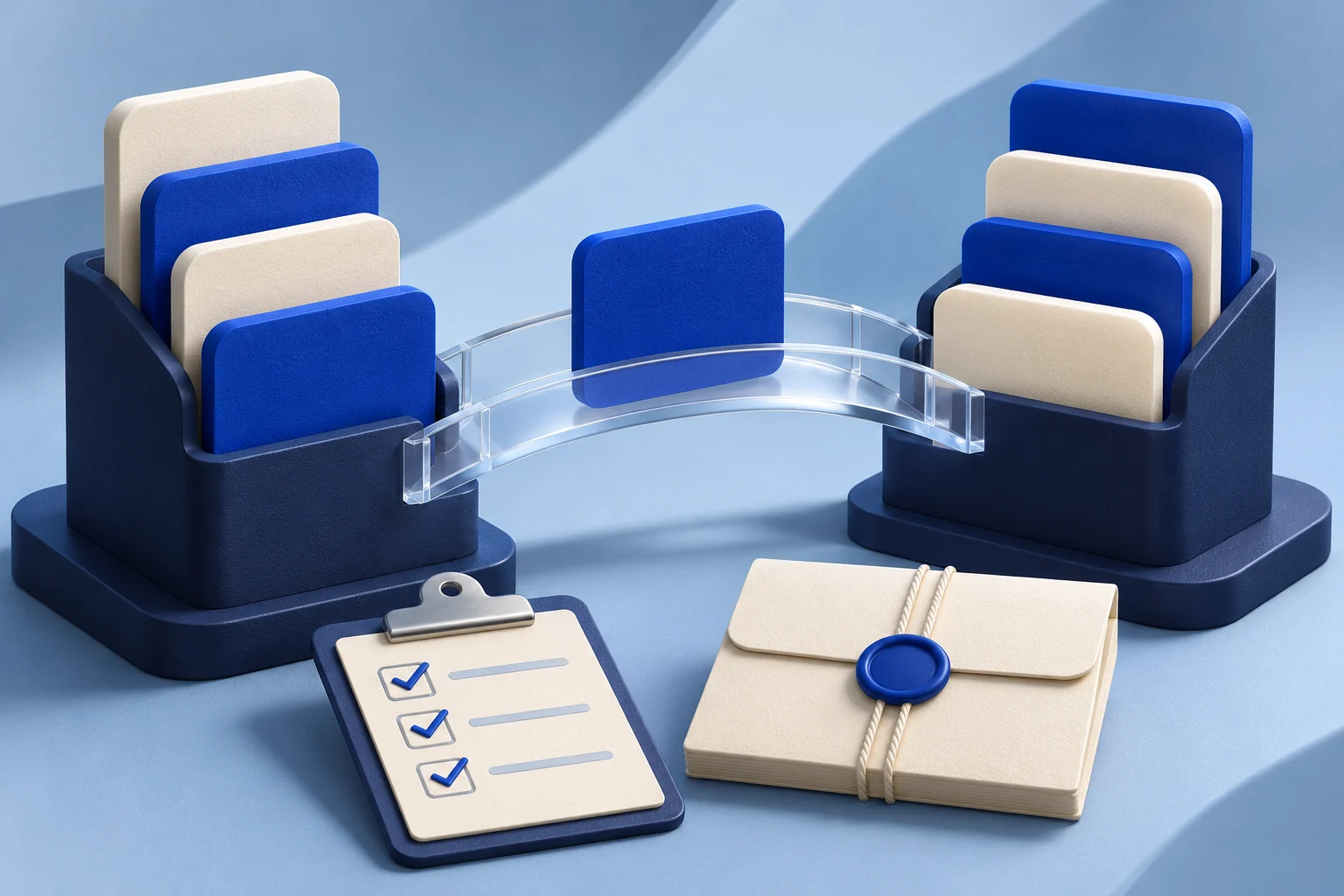
A migration video should help someone decide whether their work arrived intact. Showing an import button is not enough. The useful demonstration names the source, the permitted scope, the expected result and the point where a person should stop if the records do not match.
Record the migration in a controlled sample workspace. Keep the source data, permissions and product version in the production notes, then show only material that can safely appear in a public tutorial. This is a different task from a launch video announcing that a migration tool exists.
The example below uses fictional team apps called PaperDock and BoardNest. A team moves a small issue list from PaperDock into BoardNest. These names, records and screens are illustrative, not customer evidence or a claim about Prolifik's own import features.
Define one migration unit before recording
“Move all our work” is too broad for a short guide. Choose one unit the viewer can recognize and verify. For the example, that unit is one project with four sample issues, two labels and one owner role. The tutorial should not imply that permissions, comments, attachments and automations move unless those objects are actually included and tested.
Write the scope beside the capture plan:
| Item | In this example | What the video must say |
|---|---|---|
| Source | PaperDock sample project | This is controlled sample data |
| Destination | Empty BoardNest project | Existing records are not being overwritten |
| Included | Four issues and two labels | Show the count and label check |
| Excluded | Comments and attachments | State that they need a separate review |
| Actor | Workspace owner | Show the required access, not a generic user |
That small specification protects the viewer from a misleading “everything moved” message. If the real feature has a different scope, record that exact scope instead.
Show the prerequisite and the permission boundary
Start the video where the viewer would start. Name the account role, supported source format or connection, and any preparation that must happen before import. If the source must be exported first, do not open the video on the destination's upload control as if the file appears by itself.
Use a sample account with the same permission level described in the narration. A menu available to an administrator may not appear for a teammate. If the prerequisite is a paid feature, state that clearly. Do not hide a plan or access boundary behind a jump cut.
For BoardNest, the first shot could show a sample CSV export from PaperDock with four rows. The file should contain safe invented names. The next shot could show the BoardNest import screen with the destination project selected. Leave enough time for the viewer to read what will be created.
The demo-data recording guide covers how to build a safe example workspace. Here the additional requirement is that the source and destination records remain traceable through the move.
Record the action and a meaningful result
Show the import request, then show the state that confirms it finished. A progress spinner is not a completed migration. A success message may be too broad if some rows were rejected. Prefer a result that a user can inspect: the new issue list with the expected four items, labels attached and an error area that is empty or explicitly explained.
Use a short evidence sheet in the edit:
- The source contains four sample issues.
- The chosen import scope includes issues and labels only.
- The job reports a finished state, not merely an accepted request.
- The destination contains four corresponding issues.
- The two labels and intended owner assignment are checked separately.
The video can show one representative record in detail and summarize the rest with a truthful caption. Do not claim a full audit from a single visible item. If the migration can take time, show the real pending state or explain that the viewer should wait for completion; do not cut directly from click to success and imply it is instantaneous.
Include one error path without turning it into a scare story
An error path teaches what to do when the source is imperfect. In the fictional example, one sample row has an unsupported label. The import might reject that row or map it differently, depending on the real product. Record the actual behavior of the feature being taught. Do not invent a warning badge in an editor.
The useful instruction is: stop, inspect the report, correct the source or mapping, and rerun only through the documented safe path. If the product can duplicate records on retry, say how to avoid that or point to current official instructions. Never promise that rerunning is harmless without proof.
This is why a migration guide differs from a generic product integration demo. An integration can show a connection. A migration must account for which records crossed, which did not, and how the viewer knows.
Choose the right length and companion material
A short video can teach the main path and the first verification checkpoint. It may not be enough for field mappings, permission tables or recovery cases. Keep a linked written checklist beside the video for those details, with the same product version and source format. A user should not need to pause a vertical clip repeatedly to read a dense error table.
Make the first seconds clear about the task: “Move one sample issue list and check the imported records.” The opening should not promise “migrate your whole company” if the demonstration covers one project. At the end, point to the next safe action, such as reviewing comments or testing another project in a separate run.
If you adapt the approved recording into a short with Prolifik Video Hook & Demo, supply the actual captured footage and inspect the returned video. The format adds a hook around a supplied clip and replaces source audio with music or silence. Keep a separately edited narrated tutorial when spoken step-by-step explanation is essential.
Audit the published version after a product change
Open the public video and compare it with the current import flow. Check the control names, supported objects, plan access, expected counts, linked help article and any subtitles. A product update can make the route wrong even when the general idea remains sound.
Keep the source recording, sample-data definition and approval date with the export. If the migration rules change, that record shows which step must be re-recorded and which claims need a new review. Retire a tutorial that cannot be repaired without leaving the viewer with an incorrect path.
Use the verified recording for a shorter demo
Capture the real migration step first, then review the Hook & Demo output against the current product behavior.
Explore Video Hook & DemoFacts checked 2026-11-02. Worked examples are illustrative unless a real source is identified.
- Prolifik Video Hook & Demo Checked 2026-11-02
- Prolifik REST API documentation Checked 2026-11-02