
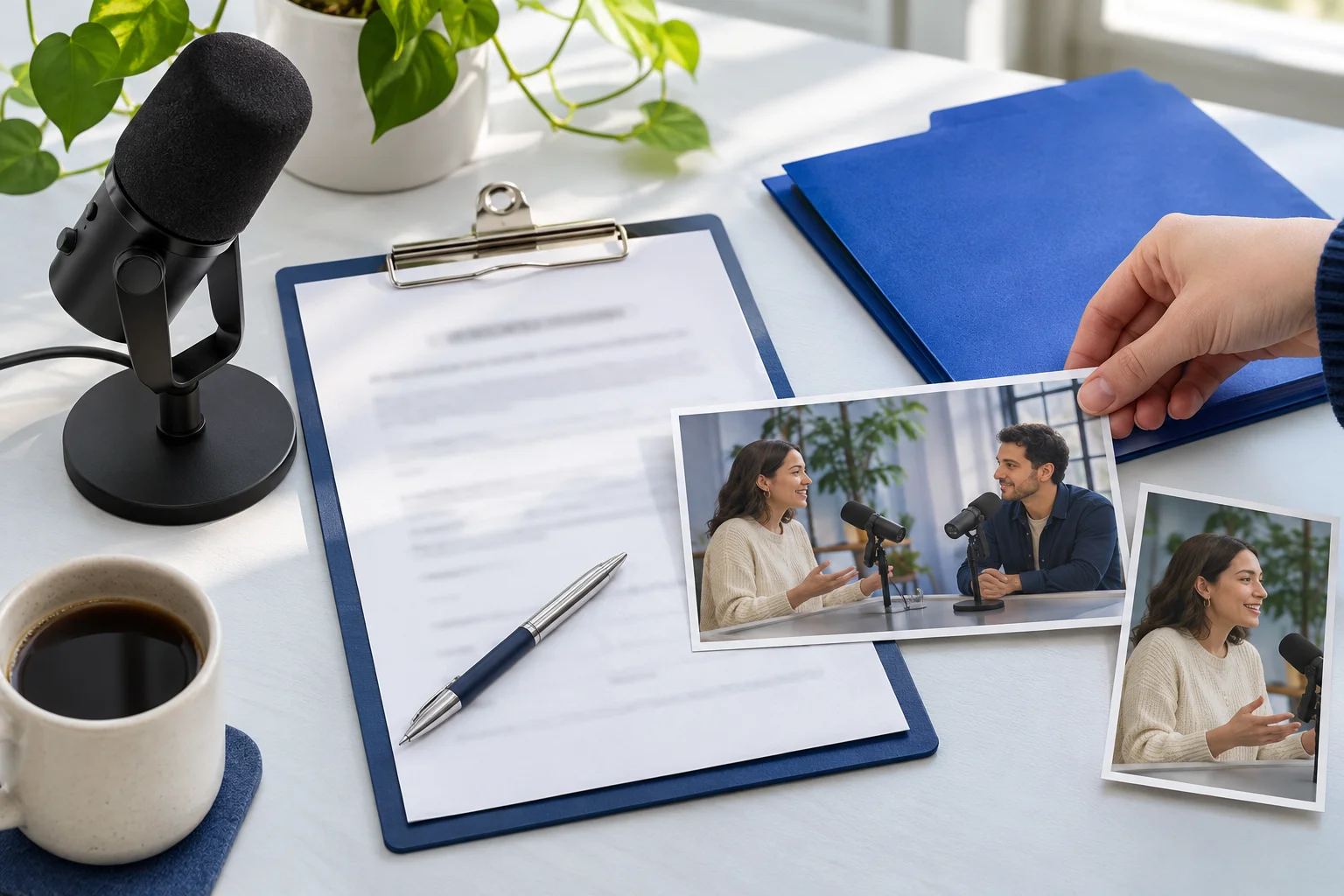
Clipping can be legal when you control the necessary rights, have permission covering the intended use, or can rely on a copyright exception that applies to your situation. A public video link, a short duration and a credit line do not settle that question.
Before you turn a podcast, stream or interview into short videos, establish who can authorize the footage, where you may publish it and what you may earn from it. Then check the music and other material inside the recording. A creator may control the conversation without controlling every song, sports broadcast or guest contribution it contains.
This guide gives you a practical permission checklist for ordinary creator work. Copyright exceptions and other rights differ by country; a disputed commercial use needs advice tied to the actual facts and jurisdiction.
Separate permission, platform rules and payment
Three questions can produce three different answers.
| Question | What you need to establish | What does not settle it |
|---|---|---|
| May I use this recording? | Ownership, an applicable license or a relevant legal exception | The recording is public or other accounts repost it |
| May I publish this version here? | The destination's rules, permitted source access and any contractual limits | A clipping button exists on another platform |
| Will this post earn money? | The client's agreement, campaign terms or monetization program's requirements | Permission from the copyright owner alone |
For example, a podcast producer might authorize an editor to deliver three clips for the producer's account. That does not necessarily authorize the editor to publish those clips on a separate theme page, sell them to another brand or run them as ads.
The U.S. Copyright Office's permission guide explains that copyright includes several distinct rights, including reproduction, adaptation and distribution. The practical task is to match your proposed activity to the permission you actually have.
Start with one of four rights routes
Material you created and control
Your own recording is usually the clearest starting point, but inspect what it contains. An interview might include a licensed intro track, a guest's slides or a video played during the conversation. A client may also have contractual obligations to a venue, producer or guest.
Keep the source file and relevant releases or asset licenses with the project. If someone else filmed or produced the recording, confirm what rights the agreement gives you before authorizing another editor to reuse it.
Written permission from an authorized rights holder
Ask the person or business that controls the relevant use, or an agent authorized to grant it. An enthusiastic viewer or someone appearing briefly in a video cannot necessarily grant rights to the recording.
Permission should identify the material and the proposed use. “You can clip our show” leaves obvious questions: which episodes, whose accounts, which platforms, organic posting or paid ads, and for how long. Resolve those before building a large batch.
Material under a suitable license
Stock footage and open licenses can support clipping, but read the actual terms. A commercial campaign, an edited excerpt and a resale of source material can be treated differently.
For example, CC BY 4.0 permits commercial sharing and adaptation with conditions that include credit, a license link and an indication of changes. The license also warns that other rights, such as privacy or publicity rights, may still matter. A label saying “Creative Commons” is not a substitute for identifying the specific license and source.
An applicable copyright exception
Commentary, criticism, quotation and other exceptions can permit some uses without permission. Their scope depends on the law and the facts.
In the United States, fair use considers four factors: the purpose and character of the use, the nature of the original, the amount and significance taken, and the market effect. Commercial use is relevant but does not decide the outcome by itself. Using a short excerpt can still take the most important part of a work.
The UK instead has specific exceptions involving fair dealing, including criticism, review and quotation, with conditions such as sufficient acknowledgment. The UK Intellectual Property Office's guidance explains that purpose, amount and market impact matter. Do not apply a US fair-use summary as a universal rule.
There is no automatic safe number of seconds
A five-second clip is not automatically lawful, and a longer excerpt is not automatically infringing. The U.S. Copyright Office's FAQ expressly rejects a fixed amount or percentage that anyone can use without permission.
The same applies to common editing shortcuts. Adding captions, changing the speed or putting gameplay below a podcast does not establish a legal exception. A credit can satisfy a license condition or acknowledge a source; it does not create permission where the use requires it.
If your business depends on repeatedly taking another creator's best moments, make the rights route explicit. A written arrangement is easier to operate than a production plan built around an untested legal assumption.
Use this permission checklist before editing
Save the answers in one project record. “Unknown” means there is something to resolve, rather than a box to tick optimistically.
| Detail | What to record |
|---|---|
| Source | Exact file, episode, URL and relevant timestamps |
| Grantor | Rights holder or authorized representative, with their business contact |
| Accounts | The specific creator, client or campaign accounts allowed to post |
| Platforms | Every destination covered, including any cross-posting |
| Use | Organic posts, sponsored posts, paid ads, portfolio display or other agreed activity |
| Edits | Cropping, subtitles, translation, shortened answers, added context and any prohibited changes |
| Music and assets | Included rights, exclusions and material that must be removed or replaced |
| Credit | Exact attribution, tags, links, logos and required disclosures |
| Duration | Permission start, end, territory and what happens to existing posts afterward |
| Approval | Named reviewer, approval method and whether drafts must be accepted before posting |
| Payment | Who receives which income, including client fees, campaign pay or platform revenue |
| Evidence | Dated permission, applicable terms, final approval and published URL |
Keep paid advertising separate from organic posting. A creator agreeing to appear in a clip on their own feed has not necessarily agreed to a brand running that clip indefinitely as an advertisement.
Portfolio use also deserves its own answer. Permission to edit a recording for a client does not necessarily include permission to display it publicly as your sample work.
Send a specific permission request
A useful request describes one job the recipient can assess. You can adapt this brief:
I would like to create three clips from [episode/file and timestamps], each approximately [length]. They would appear on [named accounts] on [platforms] for [purpose]. I plan to crop vertically, correct subtitles and shorten pauses while preserving the meaning. I would use [music plan], include [credit], and send drafts to [reviewer] before publication. Please confirm whether you are authorized to permit this use, any excluded material, the permission period and the agreed payment or revenue arrangement.
Add separate questions if you want to use the clips in ads or a public portfolio. If the response changes the scope, update the brief so the final record describes the work you will actually do.
For continuing client work, use an agreement appropriate to the job rather than treating a casual message as a complete contract. The purpose of this request is to surface missing information before production.
Check the music independently
A creator's approval of the footage does not necessarily clear the music underneath it. A track may be licensed for one account, platform, territory or type of use.
Meta's Music Guidelines state that commercial or non-personal music use needs appropriate licenses. Unauthorized use can lead to muting, blocking or removal. The guidelines themselves do not grant music authorization.
For a paid clip, record the track's source and the license covering your intended publication. If you cannot establish that, remove it and use audio whose terms fit the job. Do not assume that music available inside one app can travel with a downloaded clip to every other platform or into a paid advertisement.
A campaign brief needs a rights check too
A legitimate campaign can give you approved assets and specific publication instructions. Save that brief and confirm the organizer can authorize the use. Check whether the asset pack excludes third-party music, guest appearances or material shown inside a stream.
A campaign listing is not blanket permission to clip every recording from the named creator. Nor does permission establish that your account qualifies for payment. The brief may impose account, platform, timing, approval and disclosure conditions.
Use the paid clipping campaigns guide to investigate campaign venues. Use the clipping campaigns overview for the publishing workflow and the campaign pay guide to check what counts toward payment. Keep your rights evidence beside those terms, so you can explain both why you used the footage and why you believe the submission qualifies.
Permission does not guarantee platform monetization
A clip can be authorized and still fail a platform's originality or format rules. Meta's Facebook originality guidance says minor changes such as borders, captions or speed adjustments to someone else's content do not make it original. Repeatedly posting primarily unoriginal material can affect recommendation and monetization eligibility.
That is a platform assessment, separate from whether the owner granted permission. Conversely, a clip receiving views or remaining online does not prove that all necessary rights are cleared.
Source access has its own terms as well. For example, YouTube's terms limit downloading and reuse to uses authorized by the service or the required permissions. A share or clip feature should not be read as an unrestricted license to export footage and publish it elsewhere.
Review the final cut against the agreed use
Before publishing, compare the clip with the source and permission record. Keep enough context to preserve the speaker's meaning. Check the subtitles, speaker names, music and credit. Confirm that the final account and destination match the authorization.
Save the approved version and its approval message. If a rights claim arrives, pause further reuse, preserve the evidence and review the claim through the platform's process. Do not submit a dispute merely because the clip is short or credited. Where ownership, permission or an exception is contested, seek advice about that particular use.
Once the footage is cleared, Prolifik's AI Clipper can help generate candidates for your review and prepare approved clips for download or scheduling. It is an editing tool; it cannot grant rights to a source recording or guarantee campaign acceptance.
For the commercial side, continue with how to make money clipping videos. Begin with one recording, a permission record you can explain and a deliverable that matches the brief.
Build a workflow for the recordings you can use
Find moments, apply your branding and review the clips before scheduling them. Start with footage you own or have permission to repurpose.
Explore the AI Clipper