
Name the repeated task
Text Story brief: explain rewriting the same service description for every new lead. End with trying the proposal workflow.
Take the product you developed with ChatGPT beyond the conversation. Bring its public page, choose the message and create a video that shows what people can do with it.
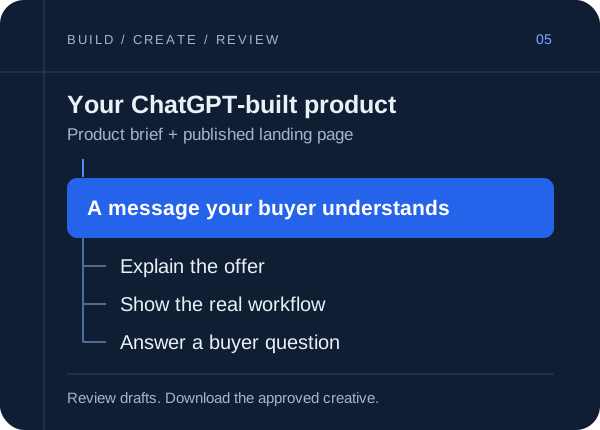
Prolifik creates video creatives for products built with ChatGPT. Use a published product page for brand context and bring an owned screen recording for a real demonstration. Generate a Text Story, Image Carousel or Video Hook & Demo, review the result and export an approved creative for your campaign. Plans start at €15 a month, with a 7-day free trial, no card.
How it works
Give Prolifik a public URL that explains the offer. A private ChatGPT Project, uploaded document or chat link is not a substitute for a readable marketing page.
Check the brand profile against your product brief. Name the intended buyer, the action the product supports and the claims you can prove. Keep speculative features out of the video.
Choose a format for the message. Upload a recording if you want to show the app. Read the hook alongside the landing page, inspect the footage and download the version you approve.
ChatGPT Projects organize related chats, files and instructions. That material can help you write a brief, but Prolifik's public-page workflow does not automatically receive your private Project context.
Carry the final decisions into your public page and brand profile. A useful handoff says who the product serves, which task it completes and what the viewer should do next. The URL to Video workflow starts from that readable product information.
Imagine you built a proposal organizer with ChatGPT. The app stores a freelancer's service packages and lets them assemble a draft proposal. These are example briefs to adapt after checking the working product.
Text Story brief: explain rewriting the same service description for every new lead. End with trying the proposal workflow.
Demo brief: record selecting a service package, adding a sample client's details and opening the proposal draft. Use fictional client data.
Carousel brief: show what the app fills in and what the freelancer still reviews. Do not promise automatic signatures or invoicing unless those features exist.
Use the same offer in the video and on the landing page. A waitlist creative should lead to a waitlist; a product demo should lead to a working trial or signup.
Prolifik also has an MCP server for supported clients. If your ChatGPT account or workspace permits a custom MCP connection, you can connect it to your Prolifik account and request supported content jobs there. Availability depends on the client and your access settings.
The dashboard workflow works without that connection. See the MCP connection guide for Prolifik's server URL and authentication instructions. Review drafts before separately asking an assistant to publish.
Download the video you approved and upload it in your ad platform. Choose footage, hook clips and music cleared for the paid placement, then check the platform's current creative requirements before submitting it.
Prolifik's calendar publishes organic posts to TikTok, Instagram Reels, YouTube Shorts and X. Paid campaign setup, budgets, targeting and conversion tracking stay in your ad platform.
FAQ
Keep exploring
Bring the public page and a clear product brief. Start with a 7-day free trial, no card.
Start free trial