
The short answer
Write the situation in one sentence, choose a reaction that expresses its emotion, and time the reveal so the viewer can read the setup before the payoff. Preview the full export on a phone. Review meaning, clip reuse, typography, audio and the account that will publish it. A familiar clip cannot rescue a vague caption.
Start with the situation, then choose the clip
These are production decisions, not instructions to copy an existing viral post.
Name the moment
Describe an event your audience recognizes without a paragraph of background.
Choose the emotion
Identify whether the reaction should show relief, disbelief, embarrassment or another specific feeling.
Write and time the caption
Keep the necessary context and give it enough reading time before the reaction lands.
Review the export
Read it at its intended display size and listen once before approving the file.
A caption revision that changes the joke
Use a fictional example to test specificity.
Suppose a small appointment-software brand wants to joke about a busy diary. The first caption is “When business gets busy.” It describes almost nothing: busy could mean demand, paperwork, cancellations or a broken system. A better setup might be “When the customer asks for Friday and the whole week is already booked.” A surprised reaction now has a clear reason.
This is an illustrative writing exercise, not a customer story or a claim about any product’s results. Remove a word only if the event remains clear. Then try the caption without the clip. If a reader cannot identify the situation, the missing information belongs in the writing rather than another effect.
Check that the reaction agrees with the words
Read the emotional direction before choosing a popular template.
A delighted clip under a complaint can read as celebration of the problem. A fearful reaction under a harmless scheduling joke can make the setup feel excessive. Match the intensity and timing to the written event. Watch the source with sound on: a spoken line may introduce a second meaning that conflicts with the caption.
Do not assume that an available download gives you every reuse right. Prefer your own material, clearly licensed media or a source whose permitted use you have checked. Keep the clip source with the working file. A brand’s approval process should cover the person, event and context that appear in the frame.
Build a timing sheet for the setup and payoff
The reading time belongs to the caption you actually wrote.
Record when the caption appears, when the expression changes and when the clip ends. Read the text aloud at a comfortable pace, then preview silently. Move the reveal later if the viewer has not finished the setup. Shortening the clip can improve the result when extra frames merely repeat the same reaction.
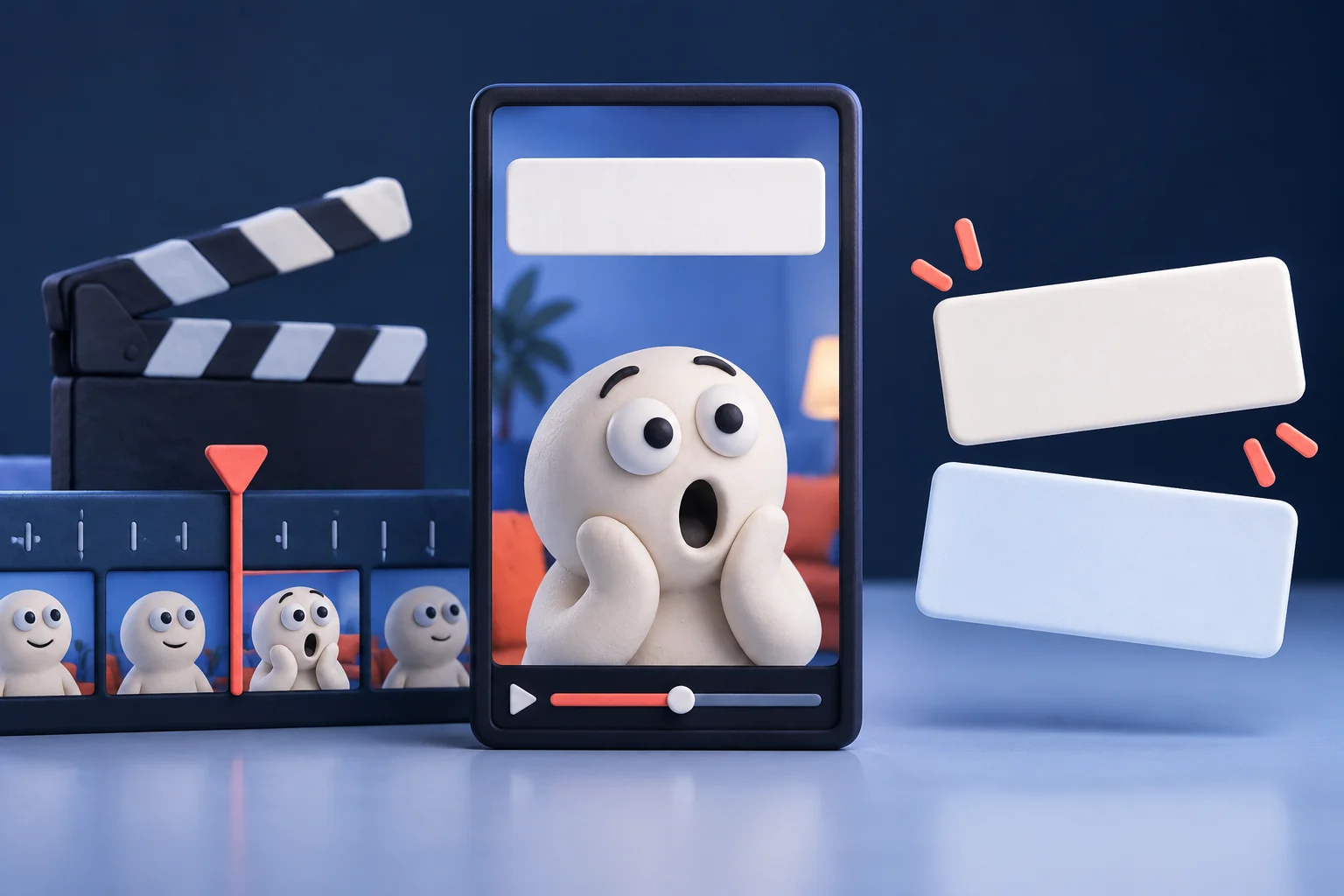
For the fictional booking caption, show the whole situation before the surprised face becomes the main event. Do not cover the eyes or the relevant action with the caption. A readable Caption Meme format can carry the setup, but the editor still has to judge the relationship between text and clip.
Style the words after the joke works
Typography should make the setup easy to understand.
Test the actual font with every character in the caption, especially accents and punctuation. Check line breaks, contrast, background motion and the platform interface around the video. A heavy typeface does not make five crowded lines readable. Prefer a shorter caption or a clearer layout when the text dominates the reaction.
The vertical safe-zone guide provides a placement review, while the exported file remains the final test. Prolifik offers caption and reaction formats with brand context; inspect the result rather than assuming a brand setting guarantees a good joke. Keep the exact approved wording with the final version.
Approve the file rather than the editor preview
The final review should catch a changed crop, missing glyph or unwanted sound.
Open the exported file on a small screen, read the complete caption and check the first and last frames. Listen for any spoken source line that changes the meaning. Confirm the logo does not obscure the expression and that the caption still appears for a usable interval. Record the selected source, wording and version.
Judge humour separately from performance. A coherent meme can still receive little distribution, and one unusually popular post does not prove that a format will work for every offer. Use results to refine the audience and situation choices, not to invent a universal rule about how many views a caption should receive.
Build the caption and reaction together
Choose the Caption Meme workflow, supply the brand context and review the actual export before scheduling.
See Caption MemeRelated Prolifik pages
Prolifik checked product and platform sources on 6 October 2026. Vendor capabilities and plans can change; verify consequential purchase details with the vendor.