
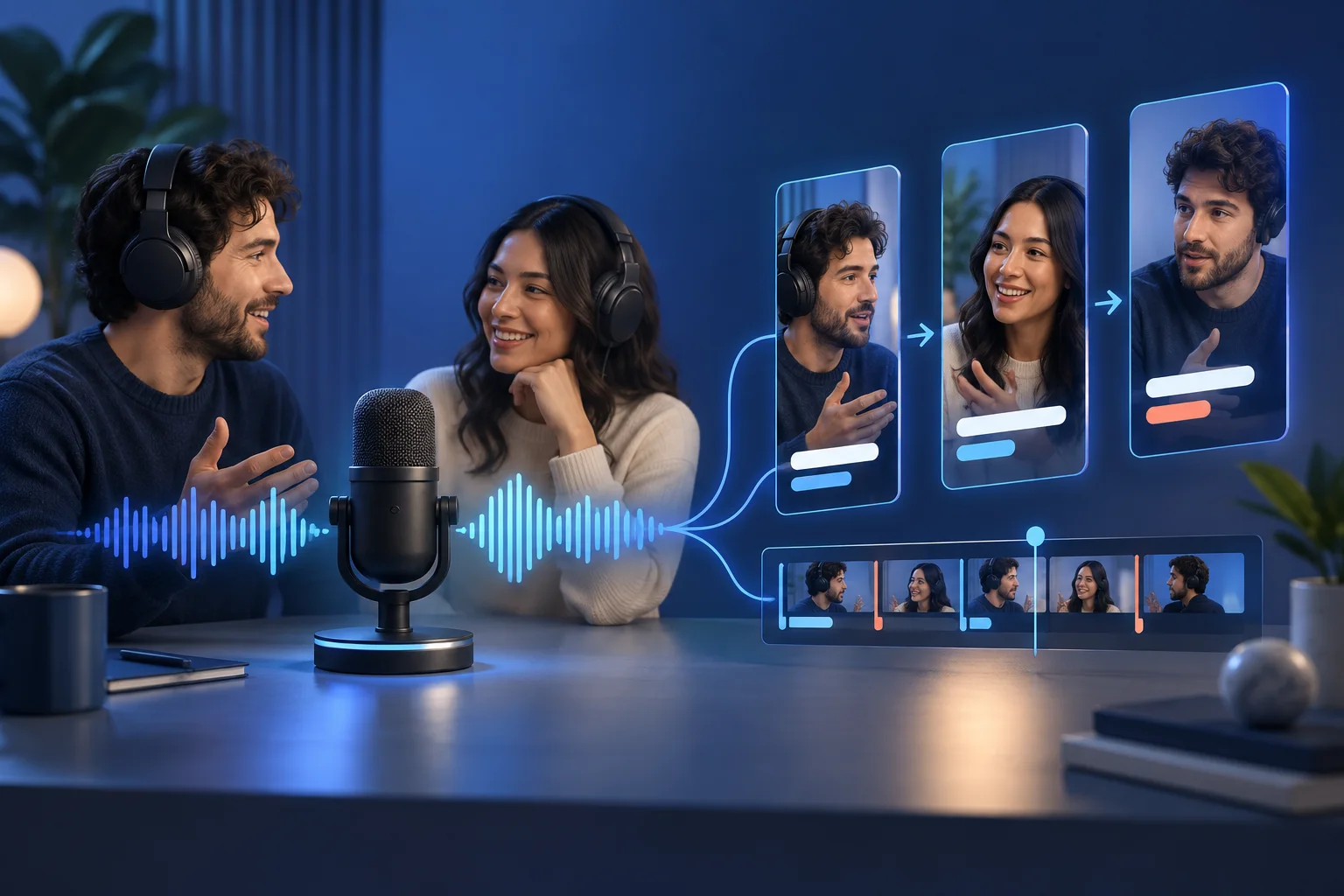
The short answer
Use the transcript to find candidate questions, strong claims, stories, disagreements, and concrete examples, then verify each moment in the original audio and video. Start before the context becomes necessary, end after the point resolves, frame the active speaker accurately, preserve reactions only when they add meaning, correct names and technical language in captions, and adapt the packaging rather than blindly reposting one export everywhere.
The conversation-to-clip workflow
Podcast clipping is dialogue editing. Speaker turns and missing context matter as much as duration.
Search the transcript
Mark direct questions, surprising claims, stories with turns, useful lists, disagreements, and concise explanations.
Listen around the candidate
Expand before and after the marked line to recover setup, tone, interruption, and payoff.
Choose the active visual
Follow the speaker, use a two-shot when reaction matters, and avoid showing a listener during the other person’s key line.
Edit for one promise
Remove detours while keeping the evidence and qualification that make the point trustworthy.
Correct captions and names
Verify guests, products, places, acronyms, and specialist terms against show notes or the source.
Sequence clips as episodes
Alternate insights, stories, objections, and personalities rather than releasing the conversation in chronological chunks.
Make the important decisions before editing
The format should reflect the conversational function of the moment.
| Signal | Decision | Why it matters |
|---|---|---|
| One person delivers a complete explanation | Use speaker-led framing | The delivery and idea are the main evidence. |
| The reaction changes the meaning | Use a two-shot or cutaway | The listener contributes context without speaking. |
| The question is needed but too long | Condense it accurately in context text | Do not make the answer appear unprompted or misleading. |
| The clip depends on a previous anecdote | Add the missing setup or reject the candidate | A confusing quote is not rescued by captions. |
Find conversational units, not viral sentences
A quote becomes a clip only when the viewer can understand why it matters.
A useful unit often begins with a clear question, a disagreement, a mistake, a turning point, or a concrete example. Watch for the moment where the guest commits to a claim and then supplies the reason. Avoid cutting after the provocative line if the qualification arrives five seconds later.
Transcript search is efficient for candidates, but audio and video reveal sarcasm, overlap, pauses, and reactions. Always return to the source before approving a boundary.
Edit speaker changes deliberately
Visual truth matters in a conversation.
Switch to the active speaker before or on the turn, not several beats later. Keep the host visible when the question or reaction changes how the answer lands. For remote recordings with uneven quality, a stable designed layout can feel more intentional than aggressive full-screen switching.
Do not use automatic face tracking as the only speaker detector. Cross-talk, laughter, and short acknowledgements can cause distracting cuts. A human should decide whose expression carries the moment.
Build a feed, not a highlight dump
A podcast contains several content jobs and personalities.
Sequence a strong insight, a human story, a practical method, a disagreement, and a deeper explanation across the calendar. Give each clip a cover and caption that identifies the topic, not merely the guest.
Link interested viewers to the full episode where that destination supports it, but make every clip useful without the click. The short should earn curiosity; it should not withhold the promised answer.
Run this review before a clip enters the calendar
A fast review works when the criteria are explicit. Watch the piece once as a viewer, then inspect the details with the sound on and off.
- The clip includes enough of the question
- The answer reaches a complete payoff
- Qualifications are preserved
- The correct speaker is visible
- Reactions add meaning
- Names and terminology are verified
- Captions handle overlap clearly
- The post identifies the episode or source
Measure the workflow, not only the view count
A repurposing system should reveal whether the source, edit, and distribution choices are improving. Keep production and audience signals separate.
Candidate yield by episode
Compare approved moments with episode structure, topic density, and guest style. This improves recording and show planning.
Speaker correction rate
Track manual fixes to active-speaker edits. High rates reveal weak automation or difficult source layouts.
Full-episode actions
Measure clicks or views toward the long episode when that is the stated CTA; do not infer them from short-form views.
Clip diversity
Review the mix of insight, story, method, debate, and personality across each episode’s derivative set.
Practical questions, answered
How long should a podcast clip be?
Use the shortest edit that keeps the question, answer, evidence, and payoff. Conversation often needs more context than a scripted monologue.
Do I need video to make podcast clips?
Video creates more framing options, but audio can support designed text, waveform, imagery, or b-roll if you own the necessary assets and keep the edit truthful.
Should the host question stay in?
Keep it when the answer depends on it. Condense only when the replacement context remains accurate.
Can I clip a public podcast I do not own?
Public availability is not permission to republish. Use recordings you own or have explicit rights to reuse.
Turn a strong source into a working queue
Bring a long video into Prolifik, review the clips that preserve the idea, and schedule the approved versions from one place.
Try the AI ClipperRelated Prolifik guides
The Prolifik editorial team checked platform and product facts on 2026-09-20. Unless we name a source, treat recommendations as Prolifik editorial guidance.