
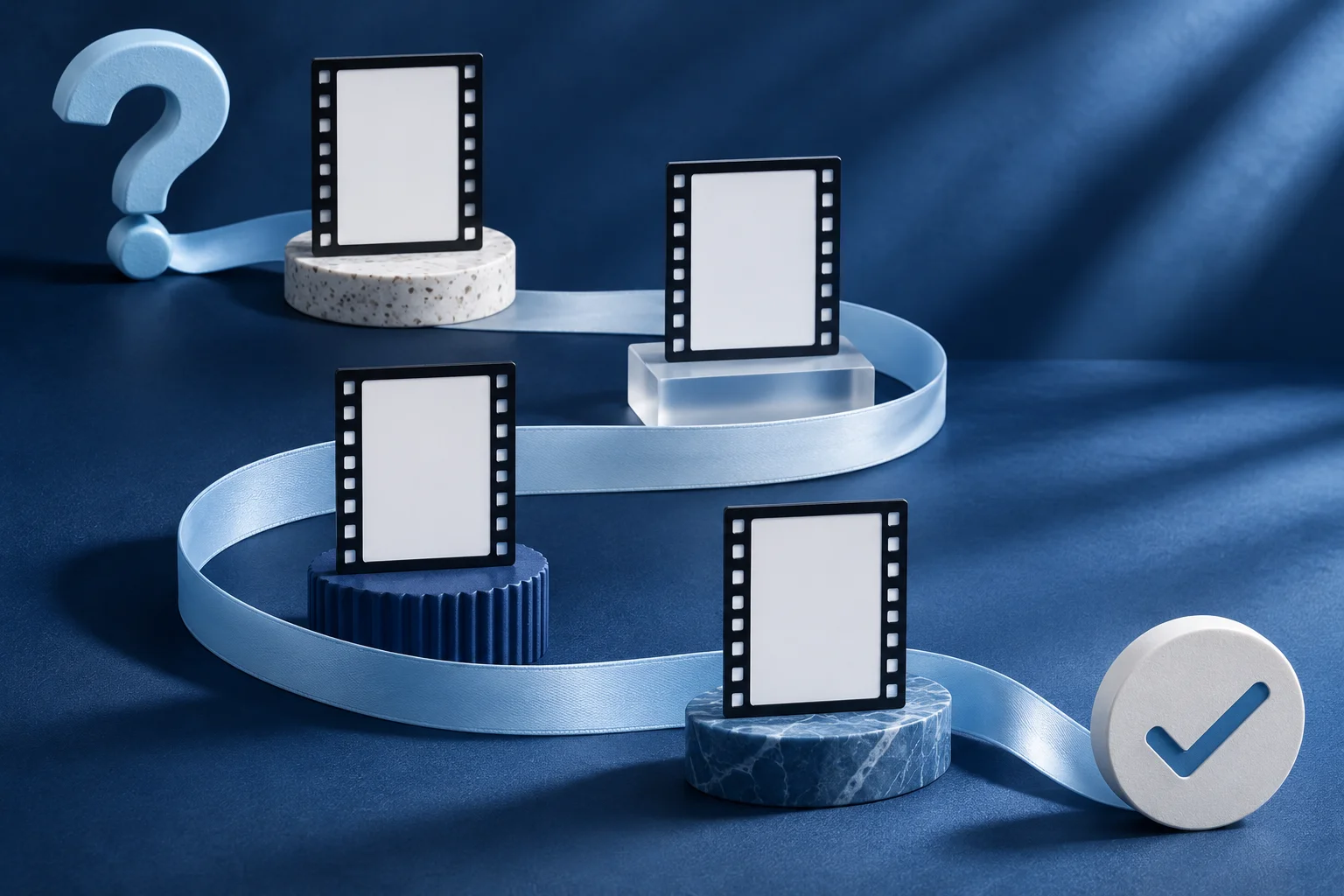
One product recording rarely answers every question a customer has. A first-time viewer wants to understand the problem and see one credible action. A buyer comparing options needs a clearer boundary. A new user needs the exact next step. Plan short clips around those questions, not a generic instruction to “post more video.”
The small-team launch-video-set guide covers a launch window. This page maps distinct clips to stages of an ongoing product journey and shows how to keep their claims and CTAs coherent.
Start with four actual questions
Imagine a fictional appointment app called OpenHour. Its team has an approved screen recording showing a customer changing a booking slot. It also has a help article and a long founder interview. The marketing team wants a short clip plan, but it does not have a measured funnel or permission to use a customer testimonial.
A useful map begins with questions that the existing product material can answer:
| Stage | Viewer question | Source and short | Next action |
|---|---|---|---|
| Discovery | What problem does this help with? | One bounded scenario from the founder's approved explanation. | See a current feature overview. |
| Evaluation | Can I change a booking slot? | Real recorded action and result. | Open the product demo or trial. |
| First use | Where is the setting? | Focused owner-role capture. | Follow the current setup guide. |
| Adoption | What happens when a change fails? | Real exception path from a safe test account. | Consult the help article or support route. |
These are editorial stages, not measured conversion buckets. OpenHour is fictional; do not claim any stage has a known view-through rate or revenue contribution.
Give each clip a different job
The discovery piece may use a text-led explanation if the team cannot yet show a specific feature. The evaluation piece should show the actual booking change, because its claim is functional. The first-use clip can be more procedural. The adoption clip should include the error condition and the recovery path, not pretend the product never fails.
Do not make four variants of the same “Book faster” hook and call them a journey. A viewer who has already signed up does not need another generic launch message. Give each clip an explicit audience, source, claim, proof and next action.
The first line of every clip should fit the actual viewer question. “Change a booking slot in the current app” is useful for evaluation. “Never miss an appointment again” is a much larger outcome claim that the recording cannot establish.
Keep a source-to-claim ledger
For each planned short, record the source file, timecode or screenshot, product version, owner, permitted use, claim and approved CTA. The ledger makes it possible to identify a clip when the app interface changes.
If the founder interview provides a quote about why OpenHour was built, keep it separate from a claim about what a customer achieved. A personal explanation is not a testimonial. The customer journey map should not turn a plausible scenario into reported customer behavior.
When a clip uses a feature behind a plan or role, include that condition at the point of the claim. A follow-up help link can carry detail, but it cannot repair a first frame that promises universal availability.
Match the format to the proof
For OpenHour's real booking action, Video Hook & Demo can build a branded short around approved owned footage. The current format replaces the source clip's original audio with library music or silence, so the action and result should remain clear visually. A narrated tutorial that depends on speech may need another treatment.
The founder interview could be clipped with a tool that preserves the person's complete thought. A text story may suit a concise principle. An image carousel may suit a sequence of approved screenshots. Do not choose a format first and force every stage into it.
The use-case short-video guide helps frame one application of the product. This map looks across several questions and makes sure the clips do not repeat or contradict each other.
Sequence publication without leaking future claims
Publish a clip only when its source, product fact and destination are ready. The discovery piece may lead to the evaluation demo, but that link must point to a live page or an atomic release, not a future placeholder. A first-use tutorial may need an updated help article before it can safely go public.
Schedule is a separate state from creation. For each clip, confirm the approved file, account, caption, date and eventual live post. A plan with four cards is not four published pieces.
Do not assume the journey always moves linearly. A current user may reach a discovery clip, and a prospect may need a setup detail. Each short should stand alone while making one honest next step available.
Review the set as a whole
Watch the four shorts in the order a new viewer might encounter them. Are role names and product labels consistent? Does one clip promise a capability another says is conditional? Do the CTAs point to current pages? Fix contradictions before increasing the number of variants.
Then inspect each short independently at phone size. A helpful map does not excuse an unreadable screen recording. Keep the source ledger and approved versions with the calendar so later product changes have a clear repair path.
Build a short from the action that matters
Give each buyer question one approved source clip and a clear next step.
Explore Video Hook & DemoFacts checked 2026-11-02. Worked examples are illustrative unless a real source is identified.
- Descript: product demo Checked 2026-11-02
- Prolifik: video hook demo Checked 2026-11-02