
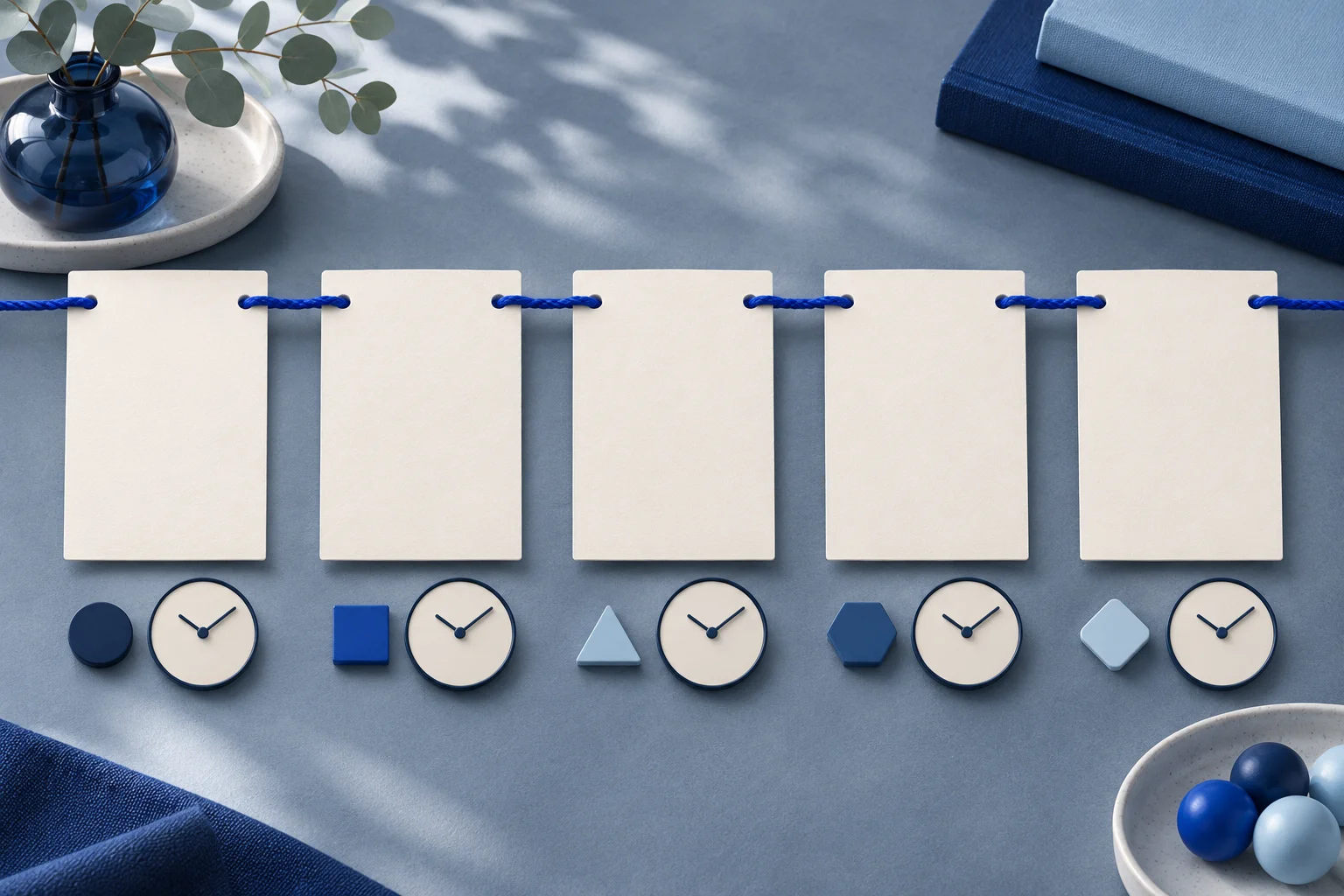
An implementation timeline is useful when it helps a buyer see the sequence of work. It becomes misleading when an example schedule is presented as a guaranteed setup time. Put the dependency and owner beside each phase, and label illustrative durations as illustrative.
The generic checklist carousel guide covers how to order steps. This page addresses a different question: how to represent time, responsibility and uncertainty when a product rollout depends on work outside the app.
Start with a real implementation path
Imagine a fictional project tool called LaneKit. A customer wants to import a task list, invite reviewers and run the first approval. The product team knows the steps, but the customer's data cleanup and permission decisions vary.
A truthful carousel can show the order without claiming that every team completes it in three days. The input list must be checked before import. A workspace owner must choose access. A reviewer must test the first request. If one dependency is unresolved, the following card should not imply that the project has already advanced.
| Phase | Owner | Completion evidence | Dependency to state |
|---|---|---|---|
| Prepare data | Customer project lead | Accepted sample file | Correct fields and permission to upload. |
| Configure workspace | Customer owner | Roles reviewed in test workspace | Named reviewers and access policy. |
| Import sample | Implementer | Sample tasks visible with expected fields | Prepared file and accepted mappings. |
| Test approval | Reviewer and owner | One request moves through review | Reviewer access and current app behavior. |
| Expand rollout | Customer team | Approved plan for remaining work | Results of the sample test. |
These are original planning fields for a fictional app. They are not a claim that LaneKit or Prolifik implements a customer rollout in this order or time.
Distinguish sequence from duration
The horizontal order of cards can show that phase two depends on phase one. It should not quietly imply one day per card. If the team has reliable customer-specific estimates, show the range and its conditions. Without that evidence, use “after the sample file is accepted” rather than “day two.”
Avoid visual clock icons that turn an example into a promise. A simple connector and owner label may communicate more accurately. The cover can say “A five-step implementation example” rather than “Launch in five days.”
If a dependency may be skipped for a certain plan or account type, state that on the relevant card or create a separate path. Do not put five tiny footnotes on the last slide and expect them to repair a universal claim on the cover.
Give each card a useful decision
A card should answer what happens, who owns it and what proves completion. For LaneKit, “Configure workspace” is too broad by itself. “Owner confirms reviewer access in a test workspace” gives the team a decision and a check.
Use exact current product labels only after the implementation owner verifies them. A generated illustration can show a folder or task card, but it cannot stand in for the actual import mapping or role screen. If a real screenshot is necessary, capture it from an approved safe workspace.
Keep the source note on the card that needs it. An illustrative timeline should be labeled there, not only in a post caption that may be cropped or separated from the slide.
The checklist carousel guide is useful for procedural card structure. Here the added information is ownership, dependency and the absence of an unsupported time promise.
Choose the right final format
Prolifik Image Carousel can create a branded carousel-style video from approved source material. Provide the phase order, owner, completion evidence and prohibited timing claims in the brief. Inspect each returned panel for missing dependencies or incorrect role names. A generator may turn “after approval” into “automatic”; reject that change.
If a team needs native editable slides to update exact dates weekly, check whether a direct design workflow is more suitable. An exported video can be harder to revise than controlled text cards. The publication artifact should match the maintenance job, not just the initial visual impression.
When both still cards and a timed video are used, review them separately. A condition readable on a still may flash too quickly in motion. Give the phase and its dependency enough time to be understood at phone size.
Treat a customer-specific schedule separately
This public carousel is a framework. A real implementation plan must use that customer's data, people and agreed milestones. Do not reuse a fictional example as a quoted service commitment. If a sales team wants to attach durations, require a named owner to verify the assumptions and current capacity.
A useful public follow-up is a short worksheet with the five phase names and blank fields for the customer's actual owner, dependency and target date. That lets the buyer plan their own work without treating the illustrative sequence as a contract. Keep the worksheet separate from the social card so the card remains readable.
Use a private delivery sheet for actual dates, dependencies and changes. The public card can link to a current product or onboarding guide. When the product workflow changes, update the carousel and its caption together.
The final review question is simple: if someone screenshots any single card, will they understand that it is an example phase with a condition, not a guarantee? If not, revise the card before publishing.
Build cards from an approved implementation plan
Keep owner, dependency and evidence with each phase in the final export.
Explore Image CarouselFacts checked 2026-11-02. Worked examples are illustrative unless a real source is identified.
- Canva: how to create instagram carousels worth swiping for Checked 2026-11-02
- Prolifik: image carousel Checked 2026-11-02