
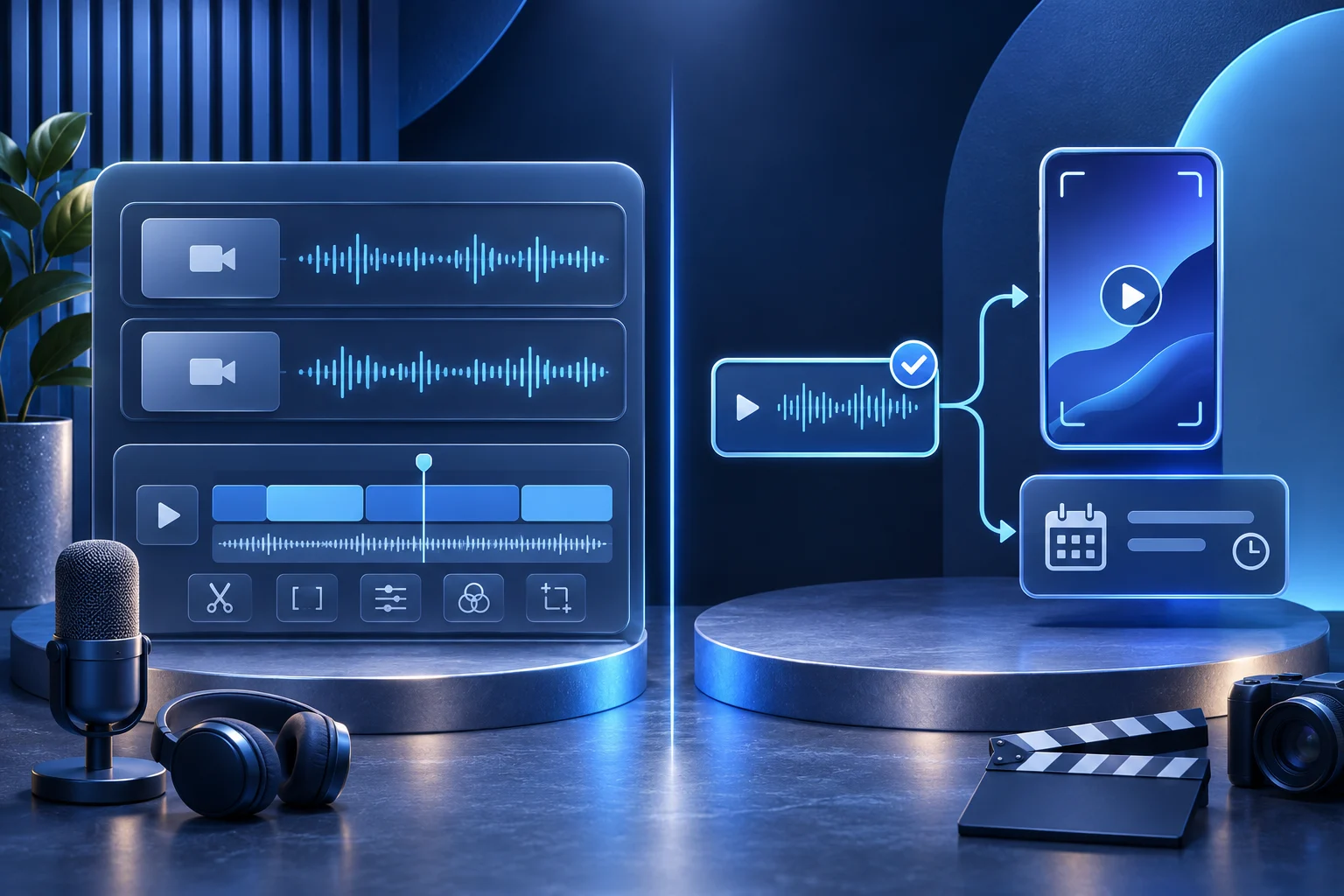
Riverside and Prolifik both now offer ways to turn recordings into short clips, and both describe AI-assisted workflows. Riverside is especially relevant when your team owns the recording session, participant tracks and conversation edit. Prolifik is relevant when approved footage already exists and the recurring job includes clipping plus branded Content Studio formats. The choice depends on where your production starts.
This comparison is published by Prolifik. It uses Riverside's current documentation, including its October 2026 agent updates, and Prolifik's deployed application contract. It is not a paid rendering test or a claim that Riverside cannot repurpose, publish or work from external uploads.
Start with the recording you need to make
Imagine a fictional software founder preparing a customer roundtable about onboarding. The team has not recorded it yet. They need clean participant audio, an edit of the full conversation and several permitted highlights for social.
Riverside documents recording, separate participant tracks, editing, Magic Clips, AI agents and publication paths. It also supports uploaded external footage for editing. If this team needs to capture the roundtable itself, those production stages belong in the evaluation.
Prolifik's Clipper begins from a supported finished video URL or uploaded source file. It can produce candidate clips for review. Prolifik's six Content Studio formats serve another recurring task: making branded short-form content from approved inputs, with Video Hook & Demo requiring real supplied footage. Prolifik is not presented here as a live remote-interview studio.
Compare the same source at the right stage
| Production stage | Riverside question | Prolifik question |
|---|---|---|
| Before recording | Do we need a hosted conversation session, guest tracks and recording controls? | Do we already have a permitted finished source to use? |
| Long-form edit | Do we need to clean the full conversation and preserve speaker tracks? | Is the job instead selecting moments for short-form output? |
| Short clips | Which Magic Clips or agent edits retain speaker meaning and approved context? | Which Clipper candidates retain the source moment and pass human review? |
| Other branded pieces | Which Riverside editor/agent tools make the exact supporting asset? | Which Content Studio format fits a separate product explanation or carousel? |
| Publication | Which current connected destination accepts the media and permission? | Which Prolifik connected account and media type are eligible after approval? |
The table names questions, not a feature score. Both services have changed recently. Verify each tool and plan in the account that will do the work.
Keep the speaker's meaning through the clip
The roundtable's strongest-sounding sentence might be a caveat: “This shortened onboarding for our pilot team, but we changed the invite process at the same time.” Removing the second clause would make a stronger marketing line and a weaker truth claim.
Keep the source recording, timecode, speaker and approved use beside every candidate. Watch the sentence before and after the cut. If the participant did not authorize a public testimonial, do not transform a private operational discussion into one by adding a polished caption.
Riverside's current help documents that its AI Clipper agent can create Magic Clips from a recording or an edited version. A team should know which version it used. Prolifik Clipper likewise returns candidates from a source; it does not approve quotations or guarantee every requested clip is useful.
The customer-interview clipping guide covers preserving one speaker's conditions. A comparison between tools should apply that standard to both outputs.
Decide what happens beyond the conversation
Some teams only need the recorded interview and excerpts. Others also need a carousel explaining a process, a short product hook around real demo footage, or a text-led variation from an approved brand brief. Prolifik's Content Studio formats may fit that second job, with separate inputs, output meters and review steps.
Riverside's current site lists editing, repurposing, AI agents, social clips and publishing. Do not describe it as a recorder with no downstream workflow. Instead, check whether the particular format, brand control and destination your team needs are in its current plan and tool path.
If the roundtable discusses a specific app action, do not use generated footage as a substitute for a real screen capture. A product claim needs product evidence regardless of which editor assembles the piece.
Treat agent access as a contract, not a label
Riverside has recently documented Producer, Editor, Clipper and Marketer agents, plus MCP access. Prolifik documents MCP and REST content, clipping, usage and publishing tools with client and plan boundaries. The shared word “agent” does not mean identical actions, scopes or meters.
For Prolifik, an API key requires a paid plan; supported trial MCP uses OAuth. The Claude OAuth connection excludes AI Studio and cloning tools. A create call returns a job reference, not proof of finished media. Keep retrieval and publication as separate authorized actions.
For Riverside, read the current help for the selected agent and plan. Its October 2026 updates describe clips created from edits as well as raw recordings. Do not rely on an older tutorial that says only raw sessions qualify.
The video MCP job-status guide gives a useful operating rule: preserve the job ID and inspect the returned media. Use the equivalent evidence in either service before reporting completion.
Run a small, fair test
If the team already has an approved roundtable recording, use the same source excerpt and a written acceptance brief in both tools. Check the actual clip for speaker meaning, source framing, captions, crop and brand treatment. Record human corrections and the file that was accepted.
If the team has not recorded anything, evaluating Clipper alone misses the capture problem. Test Riverside's recording path first, then decide whether Prolifik contributes useful recurring formats after the session. A comparison must follow the real production chain.
Avoid an unmeasured “faster” or “better audio” winner. One controlled clip can reveal workflow fit; it cannot establish a general quality ranking. Keep any reported cost tied to the current plan, billing cadence and unit the vendor actually meters.
Keep publication evidence separate
A full conversation, an edited episode, a candidate clip, a scheduled post and a visible public item are different artifacts. Name their owners and approvals. If a clip is edited outside the service that generated it, the old scheduled item will not automatically point at the new file.
Review current Prolifik plans against accepted videos, source clipping minutes and Studio credits. Review Riverside's current account terms for recording, editing, agent and destination access. Choose the tool or combination that covers the stage your team actually owns without losing the source truth.
Riverside is the recording and conversation-editing candidate in this test. If the team also needs a library of branded product shorts, Prolifik's Brand Intelligence can set the brand context for six formats, while its AI Clipper handles a permitted long source. The finished Prolifik file has no watermark, but the recording still needs a rights and claim review. A 7-day free trial precedes monthly Lite pricing from €15/month before VAT. The FAQ and pricing page show current allowances; compare them with Riverside's recording, agent and editing units for the same planned week.
Compare the source and usage units you own
Review Prolifik’s accepted-video, clipping-minute and Studio-credit limits against the recording and editing work you need.
Review Prolifik plansFacts checked 2026-11-02. Worked examples are illustrative unless a real source is identified.
- Riverside: current product overview Checked 2026-11-02
- Riverside: AI Clipper agent Checked 2026-11-02
- Riverside: AI agents overview Checked 2026-11-02
- Prolifik: AI Clipper Checked 2026-11-02
- Prolifik: MCP documentation Checked 2026-11-02
- Prolifik FAQ: formats, watermark, trial and brand workflow Checked 2026-11-02