
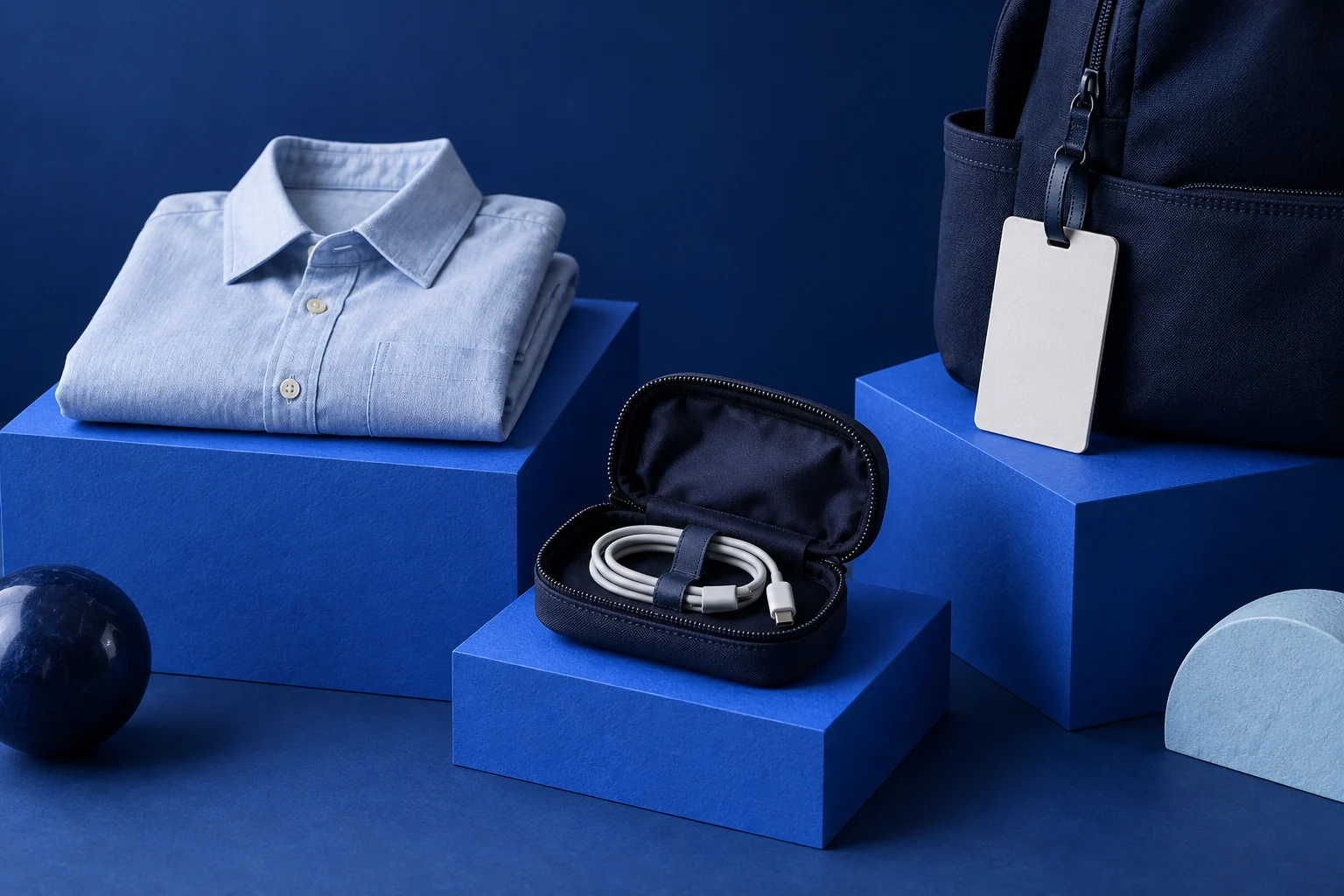
A listicle video maker can turn numbered points into a finished sequence, but the list still needs a reason to exist. “Three ways to pack better” is only a container. The useful part is showing three different mistakes and the action that addresses each one.
Choose the list's boundary before generating. Keep every item about the same situation, give each one a distinct role and make sure the visuals help explain it. That produces a short someone can use rather than a collection of statements they already agree with.
Choose a situation small enough for a short
For an original illustrative example, imagine a small luggage brand making a video about packing a bag for one overnight work trip. The article does not claim this is a real brand's tested method. The situation simply makes the writing decisions concrete.
“Travel tips” would be too broad. It could include booking, documents, weather and airport procedures. “Three packing mistakes before an overnight work trip” gives the viewer a narrower promise that a short sequence can fulfill.
Write candidate items without numbers first. If two say essentially the same thing, combine them. “Packing too much” and “bringing unnecessary clothes” may be one idea. A numbered format should not force you to inflate the list beyond the useful material you have.
Give the items different kinds of value
For the overnight-trip example, choose these three mistakes:
- Packing outfits without checking the actual plans.
- Putting the charging cable loose at the bottom of the bag.
- Filling the bag before setting aside the item needed first.
The first item concerns selection. The second concerns organization. The third concerns access. They belong to one packing task but address different decisions. That variety gives the sequence a reason to continue.
Each item also has a visible counterpart: a small clothing set beside the itinerary, a cable in a pouch and a work pass in an accessible pocket. A beach scene would add travel mood without explaining any of these actions. Choose the item before searching for its image, not the other way around.
Write the video as paired problem and action
Here is a complete illustrative screen plan:
| Screen | Exact proposed copy | Useful visual |
|---|---|---|
| Opening | “Packing for one overnight work trip?” | Open bag beside a small clothing set |
| Item one | “Choose clothes for the plans you actually have.” | Clothing arranged beside the trip notes |
| Item two | “Keep the charging cable in one small pouch.” | Cable and pouch shown together |
| Item three | “Leave the first thing you need within reach.” | Work pass beside the bag's accessible pocket |
| Close | “Pack by the trip, then by the order you will use things.” | Finished bag with the selected objects nearby |
The opening establishes the situation instead of spending a screen announcing “three amazing hacks.” The close connects the separate items into a usable principle. None of the wording requires an invented travel statistic or a claim that one bag is universally suitable.
If an item needs a paragraph of explanation, it may deserve its own video. Cutting that paragraph into tiny type will keep the list count intact while making the advice harder to understand.
Choose images that show the distinction
An image-led list works well when each item has a recognizable object or state. Prolifik's Image Carousel format gives you a route for arranging that kind of content into a rendered sequence. Use your own suitable images when a real product or exact object matters.
For the charging-cable screen, the pouch should be visible. A photograph of a closed suitcase cannot explain where the cable belongs. For the access screen, show the relevant pocket without implying that every bag has that design.
Use consistent framing across the items so viewers can concentrate on the differences. The content can vary while the title position and visual scale remain familiar. The video carousel guide covers those broader sequence decisions, including the difference between timed playback and a swipeable carousel.
Brief the listicle maker with the whole sequence
Supply the exact items, the intended images and the output type. A request for this example could say:
“Create a timed Image Carousel video from the five supplied screen lines. Use the corresponding packing images in order. Keep the tone practical and avoid airline rules, weight limits or claims about a particular bag unless they appear in the source. Make the item text readable at phone size. Return a rendered draft.”
The exclusions keep the generator from expanding a small packing lesson into travel advice you did not source. If you are working from an existing article, the content repurposing guide can help identify the source passages worth keeping.
Test the list as separate items and as a whole
Pause on each item and ask what action it teaches. Then play the full sequence and check whether the items remain distinct. A polished transition cannot fix two screens that repeat the same point.
Read the longest item at the actual playback speed. Give it room, shorten its wording or simplify its visual. Keep the final action connected to the list: the viewer could use this example while packing, without first reading a sales page.
Save the source list with the finished screen copy. Reusing the format is sensible; recycling the same generic tips under a new number is not. A useful listicle earns each item through a different contribution to one clear task.
Build a useful list into a video
Give each item its own image and a sentence that teaches something specific.
Explore Image CarouselProduct and primary-source checks: 15 October 2026. Worked examples are illustrative unless a real source is identified.
- Prolifik: Image Carousel, checked October 15, 2026, for image-and-copy sequences.
- Prolifik: Video carousel guide, checked October 15, 2026, for timed sequence structure.