
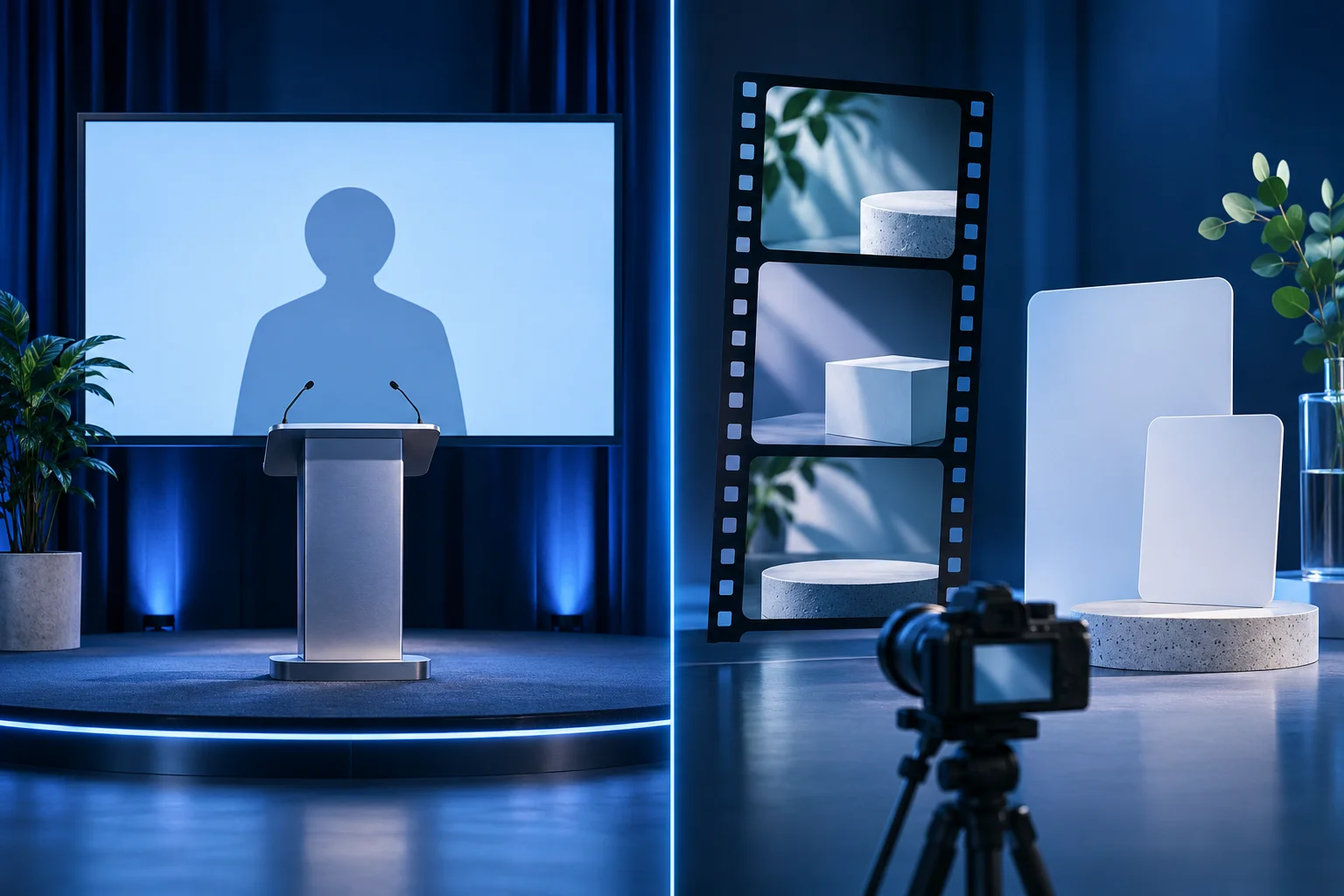
Choose the video around the viewer's job. A new employee who needs to repeat a procedure has different needs from a prospect watching a short product demonstration. Synthesia and Prolifik both make video, but the content plan should begin with the audience, source material and approval path.
Prolifik publishes this comparison and is one of the products discussed. Synthesia's current site includes avatars, documents-to-video, screen recording, translation and product-video use cases. It would be inaccurate to call it only a talking-head generator. We have not paid for a head-to-head test or measured quality, speed or conversion. Details were checked against the current first-party pages on November 2, 2026.
Two different briefs for the same app
Imagine a fictional logistics app called Northline. Its operations team needs a training video for staff who classify incoming shipments. Its marketing team needs a 20-second product short showing a shipment exception appear and be resolved.
The training video must be maintained when the procedure changes, allow a learner to pause and revisit steps, and show exactly which role performs the action. The public short must make one current product claim understandable in a feed. One video could be adapted for both, but a short crop of a detailed SOP is unlikely to teach every condition; a polished presenter intro alone does not show the exception resolving.
| Need | Synthesia path to evaluate | Prolifik path to evaluate |
|---|---|---|
| Repeatable internal instruction | Presenter, script, screen-recording and update workflows are prominent in Synthesia's current product. | Content Studio can create branded shorts, but do not claim a dedicated training/LMS workflow. |
| A real product-action short | Check how a genuine recording fits the selected Synthesia project. | Video Hook & Demo takes supplied product footage for the demonstration. |
| A long recorded expert session | Inspect source editing and output controls for the plan. | Clipper provides candidate short excerpts from supported sources for review. |
| Translation | Verify language, voice, UI and approval requirements for the chosen Synthesia tools. | Treat translated copy and recorded UI as separate approved sources; confirm actual format support. |
| API or agent process | Check documented endpoint, access and output readback. | Check MCP or REST client access and keep creation separate from publication. |
This is not a feature checklist declaring a winner. A documented capability may be plan-specific, and a usable output depends on Northline's actual source files and review standards.
Decide what the training video must preserve
For Northline's staff, the exception path may be more important than the normal happy path. A training script should state when a shipment cannot be classified, who reviews it and what record remains. If a procedure has changed, the team needs to update the training asset, not just a launch caption.
Synthesia's current site puts training and knowledge workflows alongside avatar-led video, screen recording and translation. That product direction can make sense for repeatable instruction, especially when a team already has approved SOP text. Verify the exact editing, sharing, tracking and plan controls before claiming a specific organizational result.
Do not have an avatar read an outdated policy with a newer-looking interface behind it. The persuasive polish of the output does not resolve version drift. Keep the SOP owner, effective date and approved screenshots with the project.
Decide what the short product story must prove
For the public short, the key event is the shipment exception appearing and being resolved in the current app. Prolifik Video Hook & Demo can build around an owned recording of that action. The source clip is the proof; a hook can direct attention but cannot make the product do something the footage lacks.
The current format replaces the recording's original audio with music or silence. If the exception requires a narrated explanation, prepare a different treatment or keep the text and picture sufficient without speech. Review the final file at phone size and ensure the relevant status is readable.
Prolifik's Clipper is relevant if Northline has a long approved session where a product specialist explains the exception. A candidate clip is not automatically a training module or an approved testimonial. Check full sentence context, permissions and the current feature state.
Use a two-output test instead of forcing one asset
Give each tool the brief it is best positioned to answer. For the training output, ask whether a new employee can follow the exact classification step and find the exception procedure. For the product short, ask whether a prospect can see the genuine action and understand one bounded claim.
Review the exported media, captions, UI version and any translation. Then ask what a viewer would infer if they saw only the first ten seconds. A training presenter may need more setup; a product short may need less. Neither should omit a permission condition merely to fit a preset duration.
This test also reveals whether the team needs both workflows. An internal explainer and an external short can share approved product facts while using different pacing and review owners. Keep the source ledger, not just the final MP4s.
Compare plan and publishing requirements
For Northline, test the internal training film and the public product short against their own acceptance lists. Prolifik's Brand Intelligence informs a brand brief for six formats, but it does not replace Synthesia's training presenter. The Prolifik FAQ confirms no watermark on output. Its pricing page shows a 7-day free trial and paid plans from €15/month before VAT; approved videos, clipping minutes and Studio credits each have their own limit. Verify the exact export and plan before treating a trial render as a production entitlement.
Synthesia's current pricing page separates plan access, credits and team features. Prolifik separates approved Content Studio videos, clipping source minutes and AI Studio credits. A training seat and a public short-form allowance are different units. Compare the workload you actually expect and the destination each file must reach.
Check source rights, approved avatars or voices, editing access, export format and who has permission to publish. The existence of an API or integration does not prove that a generated file was reviewed or posted. Keep those as separate states in either workflow.
Review Prolifik's current plans if the public product shorts and clipping sources are the primary task. Check Synthesia's current plan terms for the training and presenter workflow. A fair purchase decision may include both, one, or a separate screen-recording tool.
Compare plans for the outputs you need
Count approved shorts and source recordings, then inspect the current plan boundaries.
Review Prolifik pricingFacts checked 2026-11-02. Worked examples are illustrative unless a real source is identified.
- Synthesia: product overview Checked 2026-11-02
- Synthesia: pricing Checked 2026-11-02
- Prolifik: video hook demo Checked 2026-11-02
- Prolifik: clipper Checked 2026-11-02
- Prolifik: pricing Checked 2026-11-02
- Prolifik: Brand Intelligence Checked 2026-11-02
- Prolifik: video formats Checked 2026-11-02
- Prolifik: FAQ and watermark policy Checked 2026-11-02