
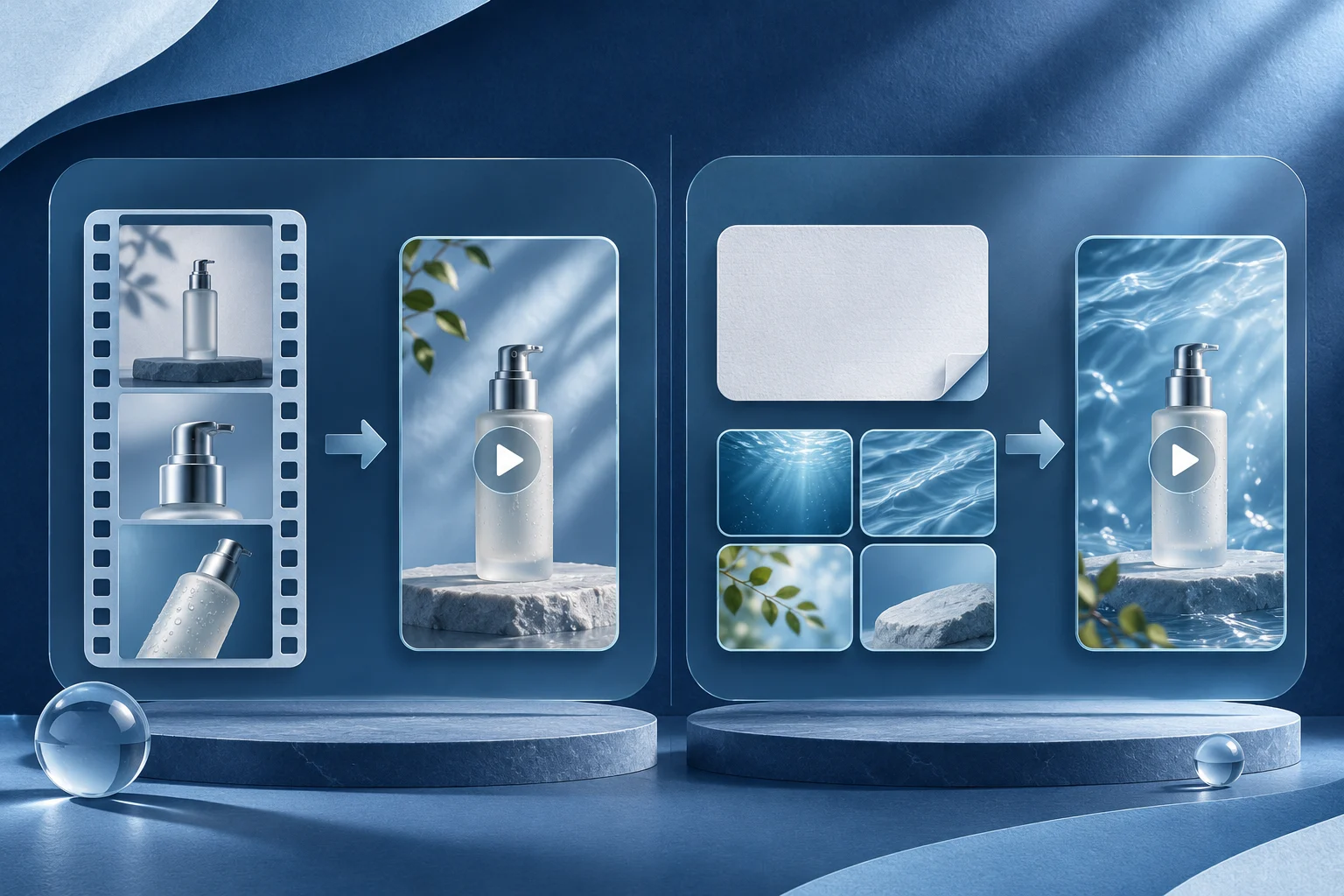
InVideo's current product presents an agent-led editor that can work from uploaded footage and an editing brief. Prolifik's current product combines six branded Content Studio formats, a separate Clipper and its own AI Studio tools. Choose by how much control a human editor needs over one cut, how many outputs the team must review, and whether the source is real footage or a creative prompt.
This comparison is published by Prolifik. It is based on current official product descriptions and Prolifik's deployed application source, not a paid head-to-head render, a quality ranking or a claim that InVideo only uses stock footage. InVideo's site also lists timeline editing, stock assets, AI agents and MCP access.
Start with a concrete source package
Imagine a fictional field-service app called SiteCue. Its team has a real screen recording of a dispatcher assigning a job and a second, longer recording of a technician explaining the handoff. It wants a short buyer-facing demonstration and several social variants.
The dispatcher recording is evidence of the real UI action. The technician's words may supply context, but the team must keep their conditions and have permission to use the footage. A prompt describing an imagined dashboard is not equivalent to either source.
Write the desired output before opening a tool: “Show one assignment and the resulting owner state in a phone-readable short.” Decide whether the spoken explanation needs to survive. This will expose a workflow mismatch earlier than a feature checklist.
Compare the editing job, not the word AI
| Production question | Prolifik route to test | InVideo route to test |
|---|---|---|
| Start from a long recording | Clipper returns candidate excerpts from supported sources for review | Upload the footage and instruct its agent/editor to find and cut a useful segment |
| Show a real app action | Supply the genuine screen recording to Video Hook & Demo | Keep the real recording in an editable sequence |
| Revise one bad frame or caption | Use an available product revision path, or finish in a suitable external editor | Inspect its current editor and adjust the specific cut or text |
| Make several branded short forms | Choose a Content Studio format and review each output against the brief | Reuse the current editor, agent and template options that the plan exposes |
| Publish | Confirm a separate Prolifik connected-account action after review | Confirm InVideo's actual export or publishing route for the chosen destination |
The table lists evaluation paths, not an assumption that each selected plan includes every feature. A request accepted by either service is not the finished video, and a finished file is not a public post.
Use the genuine recording for product claims
The SiteCue short should show the dispatcher choosing an owner, saving the assignment and seeing the updated state. Do not cut from the click to a fabricated success screen, and do not let stock footage stand in for the app's actual interface.
If an AI editor proposes a smoother sequence by removing the pending state, the team must decide whether the result still describes the product truthfully. A visually clean edit can create a false speed claim. Keep the source timecodes and current product version beside the accepted file.
The product demo script guide helps identify the action and result. The freeze-frame guide covers holding a real detail when it is too brief to read. Those are editorial checks regardless of which tool performs the cut.
Where Prolifik's structured paths fit
A team that repeatedly makes approved short-form content can choose a named Prolifik format rather than rebuild every piece as a freeform edit. The formats differ in input and output. Video Hook & Demo requires uploaded real demo footage and replaces its original audio with library music or silence in the current workflow.
That audio rule matters for SiteCue. If the technician's spoken explanation is essential, do not assume Hook & Demo preserves it. Use a workflow that retains the voice, or write visible copy that carries the necessary point without changing the speaker's meaning.
Clipper can suggest excerpts from the longer technician recording, but it does not automatically join the dispatcher and technician files into a custom timeline. If the team wants one edited video from both sources, keep attribution and assemble it through an appropriate editor. The multi-source clip guide explains how to avoid implying a conversation that never happened.
Where InVideo's editor and agents fit
InVideo's current homepage describes uploading footage, describing the edit, reviewing the cut and exporting. Its pricing page lists an editor, agent tiers and stock-footage allowances that vary by plan. This is broader than a prompt-only stock-video generator. Verify the exact account capability and output before promising a particular workflow.
A team might ask its editor to shorten the dispatcher recording while keeping the owner label and save confirmation. That is a specific instruction a reviewer can test. Do not accept an agent's description of the result without watching the file.
Stock footage can set a scene, but it cannot prove that SiteCue assigned the right technician. If the output mixes stock with product footage, make the boundary clear. Avoid invented interface screens that look like a real customer environment.
Run a fair small test
Give each workflow the same permitted source recording and one accepted brief. Evaluate the resulting file on the same screen sizes: can the viewer read the owner state, hear or read the condition, recognize the actual app, and identify the next step? Record required corrections and rejected versions.
Do not compare a fully manual InVideo edit with an untouched Prolifik draft and call the difference an AI quality result. Either compare equivalent review effort or say what human intervention differed. The team's own time and acceptable output matter more than a universal “winner.”
If the team uses two tools, name the handoff. A Prolifik candidate edited in InVideo becomes a new export; a scheduled Prolifik item does not automatically update to that new file. Confirm the intended destination and media version before publication.
Read current plans against the actual job
Prolifik pricing separates approved Content Studio videos, Clipper source minutes and AI Studio credits. InVideo describes credits, editor access, agent tiers and stock allowances by plan. Do not add the two vendors' “credits” as if they measured the same work.
Check the current prices, billing cadence, trial restrictions and exact workflow in both accounts. Decide whether the team mainly needs structured recurring short creation, careful editing of individual footage, or both. Keep the answer attached to the source package and the finished files you actually reviewed.
InVideo's agent and timeline controls may be the right place for a precise custom edit. Prolifik's more structured alternative starts with Brand Intelligence, offers six formats for approved briefs and uses the AI Clipper for an owned longer recording. Exported Prolifik pieces have no watermark, according to its current FAQ. A 7-day free trial precedes monthly plans from €20/month before VAT; read pricing for the separate video, clip-minute and Studio-credit limits before treating an InVideo credit and a Prolifik approved video as the same unit.
Compare the plan against the actual production job
Review Prolifik output, clip-minute and Studio units alongside the current InVideo editor and agent access your team would use.
Review Prolifik plansFacts checked 2026-11-02. Worked examples are illustrative unless a real source is identified.
- InVideo: current editor and agent workflow Checked 2026-11-02
- InVideo: current pricing Checked 2026-11-02
- Prolifik: video formats Checked 2026-11-02
- Prolifik: AI Clipper Checked 2026-11-02
- Prolifik: pricing Checked 2026-11-02
- Prolifik FAQ: formats, watermark, trial and brand workflow Checked 2026-11-02