
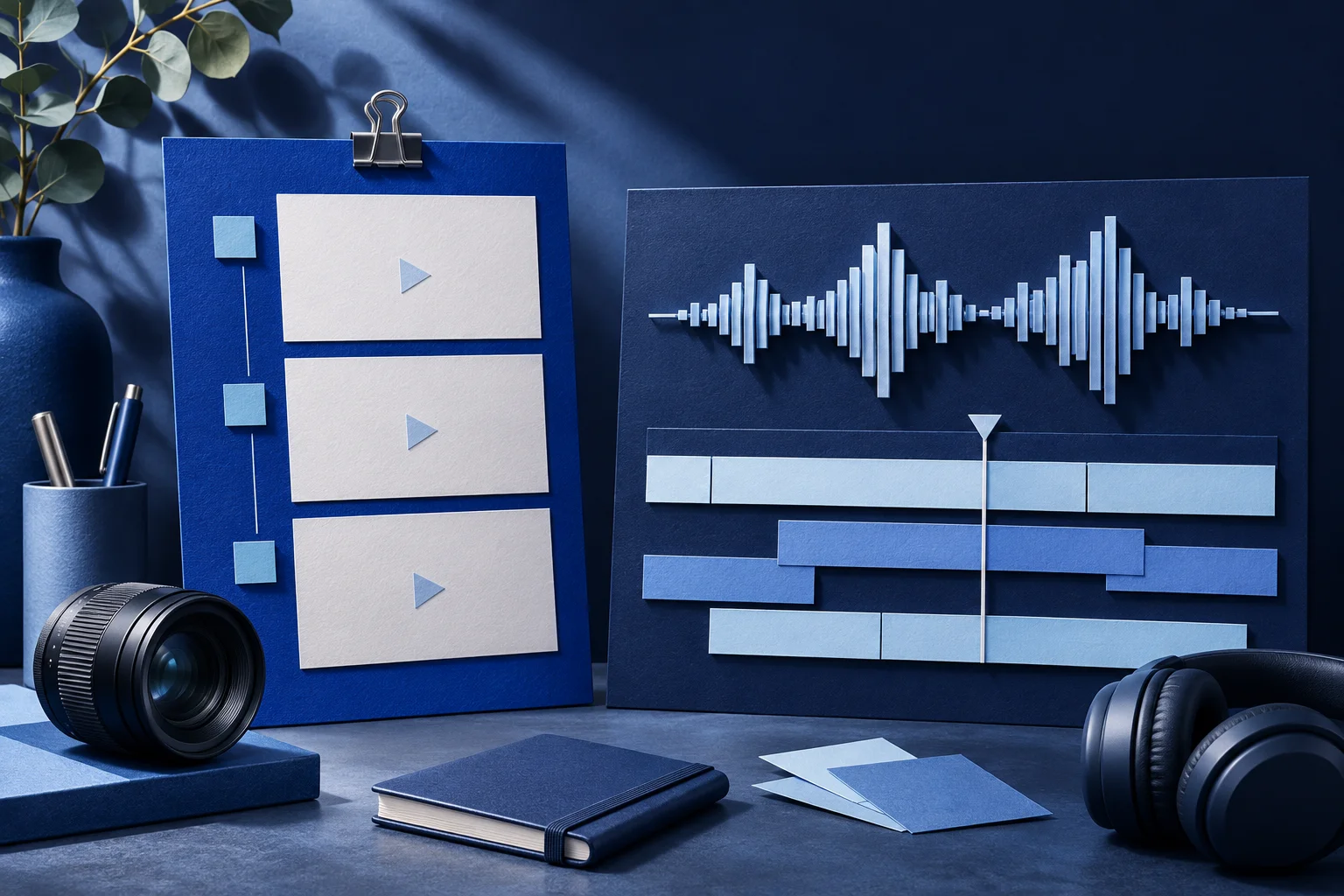
Start with what needs fixing. If a founder's recorded explanation has a wrong word, a long pause or a broken audio join, Descript's transcript-led editor is designed for hands-on work on that recording. If your team has approved source footage and needs branded short-form pieces from a product brief, Prolifik's formats and Clipper are a different starting point.
This is a comparison of workflows, not a timed contest. Prolifik publishes this page and is one of the products discussed. We have not run a paid head-to-head render, measured output quality or calculated a universal cost per video. Product and plan details were checked against the linked first-party pages on November 2, 2026; verify current access before committing a campaign.
The decision in one recording
Imagine a fictional field-service app, Fieldlane. Its team has a twelve-minute screen-share with a founder talking through a job assignment. The founder says an old plan name, then shows the correct assignment screen. The team wants a short demo for prospects and two clips from the longer explanation.
The first task is not to generate more video. It is to decide which parts of the source are true, current and permitted to publish. A tool cannot repair an obsolete plan name by making the sentence shorter. Record a correction or remove the claim with enough surrounding context.
| Work to do | Descript path | Prolifik path |
|---|---|---|
| Correct spoken words or trim a rough interview | Edit the recording against its transcript and review the resulting audio and picture. | Review the source before clipping; do not assume a native transcript timeline editor. |
| Make one focused product short from a genuine demo | Assemble and edit the footage directly. | Supply an owned demo recording to Video Hook & Demo and inspect the finished piece. |
| Find candidates in a longer recording | Search and edit inside the source project. | Use Clipper for candidate excerpts, then approve or reject each result. |
| Control captions | Create, correct and style them in the editor. | Inspect the captions present in the returned short; confirm the workflow exposes the control you need. |
| Change a precise UI label or number | Use the real recording or editable graphic, not generated proof. | Keep that factual detail in genuine footage or controlled copy; review the export. |
These are workflow differences, not a claim that one product lacks every adjacent feature. Descript's current product pages describe screen recording, transcript editing, captions, clips and generative tools. Prolifik's current site describes branded Content Studio formats and AI Clipper. Check the actual plan and client for the specific step you need.
When Descript is the better first stop
The Fieldlane founder may have said “every account can assign unlimited jobs” in an old recording. That sentence needs a factual review before either tool creates a short. If the approved wording changes, Descript's text-linked editing can help an editor find and adjust the affected section. A person still needs to listen for an unnatural join and verify that the remaining sentence does not imply the old promise.
Descript also makes sense when the final piece depends on detailed control of a spoken explanation, multicamera conversation or custom timing in one timeline. Its product-demo documentation describes screen capture and transcript-based edits. The editor's flexibility is useful when the recording itself is the deliverable.
Do not treat automatic filler-word removal as editorial approval. “Usually” and “for this plan” can carry a product limitation. A polished but inaccurate clip is worse than a slightly hesitant accurate answer.
When Prolifik is the better first stop
Suppose the Fieldlane team has a clean, approved screen recording showing a job assignment. It needs a branded short that opens with a hook and then shows the real action. Prolifik's Video Hook & Demo is designed around that owned demonstration. The current format replaces the source recording's original audio with library music or silence, so a spoken explanation that must survive calls for a different treatment or an external edit first.
For the twelve-minute founder recording, Prolifik's Clipper can return candidate vertical excerpts for review. A candidate is not a publishable endorsement merely because it has a neat opening. Watch the sentence before and after it in the source, check permission to use it, then approve the actual cut and caption.
Prolifik also has text, carousel, meme and montage formats. Those formats are useful when the team needs multiple kinds of branded short content from an approved product brief. Do not substitute a generated interface scene for the real Fieldlane assignment screen.
A two-step workflow can be the honest choice
The products can be complementary. Edit or re-record the problematic Fieldlane explanation in an editor, export the approved segment, then use it as a source for a branded short where the Prolifik format fits. Keep the final approved file and the source clip ID together. This prevents a later batch from accidentally using the uncorrected version.
For a founder-led video, set three checks before anyone schedules a post:
- Does the spoken claim match the current product and plan?
- Does the video show the action and result the hook promises?
- Are the captions, sound and destination approved on the actual export?
Answer those questions from the files, not the marketing pages of either vendor.
Compare plans using the units you will consume
For Fieldlane's recurring product shorts, Prolifik's Brand Intelligence reads the product site before a team chooses among its six formats. That helps set the brief; it does not correct a misheard word in the founder's recording, which is the Descript task in this comparison. Prolifik's FAQ says approved output has no watermark. Its pricing page offers a 7-day free trial and paid plans from €20/month before VAT, with separate video, clip-minute and Studio-credit allowances. Check the actual account and export before deciding whether those terms cover Fieldlane's week.
Descript and Prolifik meter different work. Descript's current pricing page lists plan-specific editing and AI allowances. Prolifik separates approved Content Studio videos, source minutes for clipping and AI Studio credits. A monthly headline price is not a cost-per-approved-short comparison.
Write down a realistic week: how many long recordings, how many approved shorts, whether someone must edit speech word by word, and which outputs require source footage. Then check each live pricing page for the plan that covers that workload. If the workflow needs both tools, budget for both rather than pretending one replaces the other's detailed editor.
Review Prolifik's current plans against the source minutes and approved videos you expect. Keep Descript's current plan page open for the editing work it would own.
Budget for the work behind each approved short
Count source minutes, required speech edits and approved finished videos before choosing a plan.
Review Prolifik pricingFacts checked 2026-11-02. Worked examples are illustrative unless a real source is identified.
- Descript: product demo Checked 2026-11-02
- Descript: pricing Checked 2026-11-02
- Prolifik: video hook demo Checked 2026-11-02
- Prolifik: clipper Checked 2026-11-02
- Prolifik: pricing Checked 2026-11-02
- Prolifik: Brand Intelligence Checked 2026-11-02
- Prolifik: video formats Checked 2026-11-02
- Prolifik: FAQ and watermark policy Checked 2026-11-02