
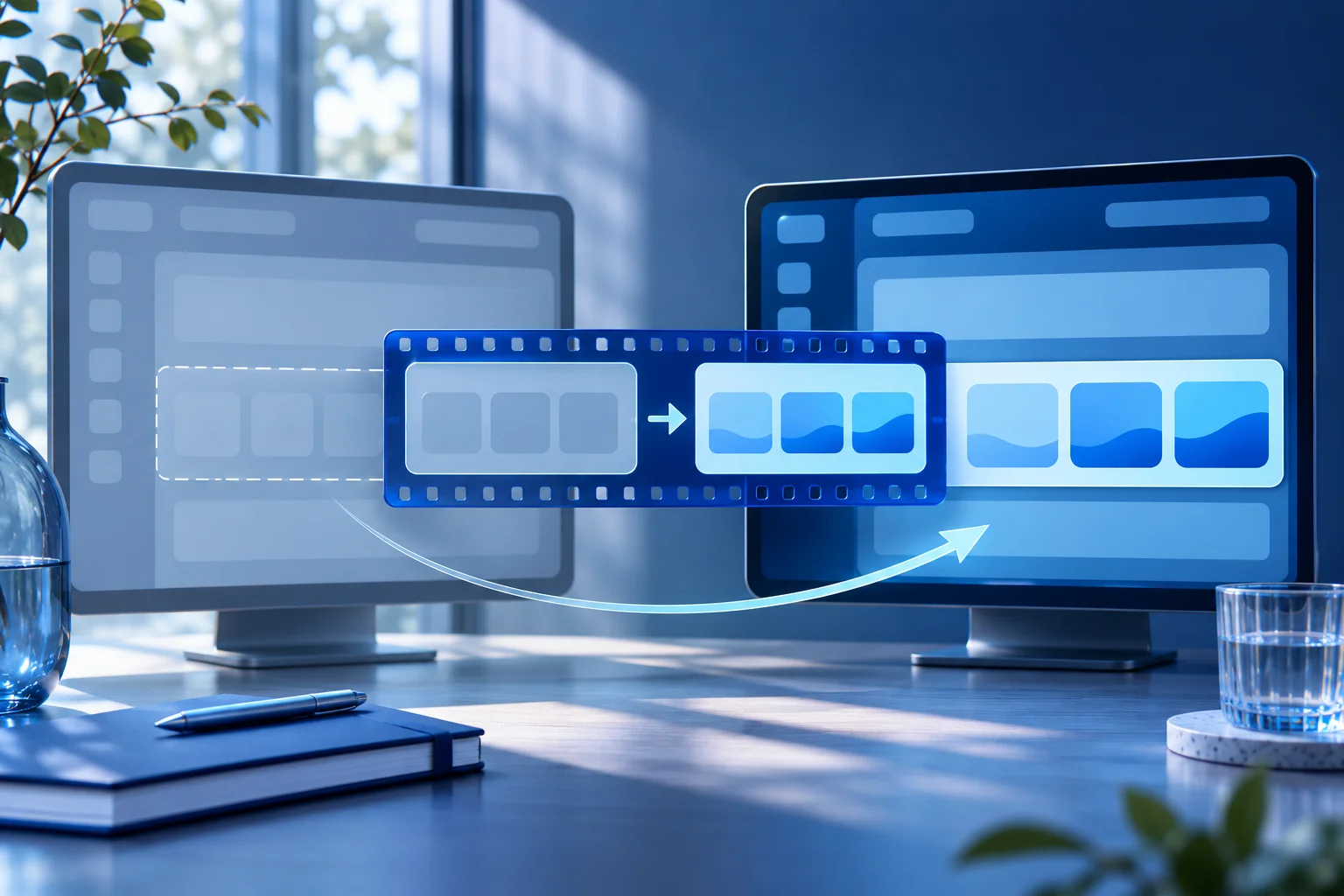
An app update can make a product demo wrong without changing the voiceover. The old menu is gone, a button has moved, or a result now appears under a different label. Fix the public video and every derivative that repeats the outdated step, not just the project file an editor happens to find.
This is a maintenance workflow for a published asset. The product-tutorial-series guide plans multiple videos before publication; here a specific live clip has drifted from the current product. The first question is what the clip now claims, not which new effect would make it look fresh.
Inventory the affected versions
Imagine a fictional receipt app called PebblePay. A short demo posted last month shows a user opening “Exports” from the top navigation. The new release moved that action into “Reports,” and the export permission now belongs to a different role.
The original video exists as a master, a captioned social file and two cropped versions. Its CTA links to a help article. The team should list all four media files and the public posts that use them before editing. A corrected master does not replace an old MP4 already uploaded to a platform.
| Asset or surface | What to inspect | Repair decision |
|---|---|---|
| Source recording | Which app version and role were captured? | Record a new current flow if the old UI is central. |
| Script and captions | Do they name the old menu or permission? | Change words only after product verification. |
| Short variants | Which crop, hook or subtitle repeats the obsolete step? | Replace each affected export. |
| Help and CTA | Does the destination still describe the current flow? | Link to the final canonical guide, not a redirect or old anchor. |
| Published post | Is it editable, replaceable or only correctable with a new post? | Follow the destination's actual controls. |
The table is an original repair ledger for a fictional app. Use real file IDs and URLs in production. It is easier to find every affected asset when the source recording and the final exports share a versioned record.
Recheck the product before re-recording
Open the current app with a safe sample account and the role the public video addresses. Confirm where “Reports” lives, what action appears after the click and whether the export is available to that role. A team member's memory of the redesign is not enough.
If the feature changed as well as its location, do not simply paste a new screen over the old narration. The video may promise an export that a trial user can no longer perform. Write the new claim first, then capture the smallest complete task that proves it.
Keep the old version date in the internal ledger. Do not erase the record of what the video once showed. The old asset may still appear in a partner deck or an uneditable social post, and the team needs to know why it was superseded.
Decide whether a patch can be truthful
A small annotation may be enough if a label changed but the action, role and result are identical. A full replacement is safer when the interaction path or permission changed. For PebblePay, both moved, so a new recording is the honest choice.
Do not build a composite that pretends old and new screens were one uninterrupted session. If an old spoken line remains useful, identify a clean point where a new current screen capture can begin. Make a deliberate edit rather than hiding a contradiction with a cutaway.
Descript's product-demo guidance emphasizes recording a real workflow and editing the source to a focused task. That remains a sensible repair principle. The new capture should show the role, selection, export and resulting file or status. If the speaker says “click here,” the on-screen action must match the current location.
Update the words, picture and destination together
Three kinds of drift often travel separately:
- The video picture shows the old menu.
- Captions or voiceover use the old label.
- The CTA or description links to an outdated help section.
Fixing only one leaves the viewer with mixed instructions. Review the final export at normal speed and at phone size. Check exact product names and plan qualifications. A mobile crop may hide the new “Reports” heading even when the desktop edit looks correct.
If the old post cannot be replaced, publish a clear correction or updated clip where the platform permits and update the links you control. Do not claim that an old public video disappeared just because the team removed it from its internal library.
Use Prolifik only after the source is current
Video Hook & Demo can build a short around an owned product recording. Supply the new PebblePay capture and an approved hook. The format should not be asked to invent the changed menu or repair the old footage as if it had access to the current app. Its current audio treatment replaces the uploaded recording's original sound with library music or silence, so plan visual explanation accordingly.
Keep the output ID and published destination in the repair ledger. If you make several hook variants, check each variant's claim and CTA. An updated source recording does not guarantee that every generated hook uses the new permission wording.
The short-form video review checklist covers general final checks. This repair adds a specific requirement: compare the current product state with every public asset that still describes the old one.
Close the correction only after public readback
Open the live post or page as a viewer. Confirm that the new video loads, its caption names the current menu, the CTA resolves directly and any old version has been removed, replaced or visibly corrected according to the platform's controls.
Record who approved the new product claim and when. If the next UI change arrives, the team can start from that record rather than reconstructing a month of exports from filenames like “final-final-2.”
Rebuild the short from current product footage
Record the current action, then review every hook, caption and export.
Explore Video Hook & DemoFacts checked 2026-11-02. Worked examples are illustrative unless a real source is identified.
- Descript: how to make product demo video Checked 2026-11-02
- Prolifik: video hook demo Checked 2026-11-02