
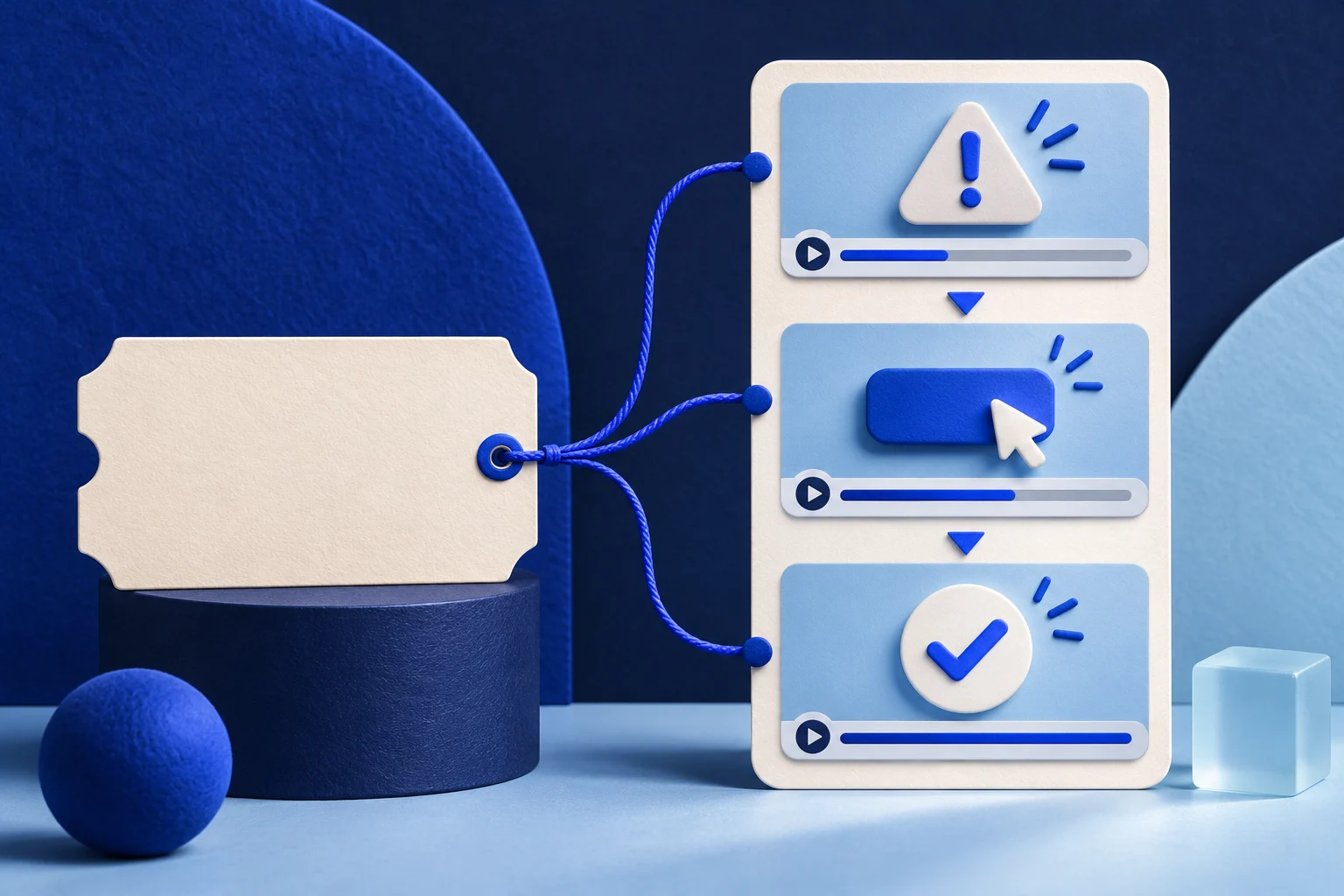
A useful support-ticket video teaches the repeatable product task behind a question. It does not replay a customer's private account, quote their frustration for marketing, or turn a one-off workaround into a universal instruction. Extract the issue pattern, reproduce it in a safe workspace, and record the current fix from beginning to end.
This guide uses a fictional import issue in a task app called RelayDesk. The example is an editorial exercise, not a Prolifik customer ticket or a reported support outcome.
Find a repeatable question, not a dramatic complaint
A ticket may have a striking sentence and still be a poor tutorial source. Choose a problem that another user can recognize, that the current product can reproduce, and that has an approved answer. A bug with no released fix should not become a “how to” video.
RelayDesk receives several messages about an import that flags rows missing an owner. One customer also includes a real staff roster and a private project name. The reusable question is “What should I do with a flagged row before finishing the import?” The roster and project name are not part of the tutorial.
Record the ticket category, product version, known prerequisite and approved resolution in a private brief. If the support team only has a provisional workaround, label it as such or wait for a stable flow. Do not claim a feature fixes every import error because one example can be repaired.
Separate ticket language from the public example
Rewrite the customer's words into a neutral task. Replace actual names, addresses, account IDs and files with a test workspace. Zendesk's own documentation explains that tickets can contain sensitive details and describes redaction tools, but redacting a ticket in the help desk does not automatically sanitize a screen recording or authorize a public quote.
A short production sheet might contain:
| Private source note | Public tutorial version |
|---|---|
| “Mara can't import our client launch roster” | “A sample row has no owner” |
| Real project and employee names | Invented sample workspace and neutral names |
| Support reply for that account | Current product procedure that other eligible users can follow |
| Ticket attachment with source data | New test file containing only fabricated rows |
Keep the mapping in an access-controlled workspace. The public page should not link to the ticket, show its ID, or imply the fictional example came from a customer.
Reproduce the issue on the current product
Start the screen capture before the warning appears. Show the file selection, the flagged row, the correction and the accepted state. If a permission or plan level is required, say so in the video. If the error only appears in one import mode, name that mode.
For RelayDesk, the sample file contains a row with an empty owner cell. The viewer sees the import preview flag the row, selects an eligible owner, then sees the ready state. The video should not jump from the flag to a completed import if the presenter actually had to change a setting in between.
If the current application no longer produces the warning, do not recreate an old screenshot and call it current. The right asset may be an update note explaining that the issue was resolved, with the source version attached.
The product FAQ video guide helps choose questions worth answering. A ticket-derived tutorial adds a separate burden: the answer must be reproducible without the customer's environment.
Script the shortest complete recovery
One short can teach the key correction without copying the entire ticket thread. A practical sequence is:
- State the symptom in neutral words.
- Show the safe sample row that triggers it.
- Perform the current correction.
- Show the result and any action the user still needs to take.
Do not open with “Here's how to fix every import.” The example answers one named condition. A caption such as “Blank owner on this sample row” gives enough scope for the viewer to judge whether their case matches.
A steady cursor and readable crop matter more than fast cuts. If the warning is tiny on a phone, record a closer view instead of adding a large arrow over the text. The mobile recording guide covers that capture choice.
Check the screen, sound and claim separately
Watch the rough cut with captions off. The action and result should still be visible. Then listen without watching. If the speaker says “usually” or “for this import type,” keep those words; removing them may turn a conditional fix into a false universal rule.
Inspect every frame for private data, browser notifications and unrelated tabs. A blur that slips for one frame is not a safe public export. Use the clean sample recording when possible. Have a support or product owner check that the steps still match the current release before the content goes out.
Keep the approved source brief, sample file, product version and final export together. If a later release changes the warning or the fix, the team can identify the tutorial that needs updating.
Place the tutorial in the right workflow
A support article or help-center page can hold the full steps and prerequisites. A short video can show the one action and link to the fuller explanation. Do not make the viewer hunt through a generic product promo for the missing correction.
If the team has a real, sanitized recording of the RelayDesk flow, it can prepare that footage for Prolifik Video Hook & Demo. The format requires supplied demo footage and builds a short around it. It does not read a support ticket, generate an accurate app screen or decide which answer the product team approved.
The current Hook & Demo workflow replaces source audio with library music or silence. Put necessary instructions into clear on-screen copy or use a different workflow that preserves narration. Review the returned file on desktop and phone before authorizing any social post.
Recheck after the product changes
A ticket-derived tutorial has two maintenance triggers: the product flow changes, or the approved answer changes. Reproduce the task again after a relevant release. Confirm that the sample error still occurs under the stated conditions and that the correction still works.
Do not treat view count or fewer incoming tickets as proof that this one video caused an improvement. First keep the instructions accurate, then evaluate support outcomes with an appropriate measurement design.
Build the tutorial from a real safe recording
Reproduce the approved answer in a sample workspace, then review the returned product short before posting.
Explore Video Hook & DemoFacts checked 2026-11-02. Worked examples are illustrative unless a real source is identified.
- Zendesk: redacting ticket content Checked 2026-11-02
- Prolifik: Video Hook & Demo Checked 2026-11-02