
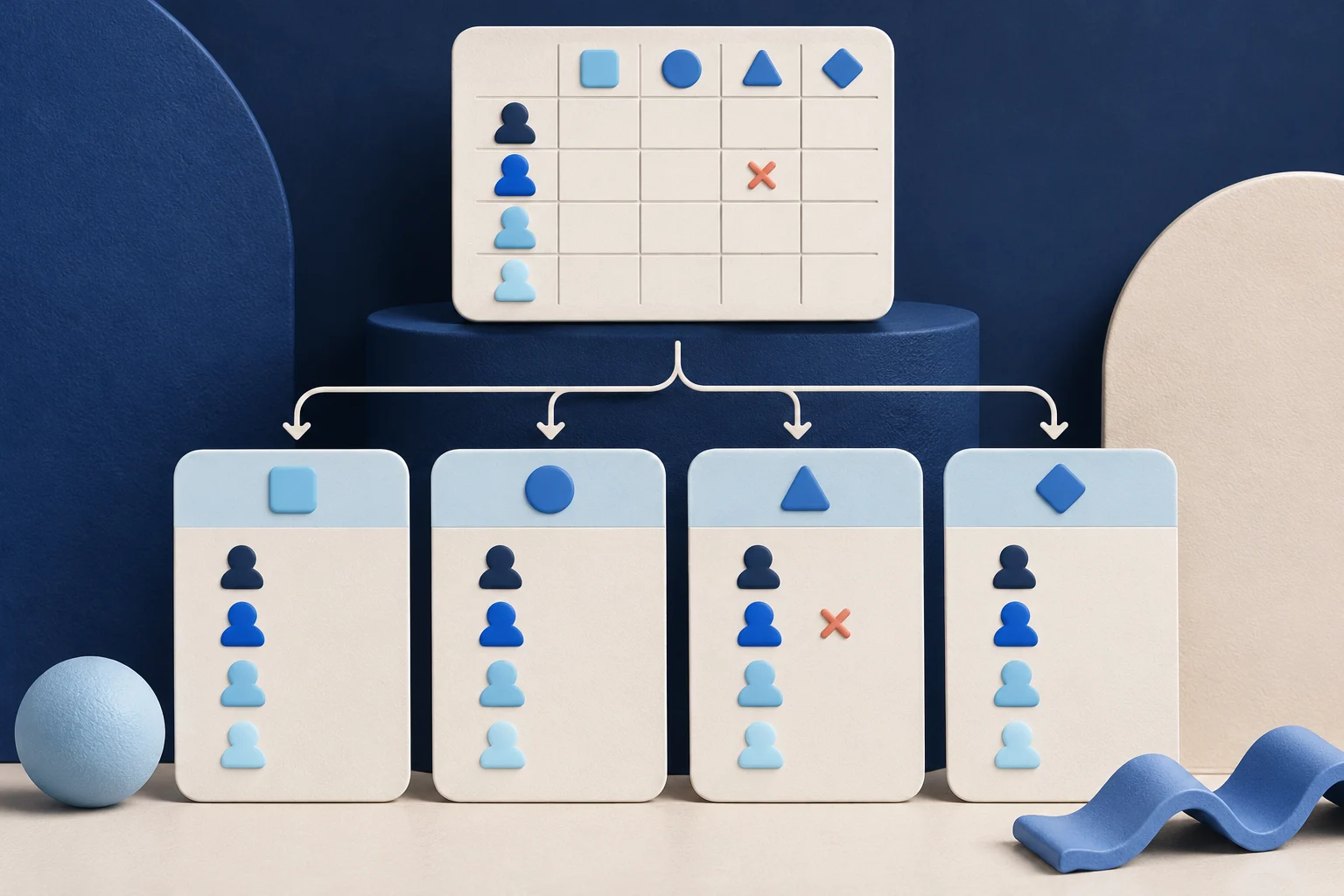
A permissions matrix can be useful in a product carousel if each card identifies one role, one action and any condition that changes the answer. A row of green checks copied into slides can hide exceptions such as “only for owned projects” or “requires workspace approval.” Those conditions need to travel with the claim.
This guide uses a fictional collaboration app called ThreadLeaf. Its role names and access rules are invented to demonstrate card design, not to claim a real product security model.
Begin with a current source table
A product manager should supply a current approved role/action matrix. Record the product version and whether rules vary by plan, workspace or object ownership. Do not infer access from a button that appears in an administrator's account.
For ThreadLeaf, the illustrative roles are Owner, Editor, Reviewer and Guest. The actions are viewing a board, commenting, editing a task and exporting data. The matrix should be tested from representative accounts before it becomes public content.
| Role/action pair | What a card could say | Condition that must remain |
|---|---|---|
| Reviewer comments | “Can comment on an assigned task” | Assignment and workspace access required |
| Guest views | “Can view a shared board” | Only when a share is active |
| Editor exports | “Can export allowed tasks” | Export scope may exclude private records |
| Owner changes roles | “Can manage member roles” | Actual permission and plan must be verified |
NIST defines role-based access control as permissions associated with roles. That definition does not prove ThreadLeaf implements any of the illustrative rules above.
Choose cards by user question
A carousel is not a miniature database table. Group role/action pairs that answer a practical question. “Can a Reviewer correct task text?” may need one card with a clear “no” and an alternate action. “What can a Guest see?” may need another.
Do not put four roles and eight actions in tiny type on one slide. If the reader needs the entire matrix, link to a maintained help document. The carousel can explain the most common decision without pretending to replace the source table.
The permissions-setting demo guide shows one role change in motion. A matrix carousel serves a different purpose: comparing access boundaries at a glance.
Keep one account perspective per card
A screenshot from an Owner account cannot prove what a Guest sees. If a card uses UI evidence, capture it from the named role in a safe workspace. Label the role on the card and keep the action next to it.
For ThreadLeaf, a Reviewer card might show the comment control and a short note: “Assigned Reviewers can comment here; editing source text is unavailable in this test state.” If the product has an exception for inherited access, the condition belongs beside the claim.
Do not create a generated interface that looks more consistent than the real product. Use conceptual artwork for the cover and current product capture for factual cards. Exact role labels and permission wording belong in controlled text.
Order from least to most responsibility
A card sequence can begin with viewing, then commenting, editing and role management. That order helps a new user understand the boundary between participation and administration. It is not a claim that all products implement a strict hierarchy.
A five-card example might be:
- Cover: “Who can do what in this sample workspace?”
- Guest: what can be viewed after a share is active.
- Reviewer: what can be commented on when assigned.
- Editor: what can be changed and which records remain excluded.
- Owner: which role settings can be managed and where to verify current policy.
If the actual matrix has a non-hierarchical exception, state it. A pretty progression is less important than a correct one.
Distinguish a product claim from a security conclusion
A role demo can show that one test account was denied an edit. It does not certify the system's authorization model, prove least privilege or rule out another access path. Keep security-certification language off the cards unless a real audit supports it.
NIST's least-privilege definition can guide the source review: ask whether each role has only the needed access. It is not a badge to paste on a marketing slide. If a test finds a permission discrepancy, fix or explain the product behavior before publishing the carousel.
Keep a reviewer and approval record for each card. If a rule changes, identify every affected card, caption and video export.
Make the mobile output readable
At 320 pixels, a table column can become illegible. Give each card one role/action pair, with the condition in visible body text. Do not put exceptions only in the post caption or final slide.
Prolifik Image Carousel can assemble approved copy and permitted visuals into a slide-based asset. Inspect each native slide and any timed video separately. It cannot infer ThreadLeaf's permission model or verify access for a sample user.
If a result depends on plan or ownership, keep that line with the card even if it makes the card less dramatic. A reader may screenshot only one panel.
Recheck when roles change
Store the product release, source matrix, test accounts and final slide files together. After an access update, rerun the role/action tests and repair affected cards. Updating the source spreadsheet alone will not replace a stale exported carousel.
Approve the exact media, caption, account and timing separately from generation. A ready deck is not proof that a public post has the current permission rules.
A reviewer should also verify the export format that will reach each destination. A native image carousel and a timed video can crop or pace the same permission card differently. A correct source table is only the first step; the published pixels must still carry the exception clearly.
Build cards from the verified role matrix
Keep exact role labels and conditions in controlled copy, then inspect each returned slide on a phone.
Explore Image CarouselFacts checked 2026-11-02. Worked examples are illustrative unless a real source is identified.
- NIST: role-based access control Checked 2026-11-02
- NIST: least privilege Checked 2026-11-02
- Prolifik: Image Carousel Checked 2026-11-02