
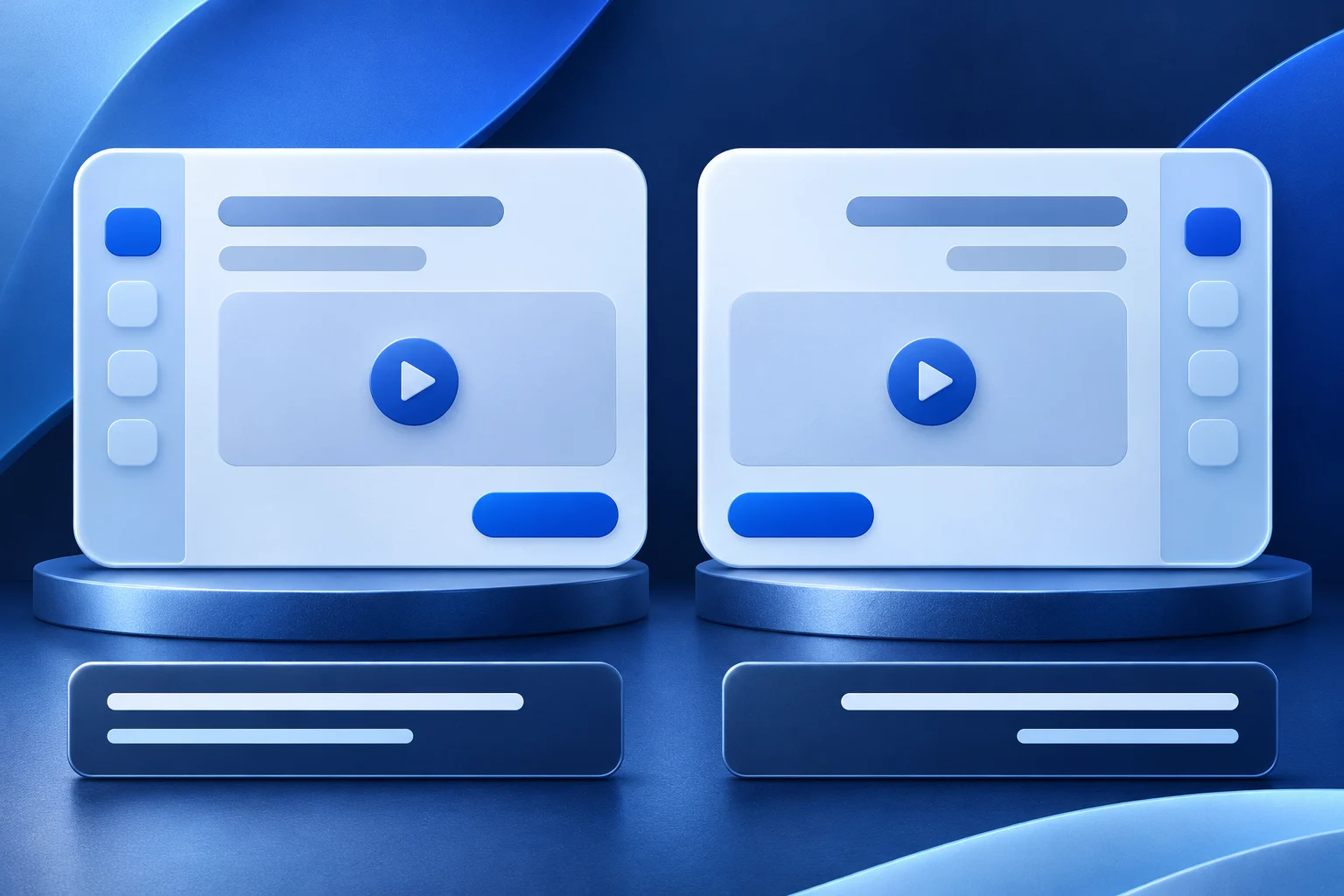
A localized app demo needs a real interface in the target language, accurate explanation and captions that match the delivered video. Translating only the overlay while the recording shows an older English menu can teach the wrong action. Capture and review the product state for each locale as a separate artifact.
This guide uses a fictional help-desk app called Portline. Its labels and paths are examples, not a claim that Prolifik or another app offers a specific localization.
Choose one task and a target locale
Portline's task is to assign a support request to a teammate. The English source video may show a menu label that has a different length or position in another language. The translation can also change the natural order of the instruction.
Define the target locale, not just a broad language. Record the product version, account role, region and relevant settings. A menu can differ by plan or release as well as by language. If the target UI is not available, do not rebuild it in generated art and present it as a live localized product.
The mobile software-demo recording guide explains why source framing matters. Localization adds another reason to capture fresh footage: translated labels may need more space.
Keep interface and captions as separate layers
A demo contains at least two types of language evidence: native product UI and editorial explanation. Do not assume they update together.
| Layer | What to verify | Common mismatch |
|---|---|---|
| Product capture | Real menu labels and state in target locale | Old English or previous-version screen |
| Overlay text | Clear instruction for the viewer | Literal translation that names the wrong control |
| Captions/subtitle track | Spoken words and timing for the accepted cut | Captions from the earlier language or earlier edit |
| Destination copy | Title, caption and next action | Link or CTA leading to an unrelated locale |
Keep exact translated words in controlled text and reviewed product screenshots, not in generated raster artwork. A model may make a convincing layout with incorrect letters.
Account for direction and layout
For a right-to-left interface, the position of navigation and controls may differ from the left-to-right source. W3C internationalization guidance describes direction as a structural property of the page, not a trick of right-aligning a few words. A screen recording should show the actual localized app, including its real direction.
Do not mirror an English video and call it an Arabic version. Mirroring can reverse icons, numbers or interaction order incorrectly. Capture the target build, then decide where captions and callouts fit without covering the changed controls.
If the product does not support a target language, say so. The team can still produce an explanatory video about a supported English workflow, but it should not imply a localized app exists.
Test the action, not only the vocabulary
For Portline, the owner selects a teammate, saves the assignment and checks the new owner. Reproduce that task in the localized product. A translator should review the exact control label and whether the instruction sounds natural. A product reviewer should confirm the resulting state.
A caption can be grammatically correct and still wrong if the UI changed. If the button moved or was renamed in a new version, record again. Keep the original source file, localized capture, approved overlay copy and subtitle file tied to the same product release.
The caption artifact guide explains why a corrected subtitle file does not replace visible words already rendered into the video picture.
Allow space for longer words
An English line that fits in one short caption may become two lines in another language. Test the actual destination size. Do not shrink text below a readable size simply to preserve the original edit timing.
If an instruction needs more time, extend the relevant real shot or split the sequence. A frozen result frame can give a viewer time to compare the product label and caption, but it should not imply the app itself paused.
Place overlays away from the control and system navigation. On a phone, destination UI may cover the lower or right edge. Verify the localized version, not only the English layout, at 320, 375 and 414 pixels.
Make one output master per approved locale
A single project can share structure, but each final video needs its own source check. Name files by locale and product version. A reviewer should know which audio, captions, interface and CTA belong together.
For Portline, approve the Spanish and Arabic versions separately. If one language is ready and the other still uses an obsolete menu, do not publish both as one “localized campaign” simply because the schedule has a shared date.
Do not claim Prolifik automatically localizes an app interface. Its current Video Hook & Demo format builds a short around supplied footage and replaces source audio with library music or silence. Prepare the genuine localized recording and approved caption layer first, then inspect the returned video. Translation and product QA remain human responsibilities here.
Preserve the right public handoff
The final link should lead to the correct task and locale where available. If the target help page is only in another language, describe that limitation rather than disguising it with a translated button.
A generated short, reviewed locale file, scheduled post and live public version are separate states. Check the actual destination after publishing; compression or platform overlays may change readability.
Ask a reviewer who uses the target locale to follow the finished video without consulting the English version. Their feedback can reveal a mistranslated action even when every individual word looks correct. Log the control they could not find, the product version they saw and whether the caption or interface caused the mismatch. Repair the actual file and recapture the current screen when necessary; an explanatory note below the post may not fix a wrong visual instruction.
Build a short from the real localized interface
Prepare the current target-language capture and approved text, then inspect the output at phone size.
Explore Video Hook & DemoFacts checked 2026-11-02. Worked examples are illustrative unless a real source is identified.
- W3C: right-to-left HTML structure Checked 2026-11-02
- W3C: internationalization quick tips Checked 2026-11-02
- Prolifik: Video Hook & Demo Checked 2026-11-02