
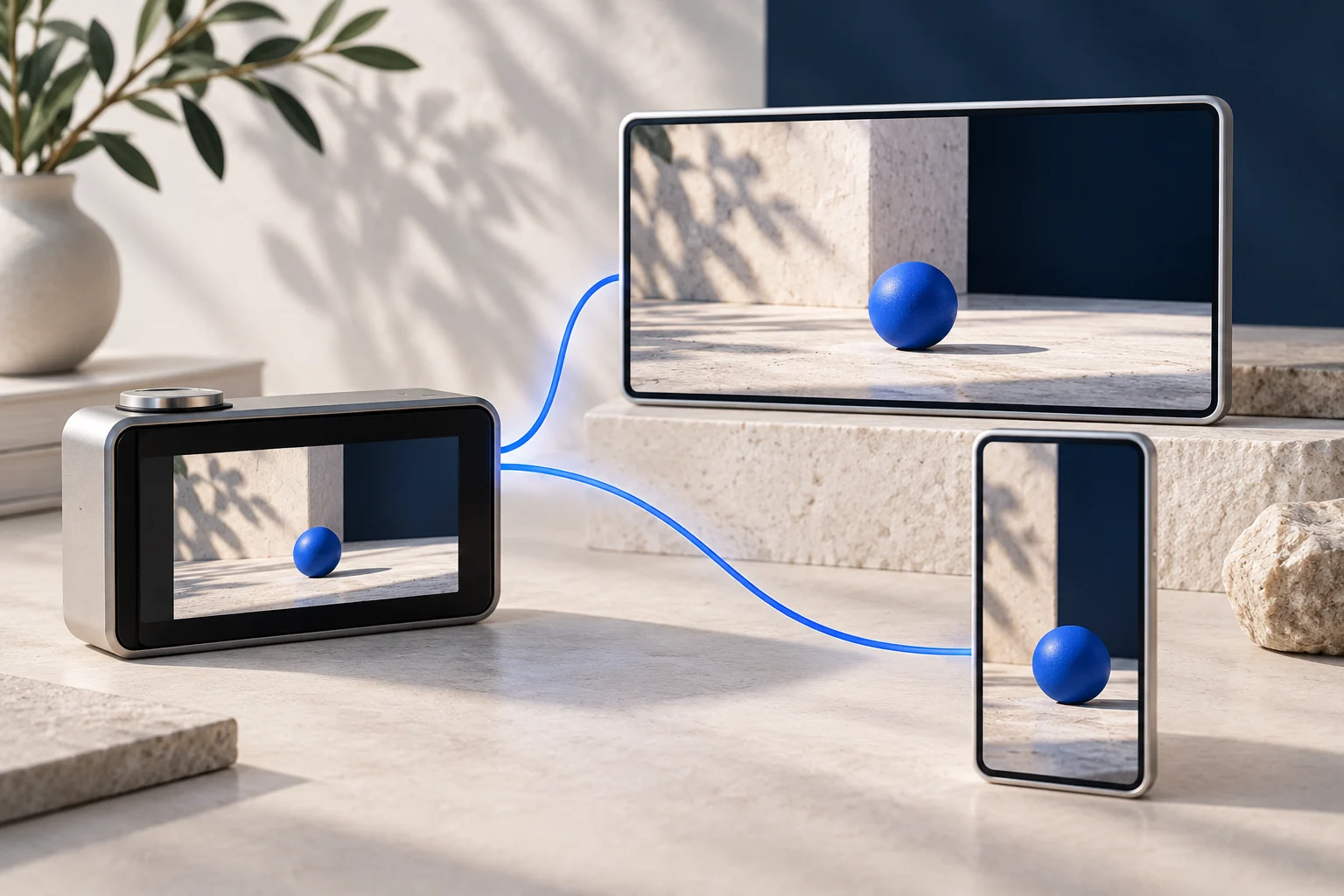
A landing-page demo can explain a workflow to someone already considering the product. A social teaser has to establish why one action matters before the viewer knows your app. Use the same genuine recording, but give the two edits different jobs.
Do not merely crop the full demo vertically and add a louder headline. Choose what each viewer needs to see, keep the product behavior accurate, and preserve the source so a teammate can check both versions.
The shared recording saves the need to invent a second demonstration. It does not remove the editorial work.
Define the two viewing situations
This original example uses a fictional browser research app called SourceBox. The recording shows a user saving a page, attaching a note and finding it again through a project filter.
On the landing page, a visitor may want to understand how those actions connect. In a social feed, a viewer may first need to recognize the problem: they saved a useful source and cannot find why they saved it.
| Decision | Landing-page demo | Social teaser |
|---|---|---|
| Main question | How does this workflow operate? | Is this one action useful to me? |
| Opening | Establish the app and task | Name the specific research problem |
| Sequence | Show the connected steps | Show one self-contained action and result |
| Context | Include prerequisites that affect use | Keep only what the chosen action needs |
| Ending | Point to an appropriate first task | Give a relevant next step without withholding the result |
These are editorial starting points, not claims that every website visitor or social viewer behaves the same way. Adjust them to the actual placement and audience.
Record enough continuity for the longer explanation
Capture the SourceBox workflow in a prepared sample workspace. Show the real save action, the attached note and the filter result. Leave enough room around the steps to make clean edits.
The landing-page version can explain why the note stays attached to the saved source. If the product needs a browser extension or account setup, state that rather than beginning with an unexplained ready-made state.
Keep the recording usable at the intended display size. A desktop page can show more interface context than a small vertical frame, but tiny text still needs attention. Our mobile demo recording guide covers capture choices for the narrower version.
Do not use a production customer workspace merely to make the example feel real. Sample data can show the actual function without exposing someone's research or pretending the example is a customer case.
Choose one social cut from the source
The teaser might focus on attaching the note: “Keep the reason you saved a source next to the source.” It shows the real note field, the entered explanation and the saved result.
The project-filter step can stay in the full demonstration. It is useful, but including it would give this teaser a second teaching task.
Original illustrative overlay copy could read:
- “A saved link is easy to forget.”
- “Add the reason while the source is open.”
- “Find the link with the note still attached.”
- “See the full save-and-find workflow in the product demo.”
Check that the source really shows the final statement. If the note does not remain visible in the result, choose a different cut or change the claim. Do not generate an invented screen to complete the story.
The product walkthrough-to-shorts guide explains selecting complete actions from a longer recording.
Prepare the audio for each actual output
The landing-page demonstration may need narration that explains the linked steps. A social version can be caption-led if the real action is understandable without speech.
Prolifik's current Video Hook & Demo format replaces an uploaded recording's audio with library music or silence. Use it for a prepared visual teaser, not as a way to preserve the original narrated tutorial. Keep the narrated landing-page cut in a workflow that retains its audio.
The two exports should be reviewed independently. Clear speech in the source does not prove the generated short still explains the task after its sound changes.
This article does not promise Prolifik website hosting, arbitrary timeline editing or an interactive demo export. It covers preparing one source and using the appropriate creation path for each output.
Keep the relationship between the versions honest
The teaser should lead to a fuller explanation of the same task. If the landing page sends viewers to a signup before any demonstration appears, do not label that destination “watch the full demo.”
Check product versions too. A current teaser that links to an old recording can create confusion even if both files were once accurate. Keep a small source record naming the master capture and the exports that depend on it.
Our SaaS landing-page social video guide covers a different starting point: turning written landing-page material into video ideas. Here the source is real product footage, and the relationship between the two cuts is the central decision.
Approve the files in their intended placements
On the website, confirm that the demo remains readable in its actual player and that any narration is intelligible. In the social draft, confirm the vertical crop, visible text and final action.
Use Prolifik's Video Hook & Demo format when you want the prepared social recording combined with a hook. Review the final file for a truthful opening and a complete result rather than assuming the shared source makes every variant correct.
Keep the landing-page demonstration calm enough to explain the workflow and the teaser focused enough to show one useful action. Neither needs to pretend it is the other.
Create a video from real demo footage
Prepare your demonstration recording, keep the factual claim and review the finished Hook & Demo video.
Explore Video Hook & DemoFacts checked 2026-10-24. Worked examples are illustrative unless a real source is identified.
- Prolifik: Video Hook & Demo Checked 2026-10-24
- Prolifik content creation documentation Checked 2026-10-24