
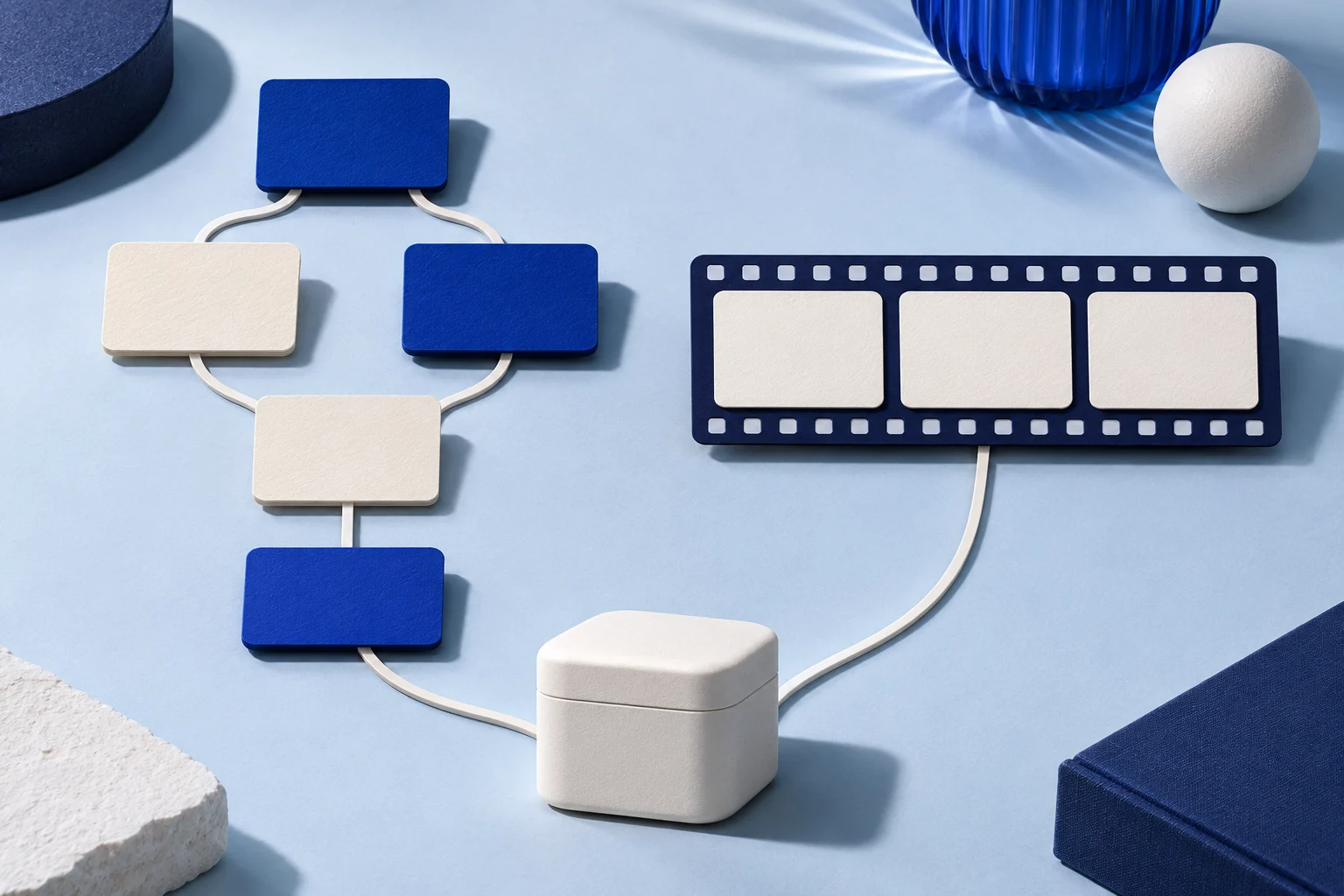
Choose an interactive product tour when the visitor needs to try a path at their own pace. Choose a demo video when the action must make sense as one short sequence, especially in a feed or a message where the viewer may not click through steps.
Neither format proves a product result by itself. A guided tour can make a flow look simpler than the real app. A polished video can hide a failed state between cuts. Start with the question the buyer is trying to answer and the real product evidence you can show.
Decide what the viewer needs to do
An interactive tour asks the viewer to make choices or advance through a guided screen. Storylane's product documentation describes steps with hotspots, tooltips and optional branches. That makes sense when a buyer wants to inspect where a control lives or follow a setup path.
A demo video asks the viewer to watch an edited sequence. It suits a single action and result that can be understood without clicking. On a social feed, the video has to carry its own context. An interactive tour linked in a post is a separate destination, not something the video itself becomes.
| Viewer question | Better first format | Reason |
|---|---|---|
| “Where would I set this up?” | Interactive tour | The viewer can advance through the location and inspect the relevant step. |
| “What happens after I click Save?” | Demo video | Motion can show the action, wait state and result together. |
| “Which of two workflows applies to me?” | A branched tour, if both paths are maintained | The viewer can select the appropriate route. |
| “Can I understand this feature in a 20-second feed view?” | Short demo video | The core point must work without extra interaction. |
These are editorial choices, not measured conversion claims. Test the finished artifact with someone who has not seen the product before deciding whether it explains the task.
Use one product task to compare the formats
Consider a fictional project app called ThreadMap. A user invites a teammate to review one task, sets that person's role and checks whether the invitation was sent. This example is invented to compare story structure, not to describe a Prolifik customer or a real app feature.
The tour could let a prospective user choose between “invite a reviewer” and “change an existing role.” Each path needs a clear starting state, current screen, action and end state. If a branch stops at an old screenshot, it is worse than a simple accurate explanation.
The video could show one path: open the task, choose the reviewer role, send the invitation and show the resulting pending state. It should not cut from a button press directly to a fully accepted invitation. That would imply an outcome the recorded action did not produce.
For either format, use a sanitized workspace. Replace real names, emails and customer data before capture. Do not disguise a fictional screen as a real customer environment or fabricate success messages in a generated image.
Make the interaction earn its extra work
A tour is useful when clicking changes what the viewer can learn. An extra “Next” button on every static screenshot may simply slow down a short explanation. Give each step a purpose: reveal a location, let the viewer choose a role, or clarify a condition they would otherwise miss.
Write down the tour's branches before recording. For ThreadMap, the reviewer-invite path and role-change path have different prerequisites. The first needs permission to send an invitation; the second needs an existing member. If the source product changes, update both paths and recheck every link and tooltip.
Use a real interactive-demo tool for hotspots and branches. Prolifik's Video Hook & Demo is a short-form video format, not an interactive tour builder. A video embed on a landing page does not become a clickable product simulation merely because the page has a CTA beside it.
Storylane's current documentation describes guided demos, sandbox environments and video assets as separate components. That distinction is useful: the same product recording can support more than one asset, but a recording alone does not create tested branches.
Keep the video complete without hiding prerequisites
For a short video, choose one claim that fits the time available. A good ThreadMap cut might be “send one review invitation and see its pending state.” It does not need to explain every permission rule, but it should not imply every viewer can perform the action.
A practical sequence is: show the task, identify the reviewer control, select the role, send, then show the actual status. If the status takes time to appear, do not use an unrelated loading screen as a fake instant result. Hold the real result long enough to read. The freeze-frame demo guide covers a controlled hold when a detail moves too quickly.
Crop for the phone before adding captions. If the role label becomes unreadable, prepare a closer recording rather than piling a zoom, arrow and oversized cursor on top. The mobile demo recording guide explains why a clean source capture matters more than a late rescue in the edit.
Match the handoff to where the viewer starts
A visitor already comparing two workflows on a product page may welcome an interactive tour. A viewer arriving from a short-form feed may need the video first and a later link to explore the full interface. The landing-page destination still matters: a video promising a reviewer invitation should not send the visitor to a broad company history page.
Use a direct call to action that follows the demonstrated task. A tour can end at the actual signup or documentation step. A video can point to the same destination after giving the viewer a complete small answer. Do not report that either path produced signups without attribution evidence.
Track the state of each asset separately: current tour version, current video version, product source version and destination URL. A product release may invalidate only one step in a tour or one shot in a video. A version note lets the team replace the affected asset rather than guess.
Use Prolifik for the video part of this decision
If the team has a real recording of the ThreadMap action, it can prepare that recording for Prolifik Video Hook & Demo. The format needs supplied demonstration footage and builds a short around it. It does not create the interactive path or generate a true app recording from a URL alone.
Check the delivered video's text, picture and sound. The current Hook & Demo workflow replaces source audio with library music or silence, so a narrated tour recording should not be assumed to retain its explanation. If speech is essential, keep a separate video workflow that preserves it.
Keep the interactive tour when the user needs to choose and inspect. Keep the demo video when the user needs to see one action happen. Use both when they solve different parts of the same decision, with each asset independently accurate and maintained.
Build a short from the real product action
Record the action and result, then review the returned short for picture, sound and an honest next step.
Explore Video Hook & DemoFacts checked 2026-11-02. Worked examples are illustrative unless a real source is identified.
- Storylane: guided and sandbox demos Checked 2026-11-02
- Storylane: recording and sharing guided demos Checked 2026-11-02
- Prolifik: Video Hook & Demo Checked 2026-11-02