
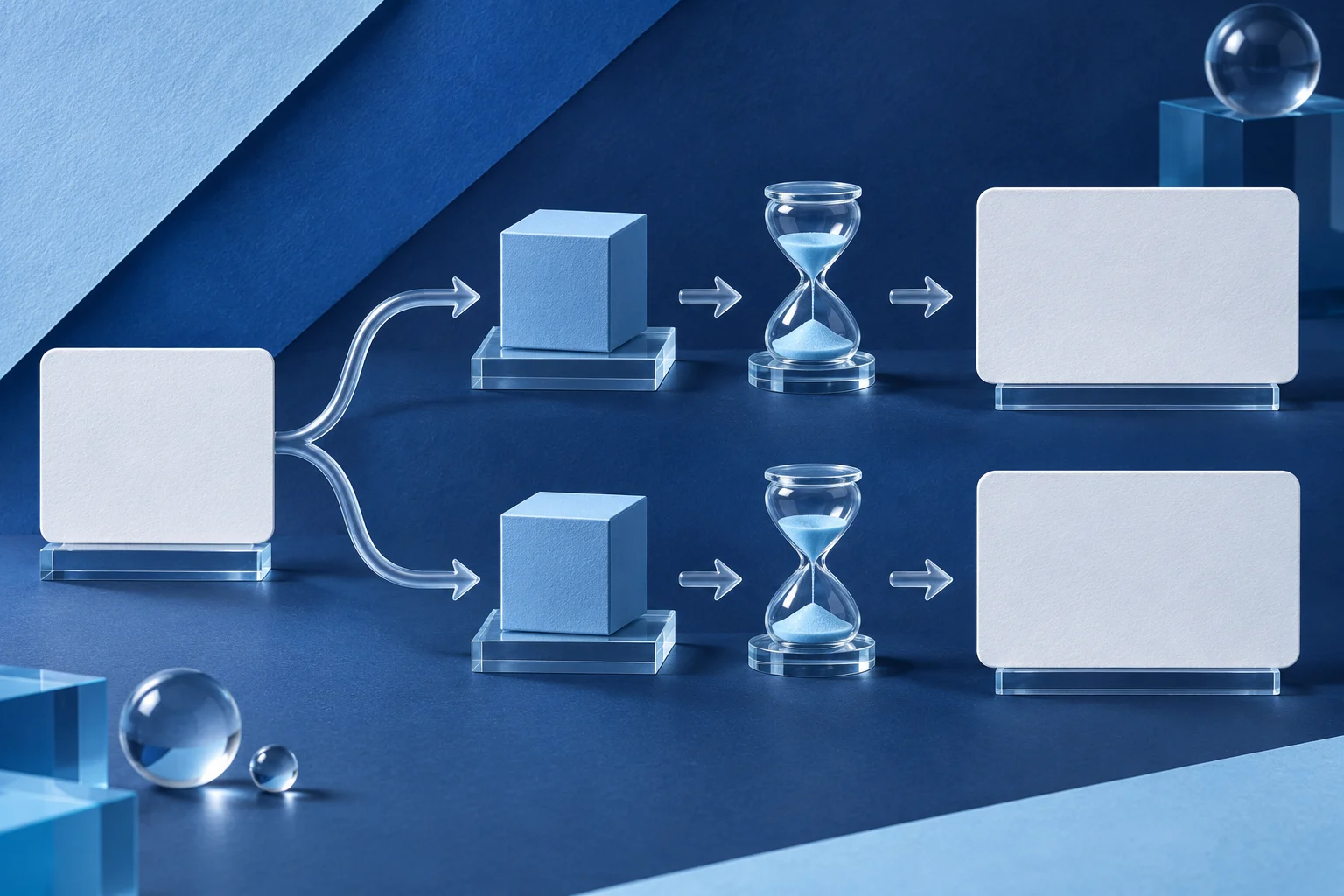
A product-comparison video is easier to trust when both products attempt the same user task under stated conditions. Give each side the same starting point, source data and finish line. Show the real outcome, including a missing feature or an extra manual step, without swapping in a cleaner screen from another take.
This guide is published by Prolifik. Its two products are fictional examples, and it makes no ranking claim about real vendors. It explains a production method for an honest comparison, not a legal assurance about advertising.
Write one task before opening either app
Imagine two fictional team-note tools, HarborNote and ClayDesk. The viewer wants to know how an owner shares one note with a teammate who can comment but cannot edit the source. That is the task. “Which app is faster?” is not yet a test because speed depends on account state, operator skill, network and when the timer starts.
Define the starting condition: both accounts are new sample workspaces on comparable plans with an owner and invited teammate. Define the finish line: the teammate can comment on the same sample note, while source editing is unavailable in the tested state.
If one product cannot satisfy the task, say so. Do not substitute a different feature and score it as equivalent. The video may still be useful, but the difference must be visible.
Match the conditions that change the answer
A single side-by-side frame can hide important mismatches. Record the setup in a comparison sheet before editing:
| Condition | HarborNote sample | ClayDesk sample |
|---|---|---|
| Account and plan | State the exact tested access | State the exact tested access |
| Product version | Record the capture date/build | Record the capture date/build |
| Starting workspace | Blank sample team | Blank sample team |
| Source material | Same neutral note text | Same neutral note text |
| User role | Owner performs setup; teammate tests | Same two-role test |
| Finish line | Comment works; edit boundary checked | Same outcome check |
The table does not guarantee the products behave the same. It tells the audience what was held constant and what was different. If a plan gate prevents a fair match, disclose it before concluding anything.
Record each path without hiding a prerequisite
Capture the whole action in each app: create the note, invite the teammate, set the relevant permission, wait for acceptance and test the result. Do not remove an invitation step from one side just because the other app handles it differently. That difference may be the point.
Show a real current UI, not a generated screen. Use sample users and safe content; no real customer or internal access details should appear. Keep both source recordings and the comparison sheet so a reviewer can trace every claim.
The permissions-setting demo guide covers the two-account proof for one product. A comparison adds another responsibility: both sides need the same task definition and an honest account of unequal conditions.
Choose what to put side by side
A split screen can help when the viewer needs to compare the same moment, such as a role selector. It becomes hard to read on a phone if both full desktop interfaces are squeezed into one vertical frame. Use sequential labeled chapters when the labels matter more than simultaneous motion.
For HarborNote and ClayDesk, a short video could show each product's role selection in turn, then display the teammate's result for each. Keep the labels visible on every shot. Do not rely on color alone to distinguish the products.
If one path takes longer because of a genuine pending state, do not cut that wait and then claim both were instant. You can compress uneventful time with a clear edit, while retaining the fact that the state existed. The loading-state demo guide covers that boundary.
Separate the observed result from your judgment
Observed: in this fictional test, one product required an owner to grant comment access before the teammate could proceed. Judgment: that extra step may suit teams that want tighter review. Do not turn the observation into “less usable” without explaining the buyer's context.
Avoid an all-purpose winner badge. A company choosing a tool for external review may value a different permission model from a team sharing drafts internally. Show the actual action, then say which workflow each result may fit.
A benchmark claim needs repeatable timing, comparable conditions and a sample larger than one staged demonstration. This guide proposes none. A single video can document what happened in one controlled setup, not how every customer will perform.
Keep the Prolifik workflow honest
If a team edits the two genuine recordings into one approved comparison file, Prolifik Video Hook & Demo can build a short around supplied footage. It is not a native two-app test harness or a custom multi-source timeline editor. Prepare and label the comparative sequence in an appropriate editor first.
The Hook & Demo path replaces source audio with library music or silence. If spoken qualifiers are essential, put them in accurate visible copy or choose a route that preserves narration. Review the returned video at desktop and phone width so both product labels and permission states remain readable.
A generated short is not a published result. Confirm the intended media file, caption, destination and timing separately before reporting it live.
Recheck comparisons when products change
A product release can move a control or change an access rule. Store the capture date, plan and build beside every claim. Refresh the affected side rather than leaving an old screenshot beside a current one and calling the test fair.
If the comparison is published by a vendor, disclose that relationship and cite each product's current documentation for consequential capabilities. A useful page helps a buyer reproduce the decision; it does not ask them to trust an unexplained score.
Build the short around the matched task
Prepare both genuine recordings as one labeled comparative source, then inspect the Hook & Demo output without claiming an unmeasured winner.
Explore Video Hook & DemoFacts checked 2026-11-02. Worked examples are illustrative unless a real source is identified.
- Prolifik: Video Hook & Demo Checked 2026-11-02
- Adobe Premiere: crop and framing controls Checked 2026-11-02