
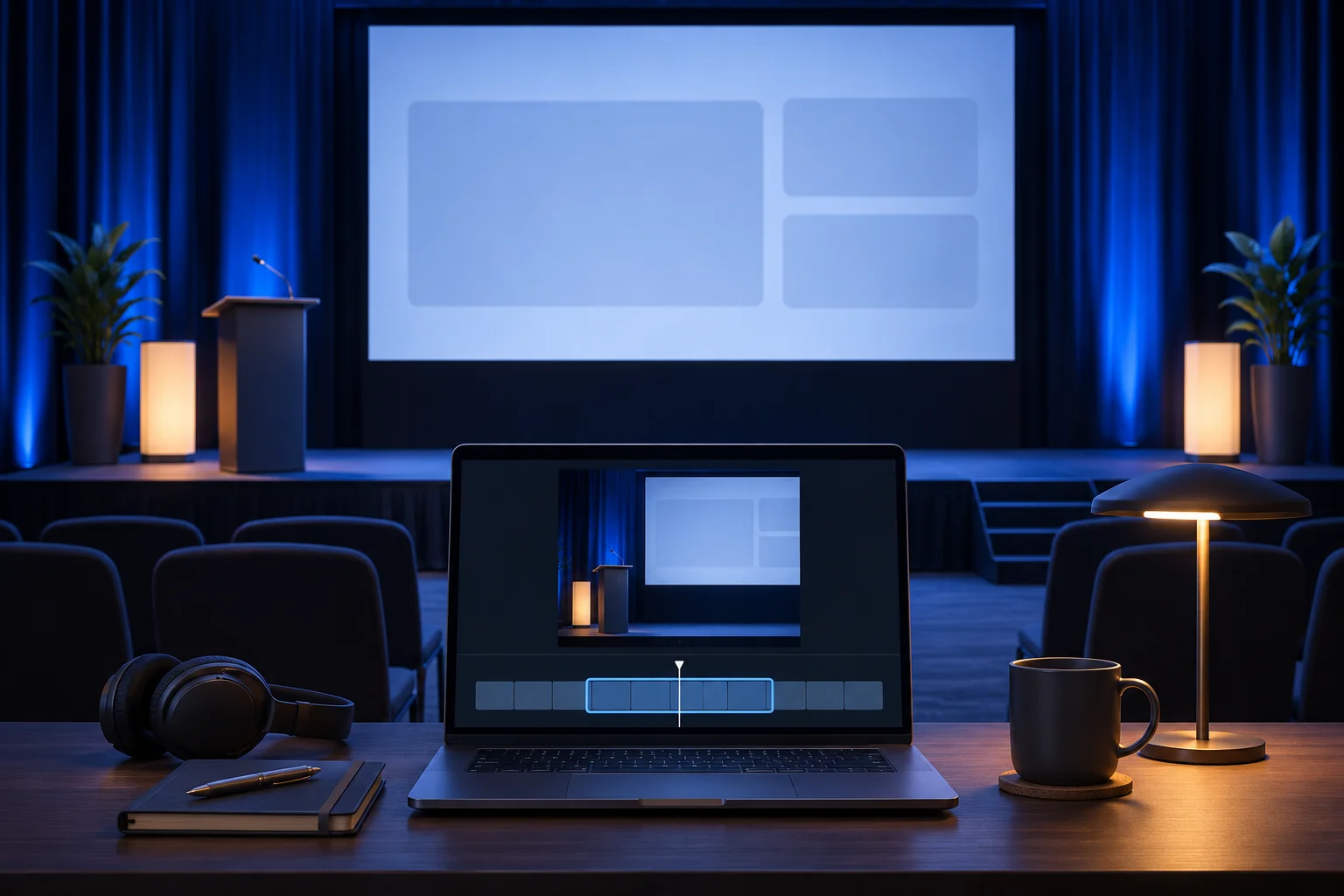
A conference recording often contains the right product moment in the wrong picture. The speaker says “the assignment appears here,” but the camera is on the stage, the projected interface is small and the audience knows context a social viewer does not. A useful short must preserve the real action and explain where its evidence came from.
This is not a general event recap. The existing live-event clipping guide selects atmosphere and key moments across an event. This guide owns one specific task: extract a product demonstration from a talk without turning stage footage into a false app claim.
Find the moment with a beginning and a result
Consider a fictional conference demonstration for an inventory app named Parcelbook. The presenter imports a supplier file, sees an unmatched item and corrects its category. The room recording has three camera views: the presenter, the projected screen and a wide stage shot.
The product short should answer “What happens when an imported item is unmatched?” A clip of the applause after the correction is not the answer. A clip of the presenter saying “this saves hours” without source evidence is not the answer either.
Use timecodes from the source to mark four parts: the imported file state, the unmatched item, the correction action and the resulting screen. Watch the minute before and after the proposed excerpt. A presenter may have qualified the demo as a test workspace, or acknowledged that a setting must be enabled first. Keep the condition if it changes the product claim.
Keep the recording views honest
| Source view | What it can establish | Common edit mistake |
|---|---|---|
| Presenter on stage | Who is speaking and that a demo happened | Covering the entire product action with a talking head. |
| Projected app screen | The visible action at the event | Cropping until the interface text becomes unreadable. |
| Separate direct capture | Clearer version of the same app task, if owned and current | Splicing a later product version as though it were the event screen. |
| Audience reaction | The room's response | Presenting applause as evidence of product performance. |
If a direct screen capture is available, label the composite honestly. “Screen capture from the same demonstration” is different from “what the audience saw on stage.” If you cannot establish that relationship, use a standalone current recording with an editorial introduction rather than pretending it is an uninterrupted conference clip.
Do not manufacture a close-up result that never appeared. A cropped projection can show only what the camera captured. A generated interface is conceptual artwork, not product proof.
Make a vertical edit from a wide room recording
The presenter and the projection may sit at opposite sides of a wide frame. A 9:16 crop cannot show both at readable scale simultaneously. Choose the frame that carries each sentence. The person's first phrase may need a brief identification shot. The actual import correction needs the screen or a verified capture.
For Parcelbook, a three-beat vertical sequence could begin with the presenter's one-sentence setup, move to a readable capture of the unmatched row, then show the genuine corrected state. Use a restrained speaker label when the camera changes. Keep any cutaway aligned with the spoken action. A stage light, audience face or stock clip does not explain an import warning.
The horizontal-to-vertical guide covers the general crop decision. In this case, treat stage projection legibility as a gate. If the projected UI cannot be read after a crop, consider a split composition or a recaptured app task instead of enlarging pixels until they blur.
Check event permissions and participant context
Possessing the event recording does not settle all reuse questions. Confirm who owns the video, what the speaker agreed to and whether other people in the room may be shown. If the presenter used a customer's workspace, inspect the screen for account names, records and private chat notifications. Do not rely on a mobile crop to hide sensitive information; future variants may use a different frame.
Keep the event title and date in an internal source record. Public copy can mention the event only when that is approved. Do not imply endorsement from a conference organizer just because the video was filmed there.
An especially tempting cut is the line after applause. It may sound decisive when removed from the question it answered. Compare every selected statement with the original talk and keep the qualification that makes the answer true.
Use clipping as candidate selection, not final approval
Prolifik Clipper can turn a supported recording or uploaded file into candidate short clips. An event source may use source minutes against the plan's allowance, so check the current terms before a large upload. A completed job is a selection pool. Review each candidate for complete speech, attribution and the picture that carries the product evidence.
The event-recap category has adjacent tools. OpusClip's event page, for example, describes importing long recordings and searching for remembered moments. That establishes a real task people perform; it does not prove that any automatically selected moment is an accurate product demonstration. This guide's Parcelbook example and review criteria are original.
For the chosen candidate, write a short approval record: source file and timecode, speaker, current product version, rights, crop, caption and destination. If one item is uncertain, hold the clip. Publishing a beautiful vertical cut cannot repair a false or unauthorized source.
Review the result as a stranger would
Watch the finished short without the conference context. Can a viewer see the unmatched item and its correction? Is the presenter identified? Does the cut imply the app worked instantly when the stage demo paused for a manual step? Follow the CTA to a current product explanation.
If the video works only because the editor remembers the full talk, add one factual line or choose a longer cut. A standalone product clip should make its own claim understandable.
Find the product moment in permitted footage
Review source rights, speaker context and the actual app screen before approving a clip.
Explore Prolifik ClipperFacts checked 2026-11-02. Worked examples are illustrative unless a real source is identified.
- Prolifik: clipper Checked 2026-11-02
- OpusClip: event recap video Checked 2026-11-02