
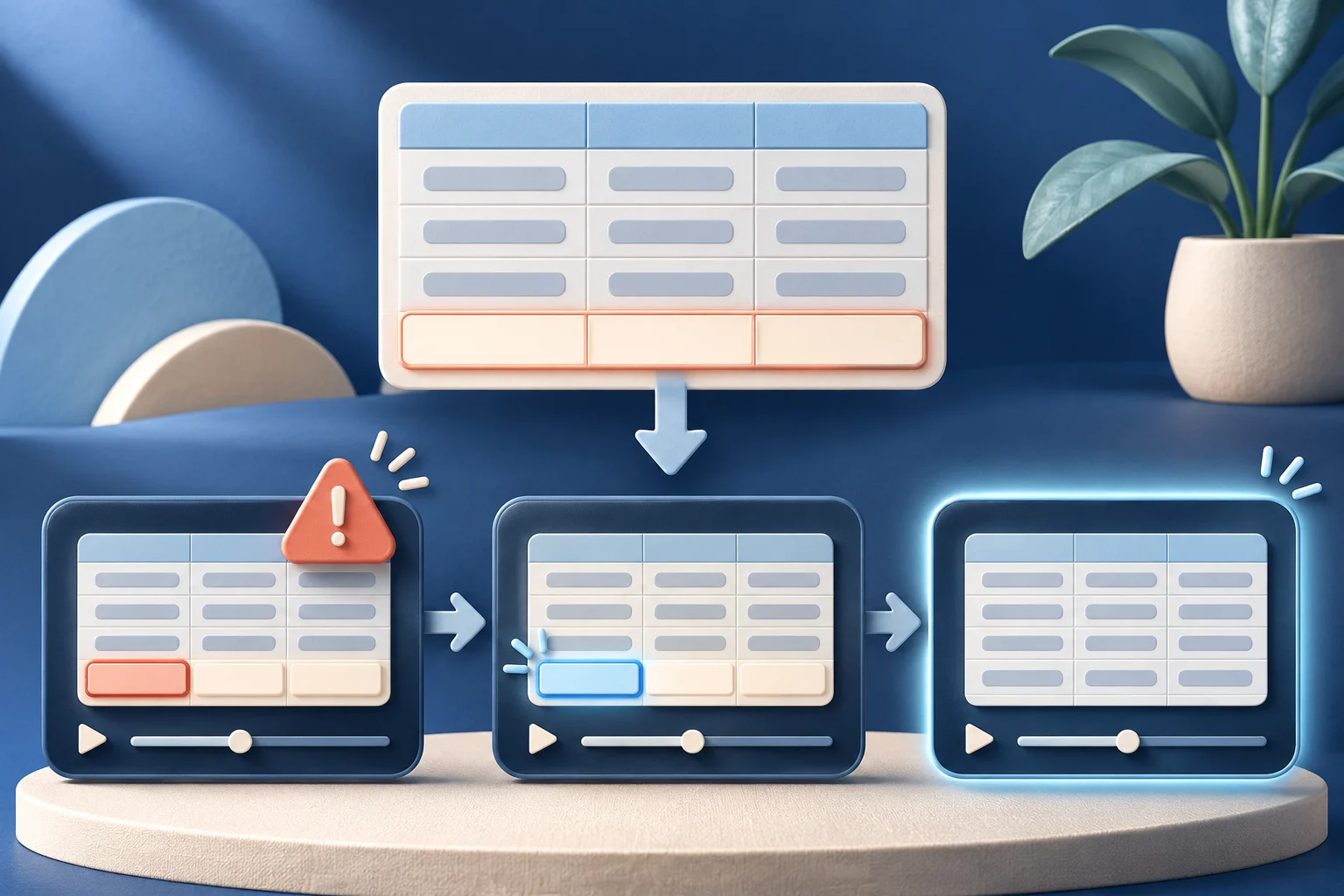
An import-error video should begin with a safe file that reproduces one named failure, then show the correction and the accepted state. A generic “try again” clip is not useful if the viewer cannot tell which row failed or why. Do not edit away the error while claiming the product repaired it automatically.
This guide uses a fictional project tool called LedgerPath. Its import screens and records are examples, not a customer incident or a statement about Prolifik's own import behavior.
Pick one recoverable error
A bulk import can fail because the file shape is wrong, a required field is empty, a value is invalid or the account lacks permission. Each cause needs a different correction. Choose the error your current product actually reports and reproduce it in a test workspace.
For LedgerPath, one sample row lacks an owner identifier. The import preview flags that row and keeps the rest pending. The tutorial's promise is narrow: “Find and correct a missing owner before completing this import.” It does not promise to fix all CSV errors or infer the right owner automatically.
Keep the sample file, current product version and expected error message in the private production notes. If a later release changes the validation rule, the video needs a new capture.
Build a safe sample with one controlled mistake
Use fabricated names and records. A real customer export can reveal contact details or account identifiers even after its obvious name is blurred. Make the test file small enough that the viewer can find the wrong row on a phone.
The sample might contain five projects. Four have an owner ID; the fifth has an empty owner cell. Record the import path from file selection through preview, correction and final accepted state. Close unrelated browser tabs and notifications before capture.
| Source state | What the video should show | What it must not imply |
|---|---|---|
| File selected | The safe sample and chosen import mode | That any file shape is accepted |
| Validation error | The actual flagged row and missing field | That the import silently succeeded |
| Correction | A real owner selected or source file repaired | That the app guessed the right person |
| Accepted result | The completed import state | That no other data review is needed |
If the application does not allow in-app correction, do not fake a control. Show the user repairing the source file and reuploading it. The tutorial should match the current route a real user would take.
Keep the failure visible long enough
A fast cut from error toast to success makes the product look magical but teaches no recovery. Hold the warning long enough to read the field name. If the warning disappears, capture a closer view or use an external frame hold on the actual error frame.
The freeze-frame demo guide explains how to hold a real result. Use the same care for a real error. Do not replace it with generated artwork that looks like the app's native warning.
A caption may say “This row is missing an owner.” It should not say “Import fixed” before the user has actually corrected and accepted the file. Separate the product's validation from the person's repair.
Show every necessary retry step
Some flows keep the rejected file in a draft; others require a new upload. Show the one the current product uses. If the user must choose a mapping or confirm a replacement, that step belongs in the video even if it takes a few extra seconds.
For LedgerPath, the recording could follow this sequence:
- Select the sample file and show the mapping preview.
- Run validation and inspect the flagged fifth row.
- Add the missing owner in the permitted place.
- Retry validation and show that the warning clears.
- Complete the import and open one resulting record.
The last step distinguishes a completed import from a cleared preview warning. If the import takes time, show its real pending state or explain the edit rather than implying instant completion.
Review the claim against the screen
Watch the clip muted. Can a new user identify the field and the corrective action? Then listen to any narration. Keep words such as “this file” or “in this workspace” when they limit the claim. A polished sentence that drops the condition can be less truthful than the original recording.
Inspect the crop at 320 pixels. If the required cell becomes unreadable, record a tighter source instead of enlarging a blurred capture. The mobile demo recording guide covers the capture setup.
Ask a product or support owner to reproduce the exact error and correction on the current release. A video review based only on the script cannot verify the product behavior.
Use the right creation stage
Once the approved, sanitized recording exists, Prolifik Video Hook & Demo can build a short around that real footage. It does not simulate a LedgerPath import or create the recovery steps from a URL alone. The format replaces uploaded recording audio with library music or silence, so keep essential instructions visible or use another workflow when narration must remain.
Review the returned file, not only the original upload. Check that the warning, correction and completed result all survive the format's crop and captions. A generated short is still a draft until a human approves its claim and destination.
Keep the recovery current
Store the sample file, product version, source recording and approved export together. When validation rules or error wording change, rerun the sample. Update the tutorial if the route changes; do not leave a popular old clip teaching a broken action.
This video answers one recoverable import error. Link to the product's full import help for other failures rather than pretending one short covers them all.
Turn a real recovery into a clear short
Capture the approved sample failure and correction, then review the finished Hook & Demo video for its factual sequence.
Explore Video Hook & DemoFacts checked 2026-11-02. Worked examples are illustrative unless a real source is identified.
- Prolifik: Video Hook & Demo Checked 2026-11-02
- Prolifik: mobile software demo recording Checked 2026-11-02