
An app feature video storyboard needs a visible change. Show the starting state, the action, and the result before choosing transitions or music. That gives the viewer something to understand and gives you a clear recording plan.
For a short social video, choose one feature action rather than a miniature app tour. A sequence that visits six tabs may show breadth but leave the viewer unable to describe what happened. Your storyboard should make one useful behavior easy to follow.
Storyboard a feature that fits inside a scene
This tutorial uses a fictional meal-planning app. In the imagined feature, moving a dinner to another day also updates the associated shopping plan. The example is a proposed script and shot plan, not a demonstration of Prolifik, a real customer result, or actual generated footage.
The scene begins with a Tuesday dinner that needs to move to Thursday. That is enough context. The viewer does not need an account-creation sequence or the founder's history before seeing the calendar change.
Write the video's working sentence: “Move a planned dinner and check what happens to the shopping plan.” This tells you both what to record and where the scene should end. Replace the imaginary behavior with your own app's real supported action.
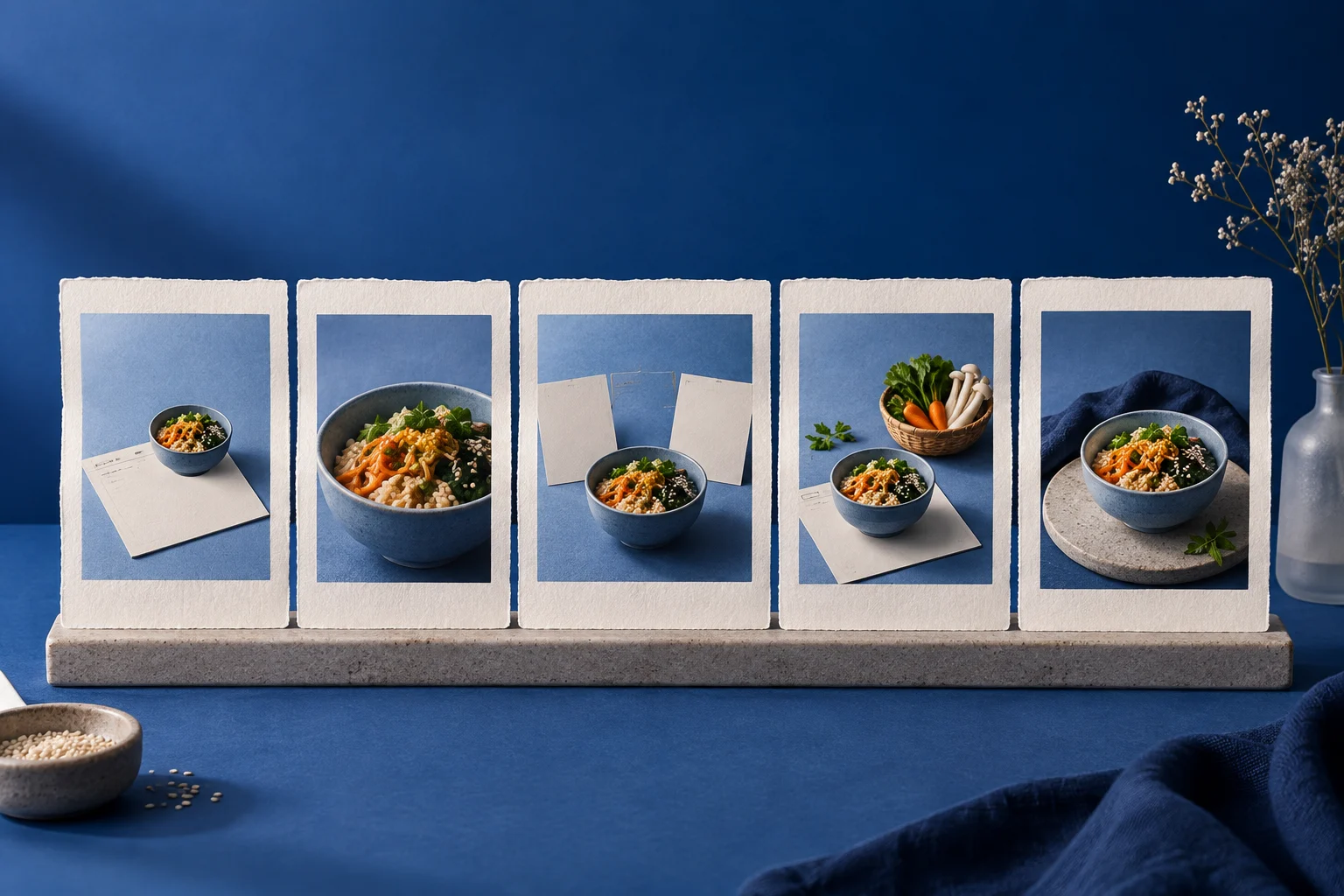
Draw five rough panels
You can use rectangles and written descriptions instead of polished drawings. The panels are production instructions, not public product screenshots.
| Panel | What the viewer sees | Draft words |
|---|---|---|
| Opening | A simple problem-led title or reaction treatment | Dinner moved. Check the shopping plan too. |
| Before | Your actual recording of the original dinner slot | Tuesday's dinner is here. |
| Action | The recorded move to Thursday | Move it to Thursday. |
| Result | The changed calendar and related shopping state | Check the updated plan. |
| Close | A clear final frame with one next step | See how weekly meal planning works. |
The result panel is the heart of the storyboard. If your actual app only moves the dinner and does not change the shopping list, revise the words and result accordingly. A shorter honest action is a better video than an imagined extra feature.
Vimeo's software demo guidance recommends focused demonstrations and purposeful recording. Treat your panels as a way to decide which footage belongs, not a requirement to film every available screen.
Make the action easy to recognize
Use demonstration data that makes the difference obvious. A named meal and two clearly different days are easier to follow than several nearly identical empty calendar cells. Keep unrelated entries out of the capture region when possible.
Record the complete action first. Include the initial state and the settled result, even if you later shorten the surrounding pause. Moving a pointer across the screen is not the same as showing the software response. Let the viewer see the state change.
Before editing, play the recording without narration and describe what happened. If you cannot identify the changed object, improve the crop or repeat the capture. The product demo script guide covers pairing spoken lines with the shots that support them; this storyboard chooses the app feature sequence those shots belong to.
Write the opening after checking the footage
The hook should promise the action you actually recorded. For the fictional dinner example, “Move the meal without rebuilding the week” could be appropriate only if the footage and product behavior support it. “Plan your entire week automatically” is a different promise.
Try a concrete opening that does not depend on a numerical benefit: “When Tuesday's plans change, move the meal to Thursday before updating your shopping.” That names a recognizable situation and leads into the recorded action.
If the hook requires a long explanation, narrow the situation. Short-form openings get difficult when they try to introduce the audience, brand, feature name, technical implementation, and every benefit at once. Keep the viewer's immediate problem and let the demonstration carry the explanation.
Supply the recording to Hook & Demo
Prolifik's Video Hook & Demo format builds around your uploaded demo recording. You supply the actual app footage; website-derived brand context helps frame the video but does not record the screen for you.
Give the creative brief the exact situation, the supported action, and the intended close. Review the generated wording beside the five panels. If the opener has grown into a broader claim, correct it before scheduling the draft.
Use the final export for the phone check. A feature panel that looked readable on a desktop monitor may become too small inside a portrait video. Keep the important action within the visible area and check that text or captions do not cover the changed state.
End where the feature has answered the opening
Once the dinner and related plan show their new state, the story has delivered its useful change. Give the viewer the next step and finish. Extra dashboard footage after that point makes the demonstration harder to remember.
Save the panels as a reusable outline for this action. A later feature video can use a different situation or result while retaining the same discipline: one recognizable problem, one recorded action, and an ending the viewer can see.
Assemble the feature storyboard into a demo
Bring the real action and completion state shown in your shot plan.
See Hook and DemoProduct and primary-source checks: 12 October 2026. Examples are editorial working illustrations unless a real source is identified.
- Vimeo software video demos, checked 12 October 2026.
- Prolifik Video Hook & Demo, supplied-recording requirement checked 12 October 2026.
- Prolifik video formats documentation, current format reference.